ITALIANO ENGLISH DEUTSCH FRANÇAIS ESPAÑOL
004778600 - 21/10/2020 39
3.1.7 “Temperature unit” setting
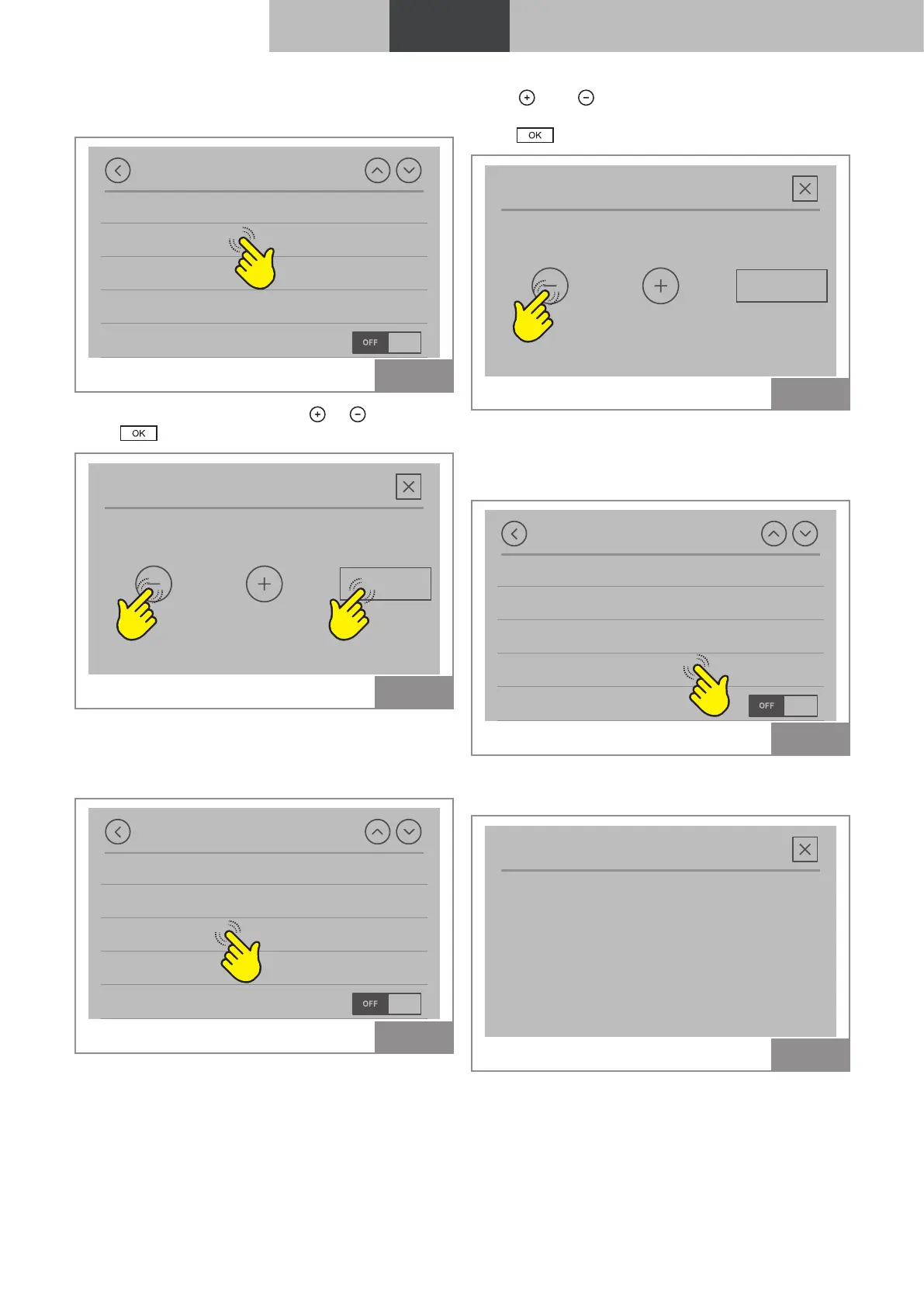
To change the unit of measure of temperature:
Settings
Display options
Temperature unit
Speaker volume
Remaining hours
Installer menu
Fig. 33
To change from °C to °F press
or .
Press to confirm.
Temperature unit
°C OK
Fig. 34
3.1.8 “Speaker” setting
To change the intensity of the speaker:
Settings
Display options
Temperature unit
Speaker volume
Remaining hours
Installer menu
Fig. 35
Press
and to set the desired volume level
(OFF, 1 ... 5).
Press to confirm.
Volume
2 OK
Fig. 36
3.1.9 “Time to service” function
Indicates the amount of time remaining until the
next scheduled maintenance.
Settings
Display options
Temperature unit
Speaker volume
Remaining hours
Installer menu
Fig. 37
Displays the number of hours until maintenance is
required.
Remaining hours
2016h
Fig. 38



 To Next Page