ITALIANO ENGLISH DEUTSCH FRANÇAIS ESPAÑOL
004778600 - 21/10/2020 51
Alarm
code
Description Possible causes
E111 TC1
Sensor connected to T03 malfunctioned or disconnected.
Call service.
E113 Gas over-temperature Flue gas over-temperature. Clean the exchanger or chimney.
E114 Failed ignition
Fuel ignition timeout expired (empty the burn pot and restart the
device) or fuel tank empty (refuel the tank).
E115 General error Call service.
6.2 Reset alarms
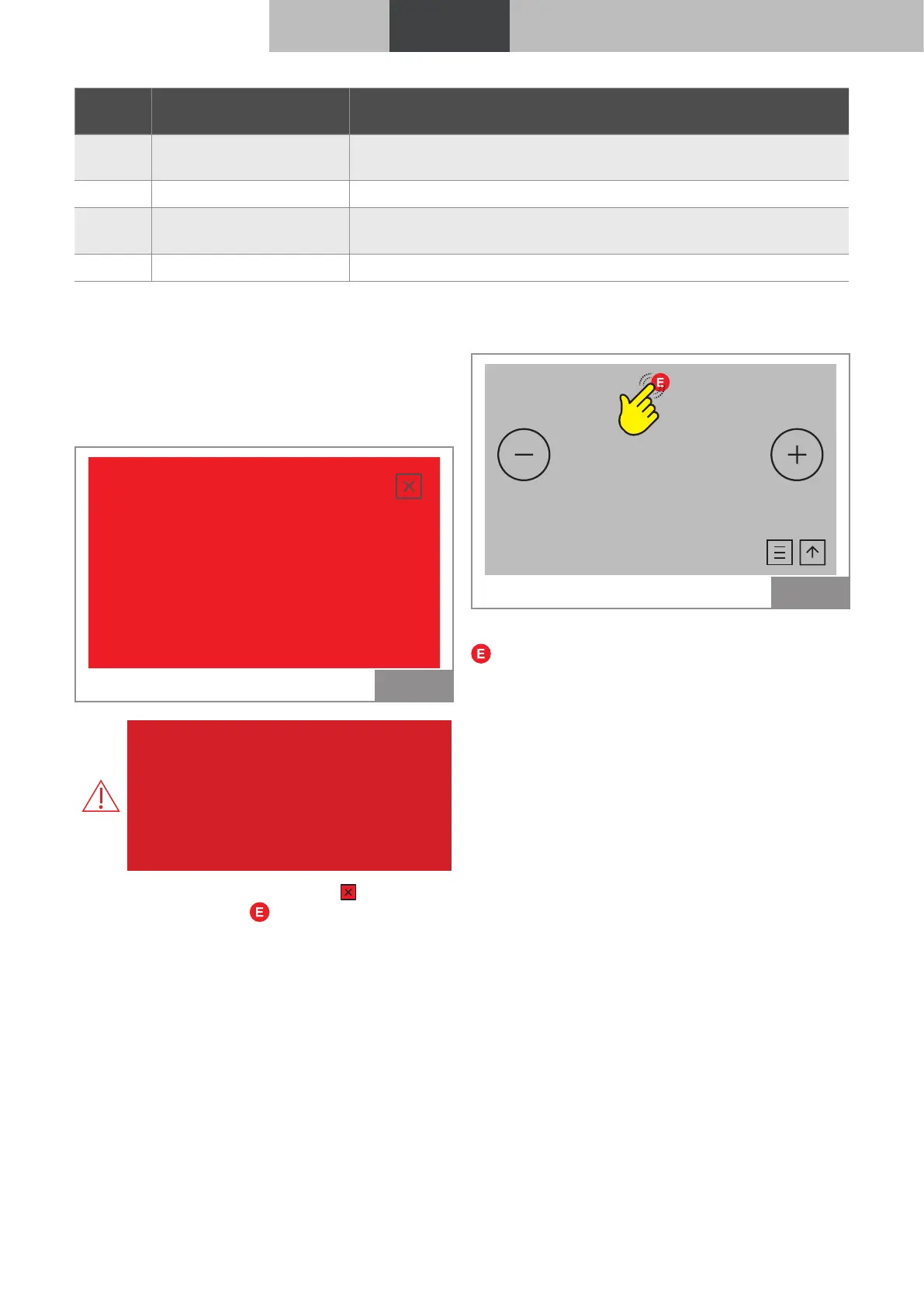
In case of an alarm the display turns red and an
acoustic signal (beep) is emitted.
The alarm code and possible cause is displayed.
The device shuts down.
Grate blocked
E104 - Empty and clean the burn
pot. Reset the error.
Fig. 87
Hazard: In case of alarms “E108” or “E109”,
before resetting the alarm, reactivate the
manual reset thermostat positioned on the
back of the device (by the Technical Service
Centre).
At this point it is possible to proceed with a
new ignition.
If the screen is closed by pressing the alarm is
not reset and the icon remains .
AIR
OFF
°C
12,0
26,0 °C
Fig. 88
To see the alarm description again press the icon
.
Before switching on again, check that:
• the device has cooled;
• the cause of the alarm has been resolved;
• the burn pot is clean and free from ash residue
or pellets:
• the burn pot is correctly positioned in its seat;
• the fire box and tank doors are firmly closed.



 To Next Page