ITALIANO ENGLISH DEUTSCH FRANÇAIS ESPAÑOL
004778600 - 21/10/2020 37
D
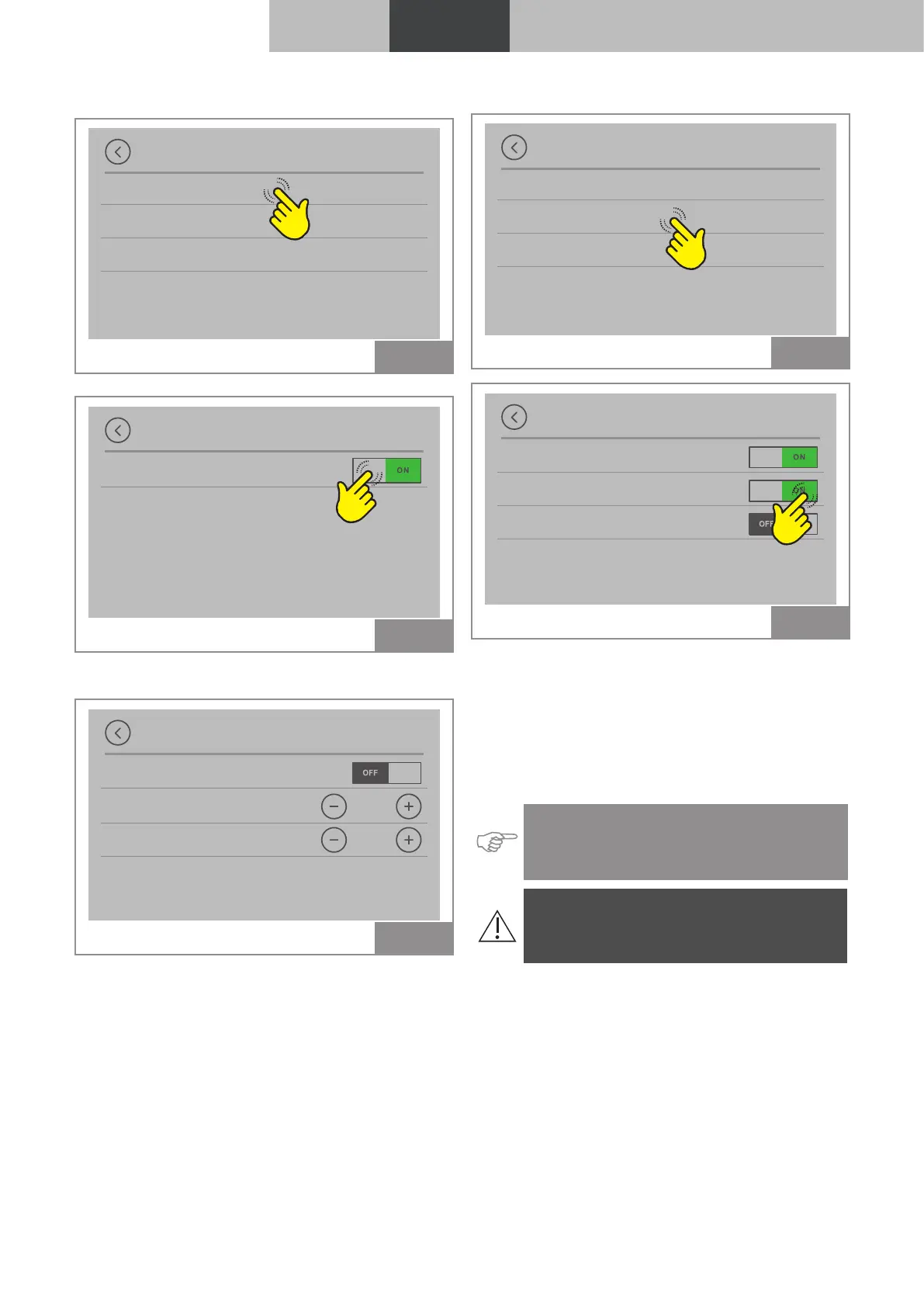
Display options
Display brightness
Idle display mode
Display cleaning
Fig. 22
Display brightness
Automatic
Fig. 23
Automatic: self-adjusts according to the bright-
ness sensor
Display brightness
Automatic
Bright. active
4
Idle bright.
MIN
Fig. 24
Active display brightness: from 0 to 100%
brightness
Settable values: MIN - 2 - 3 - 4 - MAX;
Idle display brightness: from 0 to 50% brightness
• OFF
• MIN - 2 - 3 - 4 - MAX
In the OFF position the display turns black after
60 seconds of non-use, tap to reactivate.
D I
Display options
Display brightness
Idle display mode
Display cleaning
Fig. 25
Idle display mode
Logo
Time
Room temp.
Fig. 26
It is possible to select which information is viewed
when the display is in idle mode:
• Logo
• Time
• Room temperature (*)
• Thermostat (*)
(*) The display options in stand-by
mode change according to the chosen
configuration.
Warning: It is only possible to change the
default settings after setting the correct
configuration.



 To Next Page