ITALIANO ENGLISH DEUTSCH FRANÇAIS ESPAÑOL
004778600 - 21/10/2020 33
2 PRELIMINARY OPERATIONS
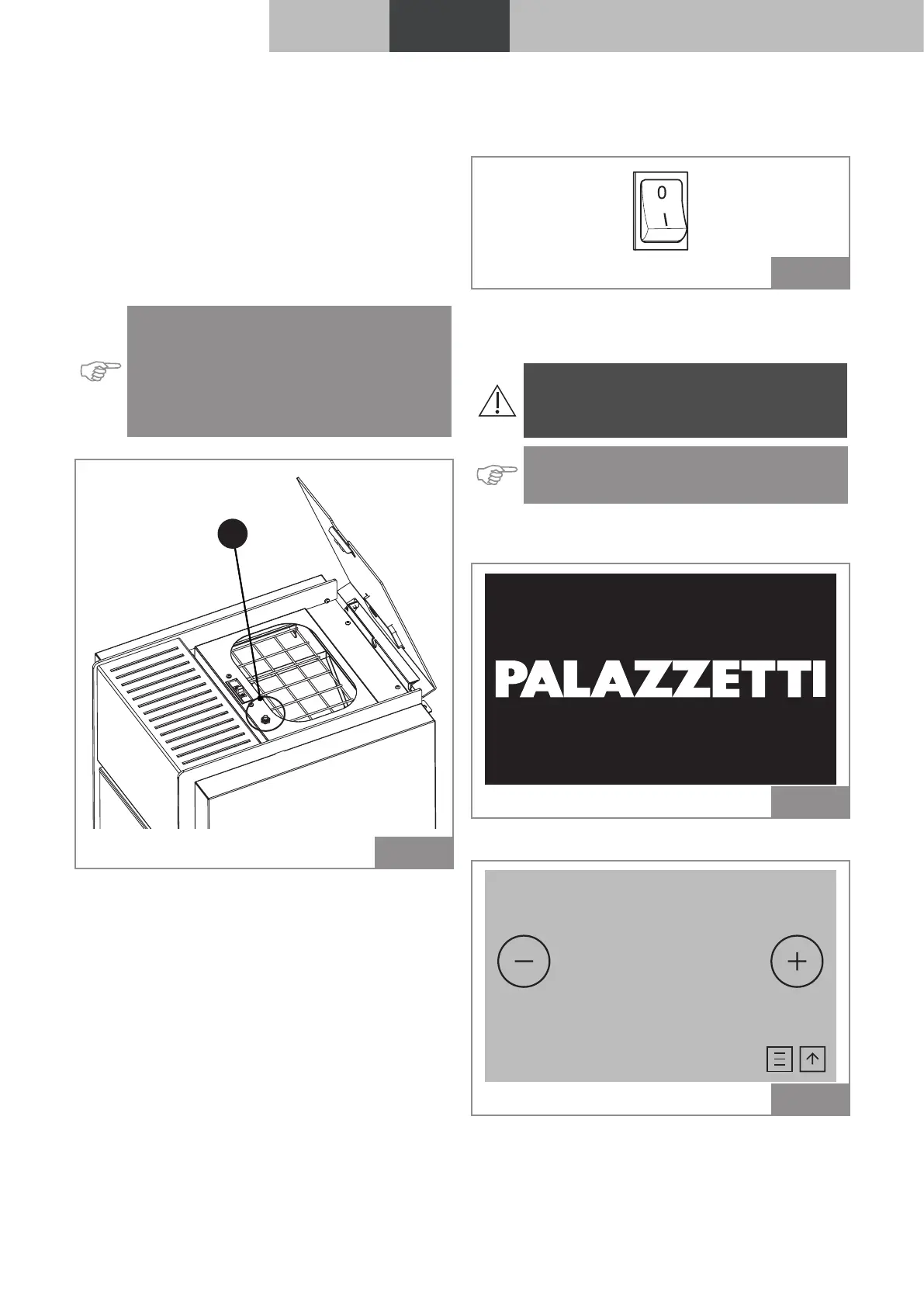
2.1 Pellet loading
The first operation to perform before switching
the stove on is to fill the fuel (pellet) tank using
the relevant scoop.
Do not empty the bag directly into the tank to
avoid introducing sawdust or other foreign ele-
ments that could prevent the device from work-
ing properly and avoid scattering pellets outside
the tank.
Indication: Be sure to close the lid of the tank
well after loading the pellets. An “IS” safety
switch (in certain models only) checks for
correct closure and sends an alarm if the lid
is left open for more than one minute with
the device running.
IS
Fig. 6
2.2 Electrical power supply
Connect the device to the mains, flick the power
switch at the back of the device to the “I” position.
Fig. 7
If the connection is properly made, the device
emits a series of intermittent acoustic signals
and the display turns on.
Attention: During long periods of non-use,
we recommend turning the switch on the
back of the device to the OFF (O) position.
Indication: Do not touch the control panel
when the device is being powered up.
When the device is powered up the logo appears
on the screen.
Fig. 8
After a few seconds the start screen appears:
AIR
OFF
°C
20,0
25,8 °C
Fig. 9



 To Next Page