- 25 -
Changing the PinP Display Position
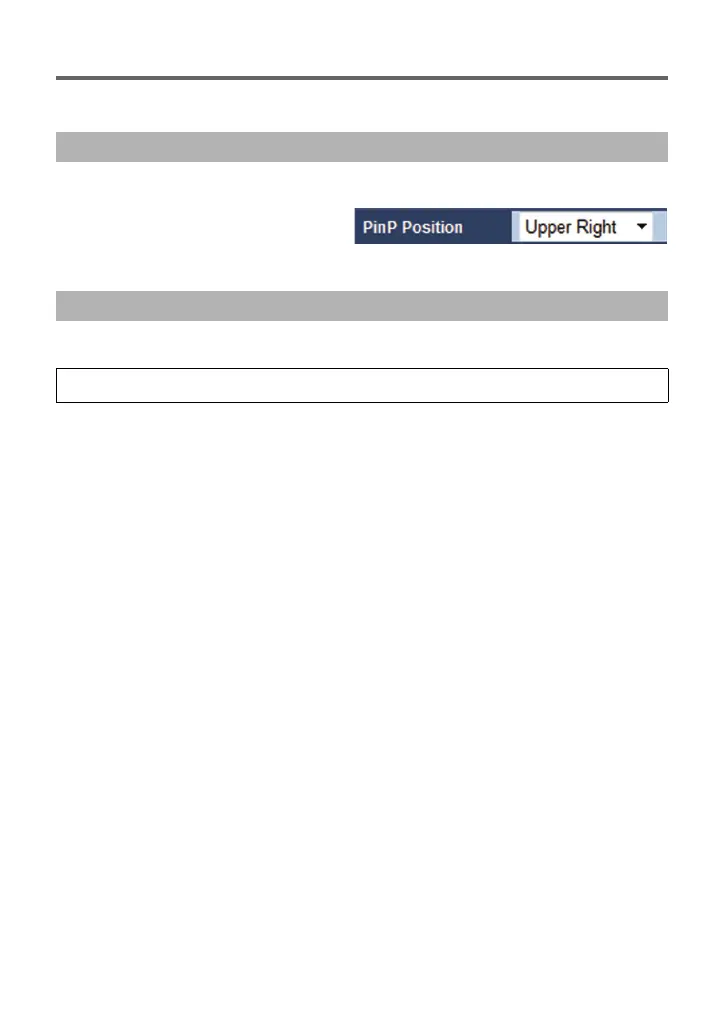
You can change the PinP display position to the Upper Right , Lower Right , Upper Left , or
Lower Left area of the main screen.
1 Open the Live screen.
2 Pull down [PinP Position]
and select your desired
display position.
Select the menu. (l 9)
Operating Using the Web setting screen
Operating Using the Camera Menu
[CAMERA] # [PinP POSITION] # Desired display position



 To Next Page