- 29 -
Basic screen
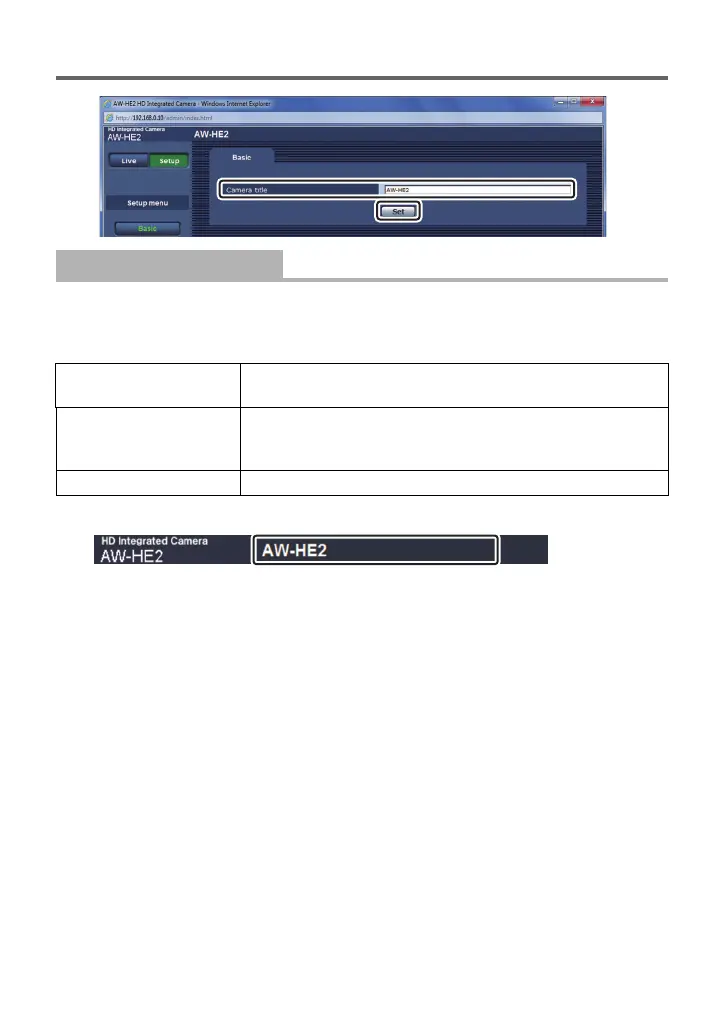
Enter the name of the unit, and click [Set].
≥ You can enter up to 20 single-byte characters.
≥ You can enter the following characters:
≥ The entered name appears on the camera title part at the top of the web setting screen.
[Camera title]
Single-byte numeric
characters
0123456789
Single-byte alphabetical
characters (upper and
lower cases)
ABCDEFGHIJKLMNOPQRSTUVWXYZ
abcdefghijklmnopqrstuvwxyz
Symbols . @ _



 To Next Page