- 41 -
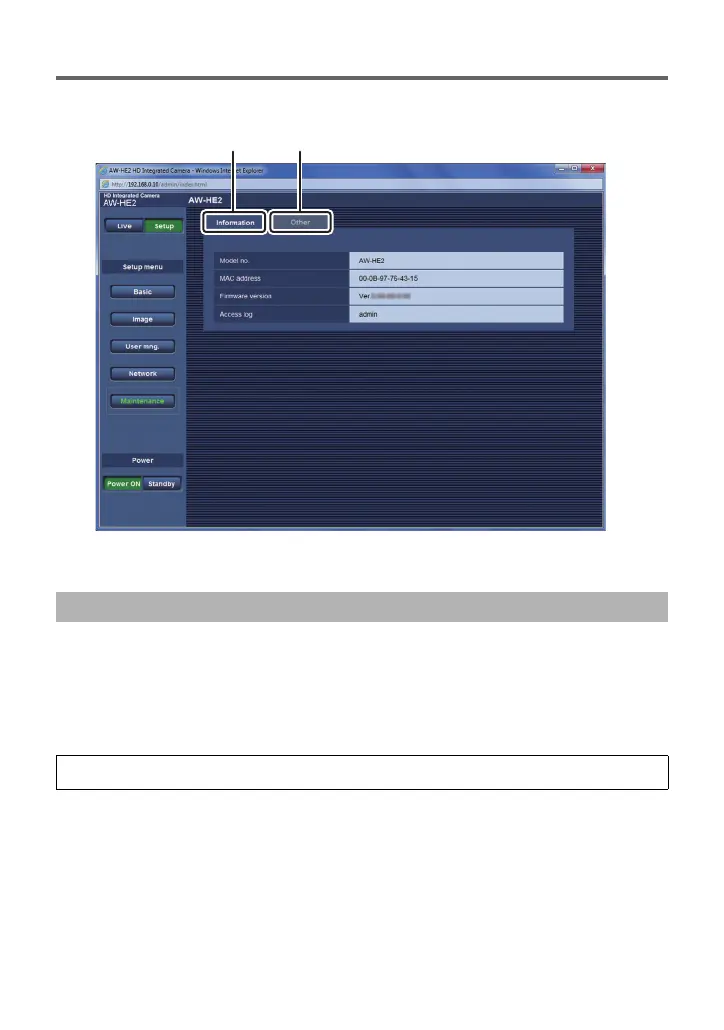
Maintenance screen
You can perform such operations as displaying the unit information, restoring the unit’s
default settings.
A [Information] tab
B [Other] tab
Click the [Information] tab on the Maintenance screen.
≥ The model number ([Model no.]), MAC address ([MAC address]), and firmware version
([Firmware version]) of the unit, and the user who last logged into the Setup screen
([Access log]) are displayed.
∫ To check the firmware version on the camera menu
To display the unit information on the Information screen
[MAINTENANCE] # [FIRMWARE VERSION]



 To Next Page