- 42 -
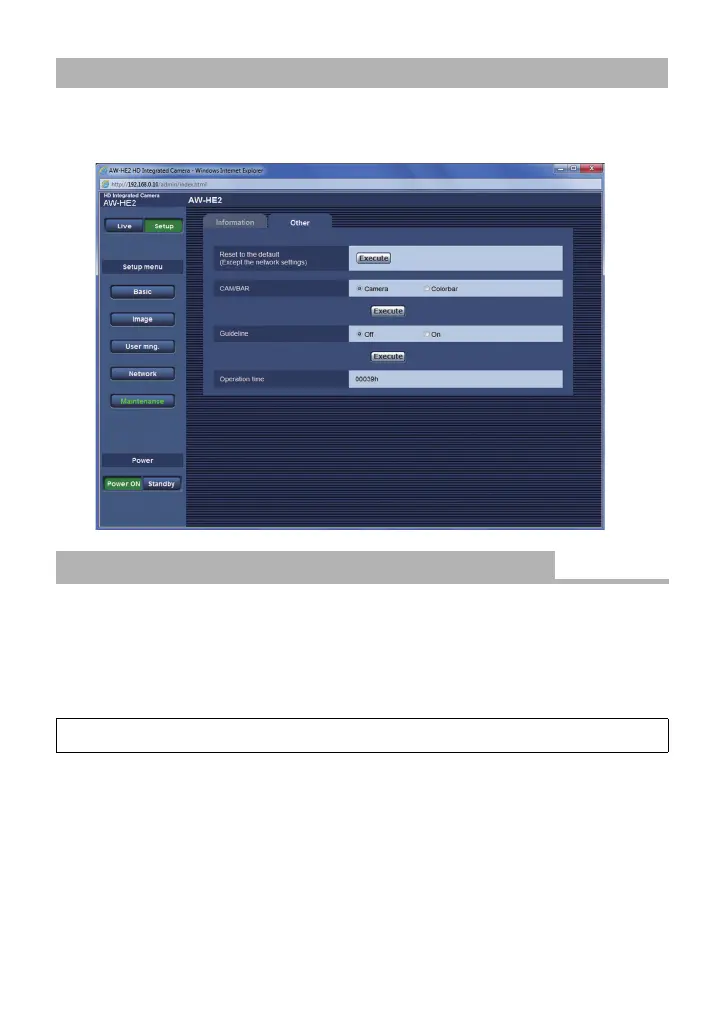
Click the [Other] tab on the Maintenance screen.
≥ The Other screen opens.
You can restore the unit’s default settings. (The settings for the Network screen, the User
mng. screen and the system frequency do not change)
Click [Execute].
≥ A confirmation message is displayed. Click [OK].
∫ Setting Using the Camera Menu
≥ A confirmation message is displayed. Select [YES].
To configure the settings on the Other Screen
[Reset to the default (Except the network settings)]
[MAINTENANCE] # [INITIAL SET]



 To Next Page