- 37 -
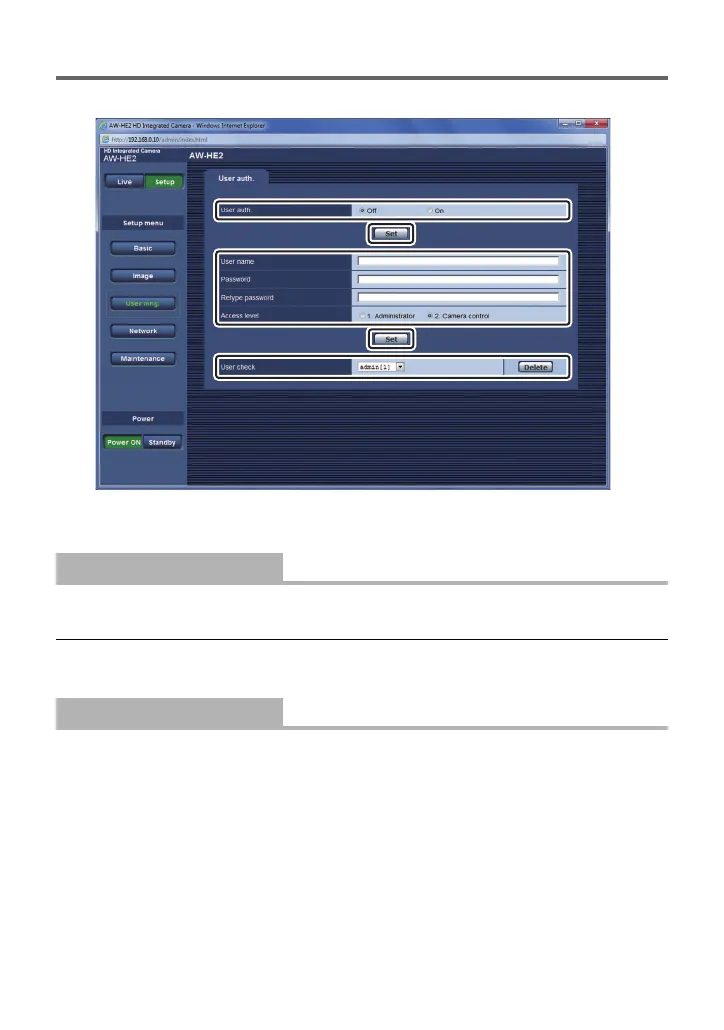
User mng. screen
You can register users who can access the unit from a PC or AW-RP50.
≥ Enter and set all of [User name], [Password], [Retype password] and [Access level], and
then click [Set].
You can set whether to authenticate users when the web setting screen appears.
≥ Click [Set] to complete the setting.
≥ If [On] has been selected as the [User auth.] setting, control will no longer be exercised
from the AW-RP50.
You can register user names.
≥ You can register up to 9 users.
≥ You can enter single-byte alphanumeric characters and single-byte symbols.
≥ You can enter up to 32 characters.
[User auth.]
[Off]/[On]
[User name]



 To Next Page