- 7 -
Operating using the controller
∫ Operate each unit
1 Hold down CAMERA STATUS/SELECTION button 1 to 5.
≥ The upper row of the LCD panel displays the camera name, and the lower row displays
[POWER ON] or [POWER OFF].
2 Rotate the F2 dial while holding down CAMERA STATUS/SELECTION
button 1 to 5 and select [ON] or [OFF], and press the F2 dial.
∫ Operate Multiple Cameras
1 Press the MENU button to light the button.
2 Press the PRESET MEMORY/MENU 8 button (CAMERA) to light the
button.
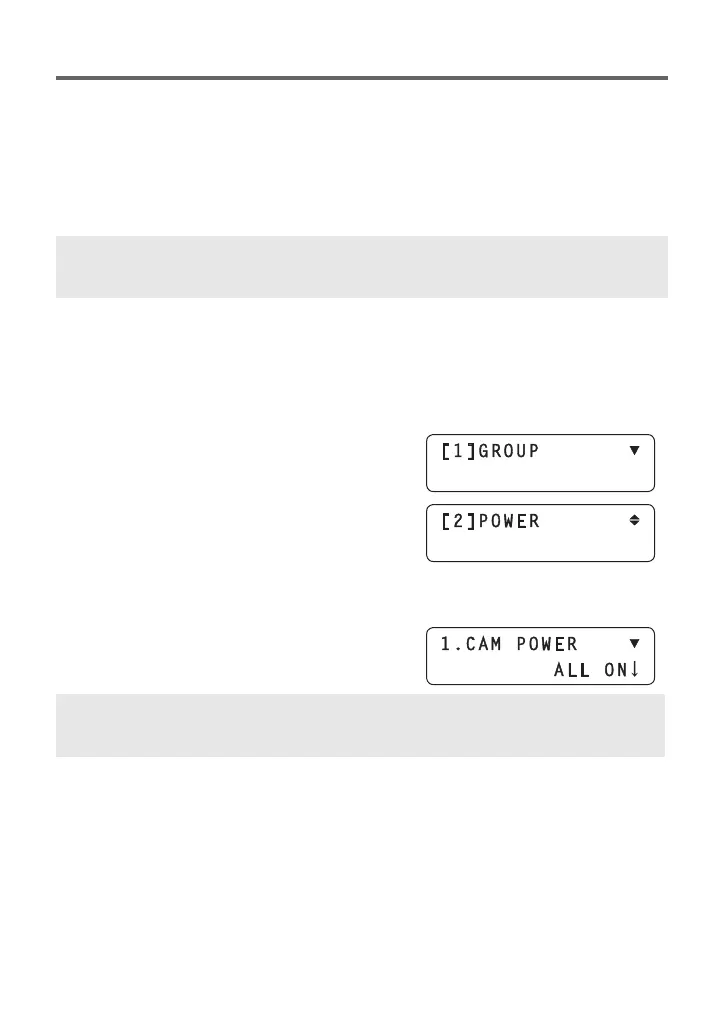
≥ The CAMERA menu is displayed on the LCD
panel.
3 Turn the F1 dial to display the
[POWER] menu, and press the F1
dial.
4 (when operating all cameras)
Turn the F2 dial to select [ALL ON] or
[ALL OFF], and press the F2 dial.
ON: Turn on the power of the selected camera.
OFF: Switch the selected camera to Standby mode.
ALL ON: Turn on the power of all cameras.
ALL OFF: Switch all cameras to Standby mode.



 To Next Page