Preparation
20
VQT1B99
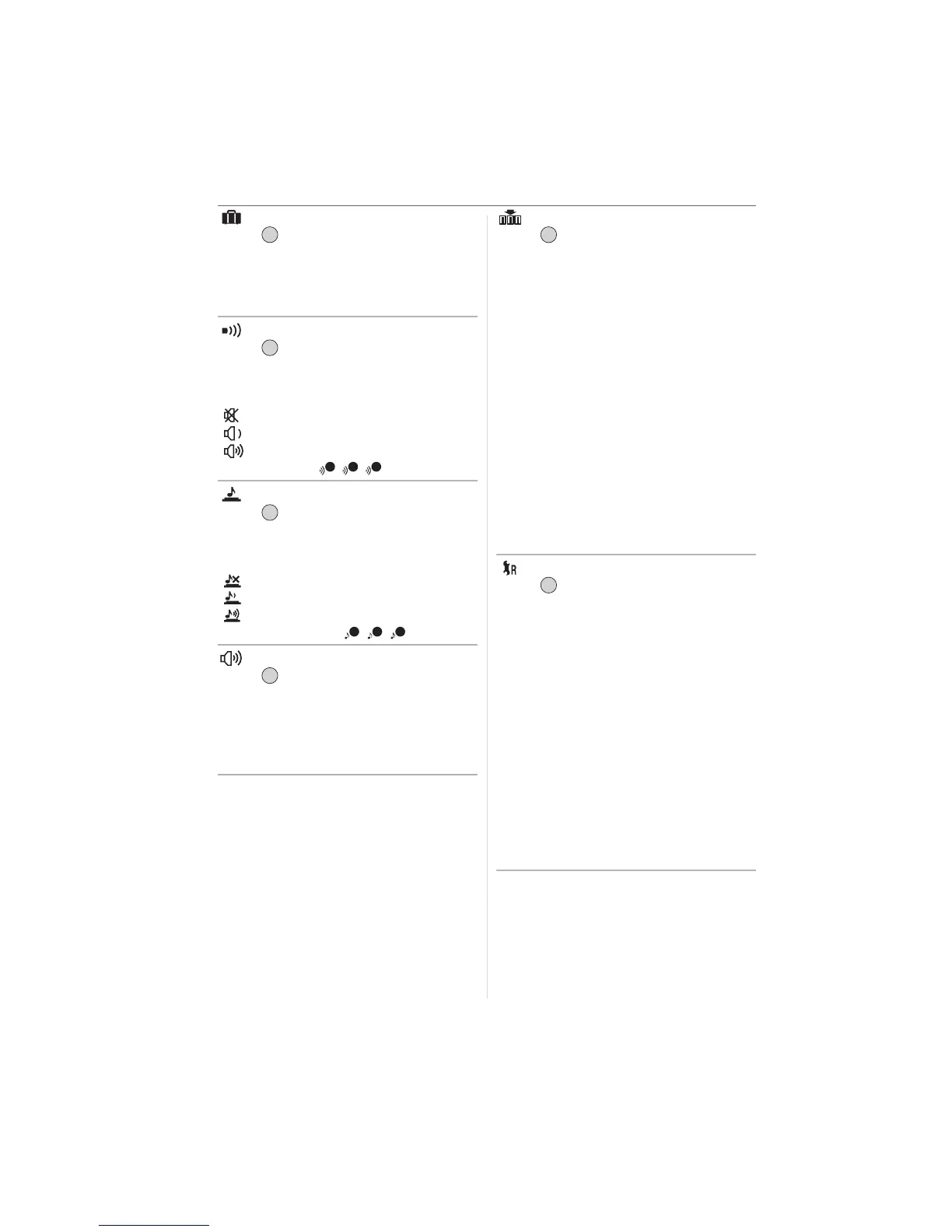
[TRAVEL DATE] (P54)
Press [ ] to display the [SETUP] menu
and select the item to set. (P17)
Set the departure date and the return date
of the vacation.
[SET], [OFF]
[BEEP]
Press [ ] to display the [SETUP] menu
and select the item to set. (P17)
This allows you to set the beep.
[BEEP LEVEL]
[]:No operation sound
[]:Soft operation sound
[]:Loud operation sound
[BEEP TONE]: / /
[SHUTTER]
Press [ ] to display the [SETUP] menu
and select the item to set. (P17)
This allows you to set the shutter sound.
[SHUTTER VOL.]
[]:No shutter sound
[]:Soft shutter sound
[]:Loud shutter sound
[SHUTTER TONE]: / /
[VOLUME]
Press [ ] to display the [SETUP] menu
and select the item to set. (P17)
The volume of speakers can be adjusted in
7 steps from level 6 to 0.
• When you connect the camera to a TV, the
volume of the TV speakers does not change.
[NO.RESET]
Press [ ] to display the [SETUP] menu
and select the item to set. (P17)
Reset the file number of the next recording
to 0001.
• The folder number is updated and the file
number starts from 0001. (P88)
• A folder number between 100 and 999
can be assigned.
When the folder number reaches 999, the
number cannot be reset. We recommend
formatting the card after saving the data
on a PC or elsewhere.
• To reset the folder number to 100, format
(P86) the built-in memory or the card first
and then use this function to reset the file
number.
A reset screen for the folder number will
then appear. Select [YES] to reset the
folder number.
[RESET]
Press [ ] to display the [SETUP] menu
and select the item to set. (P17)
The [REC] or [SETUP] menu settings are
reset to the initial settings.
• [FAVORITE] (P75) is fixed to [OFF] and
[ROTATE DISP.] (P76) is fixed to [ON].
• If the [SETUP] menu settings are reset,
the following settings are also reset.
– The birthday settings for [BABY1]/
[BABY2] (P47) and [PET] (P48) in scene
mode.
– The number of days that have passed
since the departure date in
[TRAVEL DATE]. (P54)
– The [WORLD TIME] (P56) setting.
• The folder number and the clock setting
are not changed.
/SET
MENU
/SET
MENU
1 2 3
/SET
MENU
1 2 3
/SET
MENU
/SET
MENU
/SET
MENU













 To Next Page