Preparation
21
VQT1B99
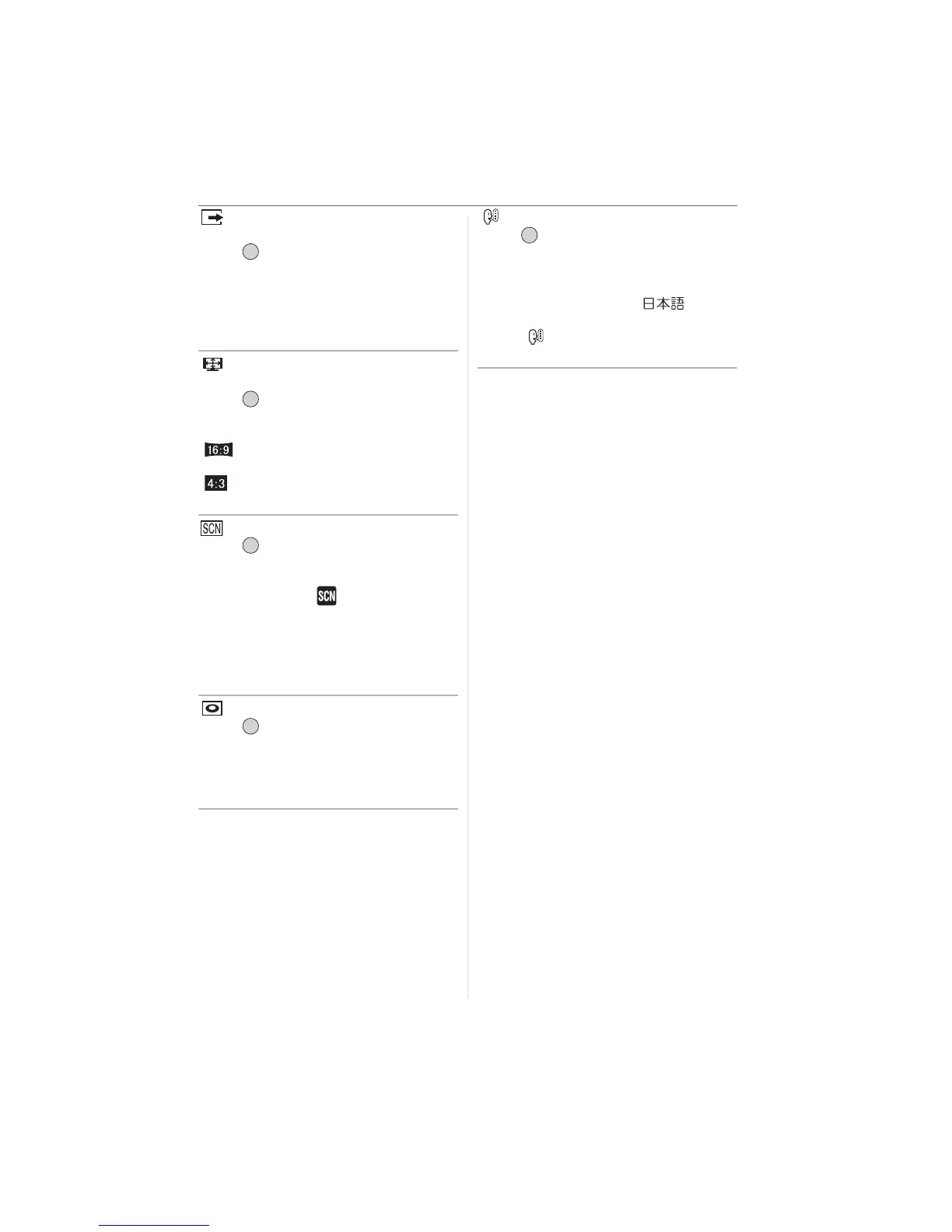
[VIDEO OUT]
(Playback mode only) (P94)
Press [ ] to display the [SETUP] menu
and select the item to set. (P17)
Set to match the colour television system in
each country.
[NTSC]:
Video output is set to NTSC system.
[PAL]:
Video output is set to PAL system.
[TV ASPECT]
(Playback mode only)
Press [ ] to display the [SETUP] menu
and select the item to set. (P17)
Set to match the type of TV.
[ ]:
When connecting to a 16:9 screen TV.
[]:
When connecting to a 4:3 screen TV.
[SCENE MENU]
Press [ ] to display the [SETUP] menu
and select the item to set. (P17)
Set the screen that will appear when the
mode dial is set to [ ].
[AUTO]: The [SCENE MODE] menu
screen appears.
[OFF]: The recording screen in the
currently selected scene mode
appears.
[DIAL DISPLAY]
Press [ ] to display the [SETUP] menu
and select the item to set. (P17)
Set whether or not to show the mode dial
display when the mode dial is rotated.
[ON], [OFF]
[LANGUAGE]
Press [ ] to display the [SETUP] menu
and select the item to set. (P17)
Set the language displayed on the screen.
[ENGLISH], [DEUTSCH], [FRANÇAIS],
[ESPAÑOL], [ITALIANO], [ ]
• If you set a different language by mistake,
select [ ] from the menu icons to set the
desired language.
/SET
MENU
/SET
MENU
/SET
MENU
/SET
MENU
/SET
MENU












 To Next Page