FP Web-Server V2.11
9.1 Dial-up Networking Setup for Computer/ FP Web-Server
111
Comment:
The following screenshots were taken from a Windows 2000 operating system. The layout of
other Windows operating systems may differ slightly.
9.1.2 Modem and Dial-up Networking Installation of a Windows Client
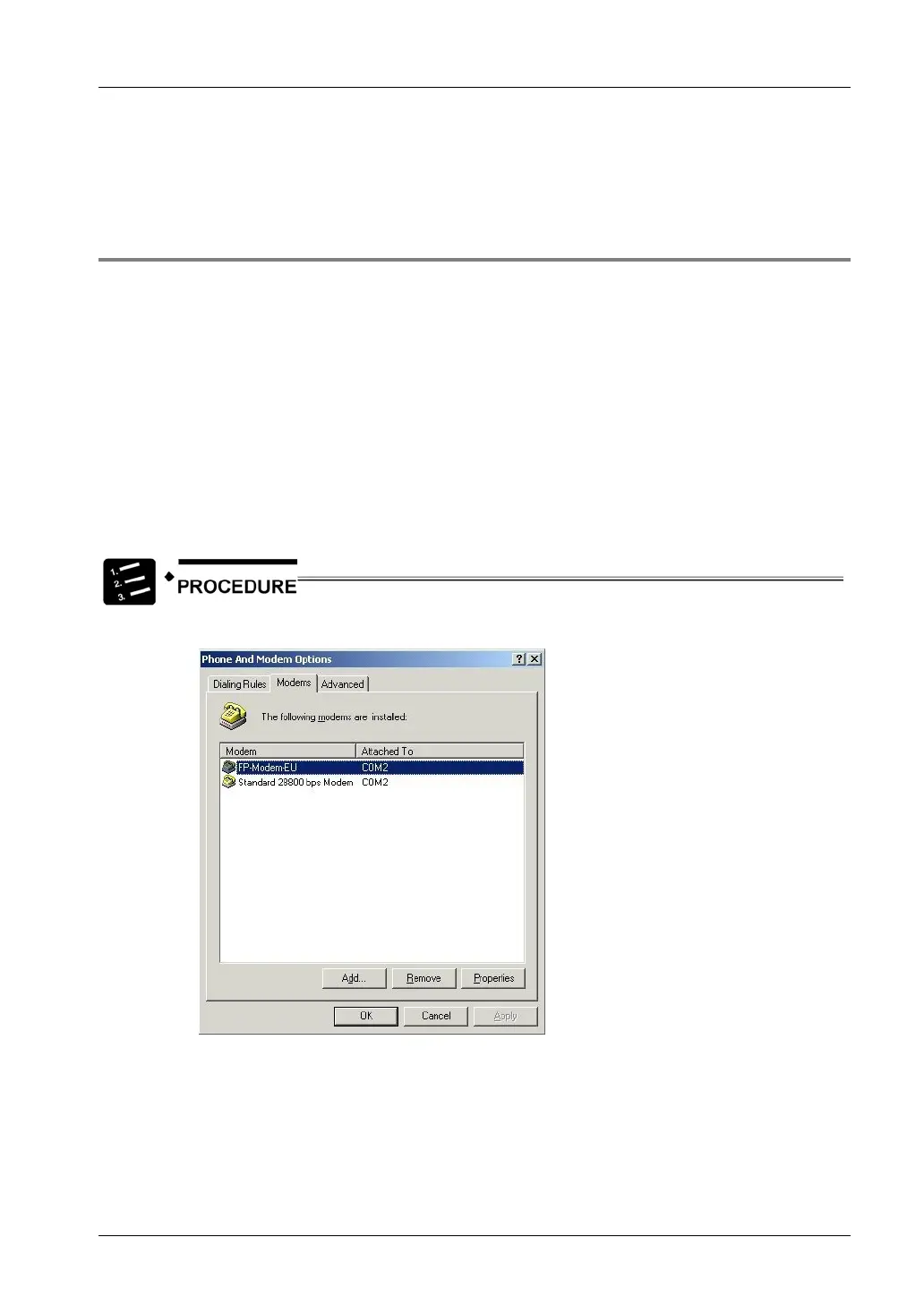
Configure and test the respective modem under "system settings", "modems". (For example, a
"standard 28800 BPS modem" to COM 2 was used.) Do not forget to set the optional
parameters correctly before closing "modem", "system settings".
Comments:
• We recommend the Panasonic FP MODEM-EU for our customers in Europe.
• The driver "MdmFPmodem.inf" for the FP MODEM-EU (now supports all versions of
Windows NT) can be found on the Configurator setup CD in the folder:
"Other-Tools/PPP_Cable"
• For a null modem cable connection please find the necessary driver "mdmcisc2.inf" on
the configurator setup CD in the folder: "Other-Tools/PPP_Cable"
1. Open the dialog "Phone and Modem Options"



 To Next Page