Http Server Functions/ Web Pages
FP Web-Server V2.11
70
7.1 Details on the FP Web-Server's Web Page Functions
For an initial demo of the FP Web-Server's http function, you can access the Panasonic Internet
demo unit. To carry out the test, you need an Internet browser.
Please enter the following address: "http://62.134.44.202/" (second demo unit:
http://62.134.44.204/)
For further information see:
• Calling Parameter (see page
73)
Browser addressing, e.g. http:\\....\plc?file&Y0=1&A=5&R0=1
• Data Fields (see "
Data Fields for Displaying PLC Data on HTML Pages" on page 77)
PLC data display addressing in HTML files, e.g. {DT100_6_4.2f}
• Input Fields (see "
Defining Input Fields for PLC Data on HTML Pages" on page 87)
PLC data entry addressing in HTML files, e.g. <input name=DT200_6_d>
• Java Applet
Description of the optional Java Applets for displaying rapidly changing PLC data
• HTML Examples (see "
Description of the HTML Examples" on page 161)
Descriptions for the supplied configuration samples
Info:
The http server can handle up to 8 simultaneous browser connections.
7.1.1 Testing the FP Web-Server Functions
For details on how to put a FP Web-Server with HTML Pages in operation, see also First Steps
(see page
31). The HTML Pages of the FP Web-Server can be displayed by a standard Internet
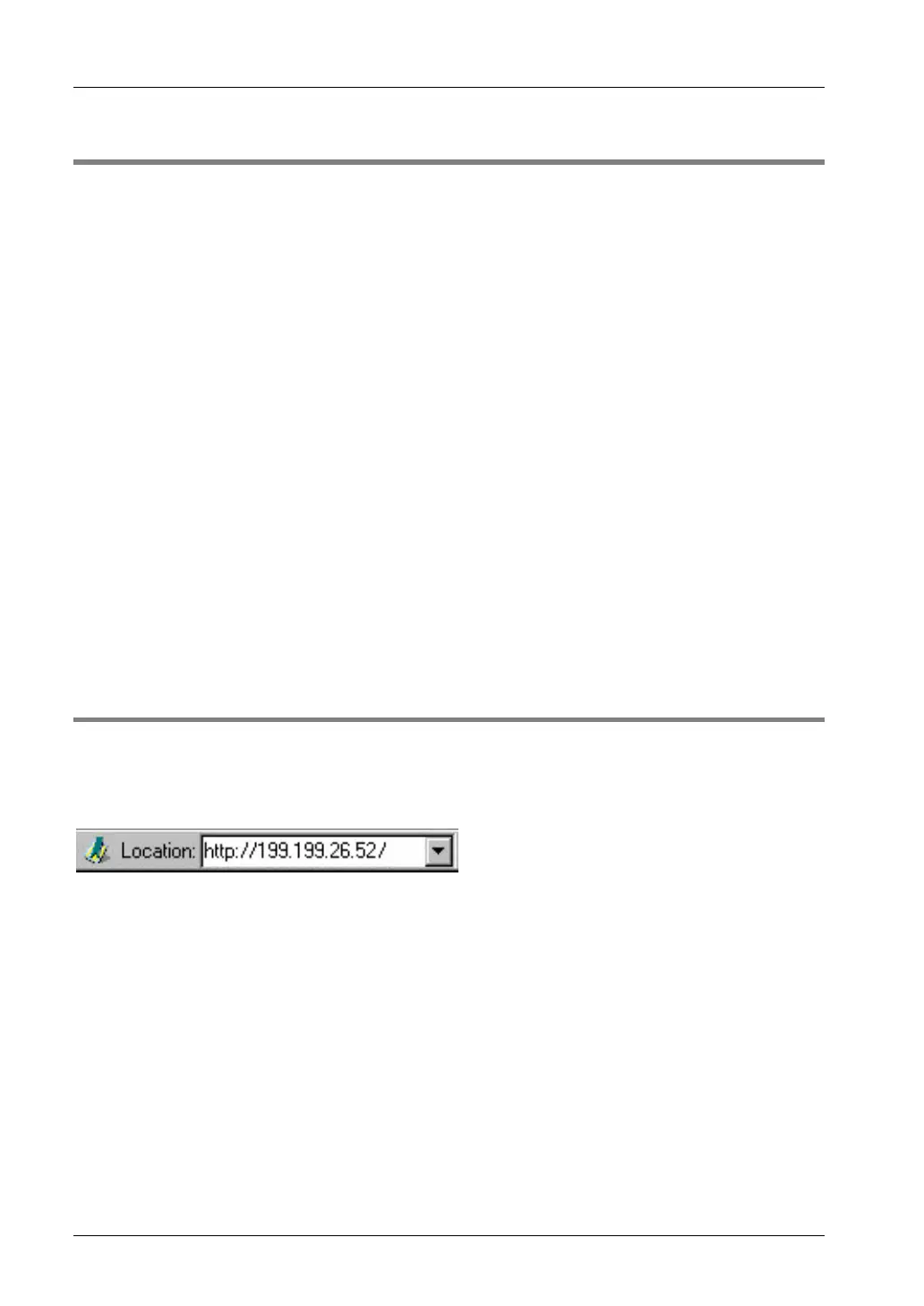
browser. Therefore, start the Internet browser and enter the IP address of the FP Web-Server in
the input field "Location":
The HTML page "MAIN.HTM" of the FP Web-Server will be displayed.



 To Next Page