Http Server Functions/ Web Pages
FP Web-Server V2.11
72
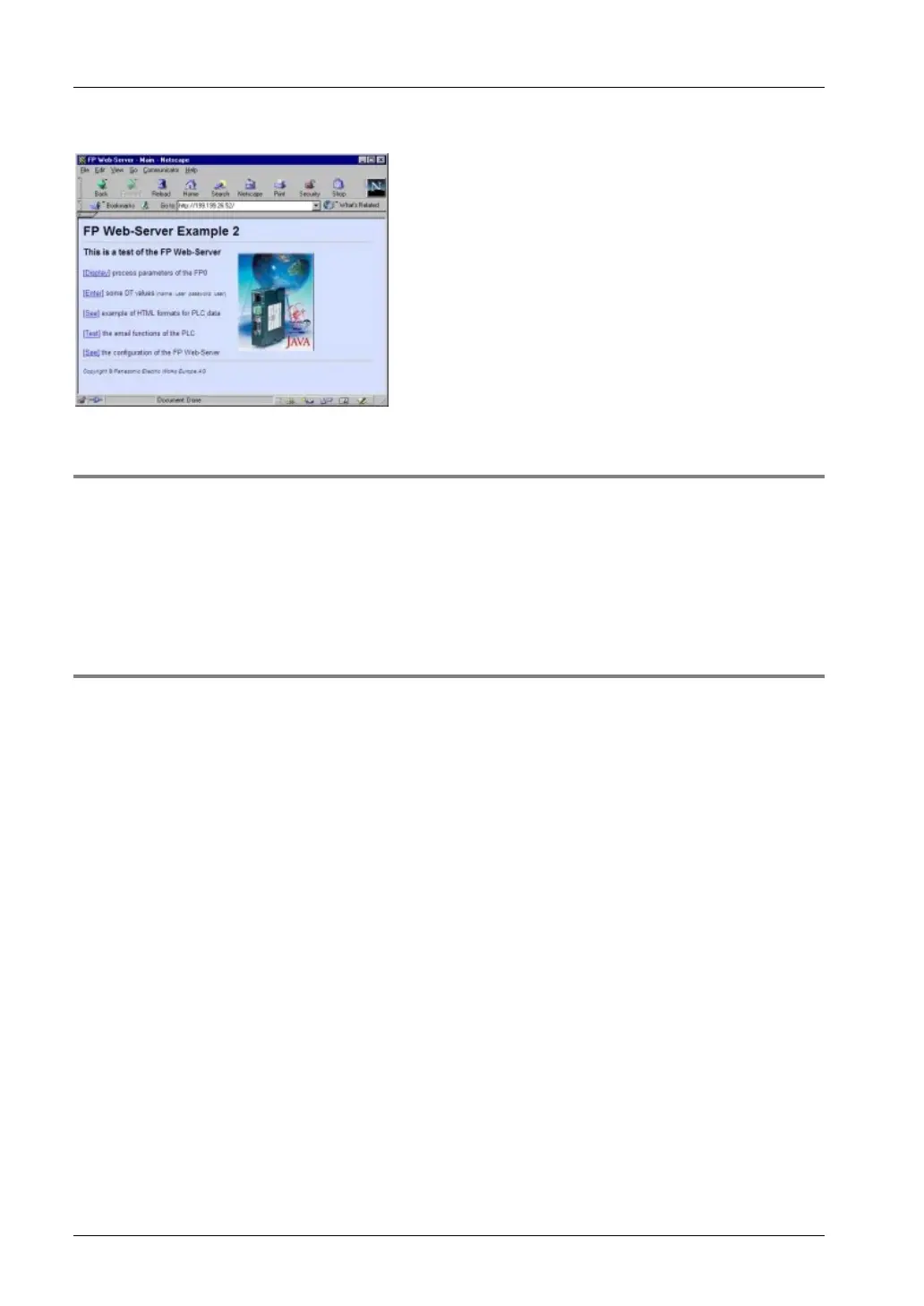
Or for 'Example2':
7.1.2 Internet Browser Settings
If the FP Web-Server is operated in an office network with a Proxy gateway to the Internet, the
access to the FP Web-Server HTML pages might take a long time. In this case, shut off the
Proxy function of the browser for this specific IP address of the FP Web-Server. For the browser
setup refer also to TCP/IP Setup: Configurator/Browser Operations Via LAN.
7.1.3 Generalities on PLC Data Fields in HTML Pages
"Example2" (provided in your installation directory) is used for the following explanation:



 To Next Page