FP Web-Server V2.11
9.1 Dial-up Networking Setup for Computer/ FP Web-Server
117
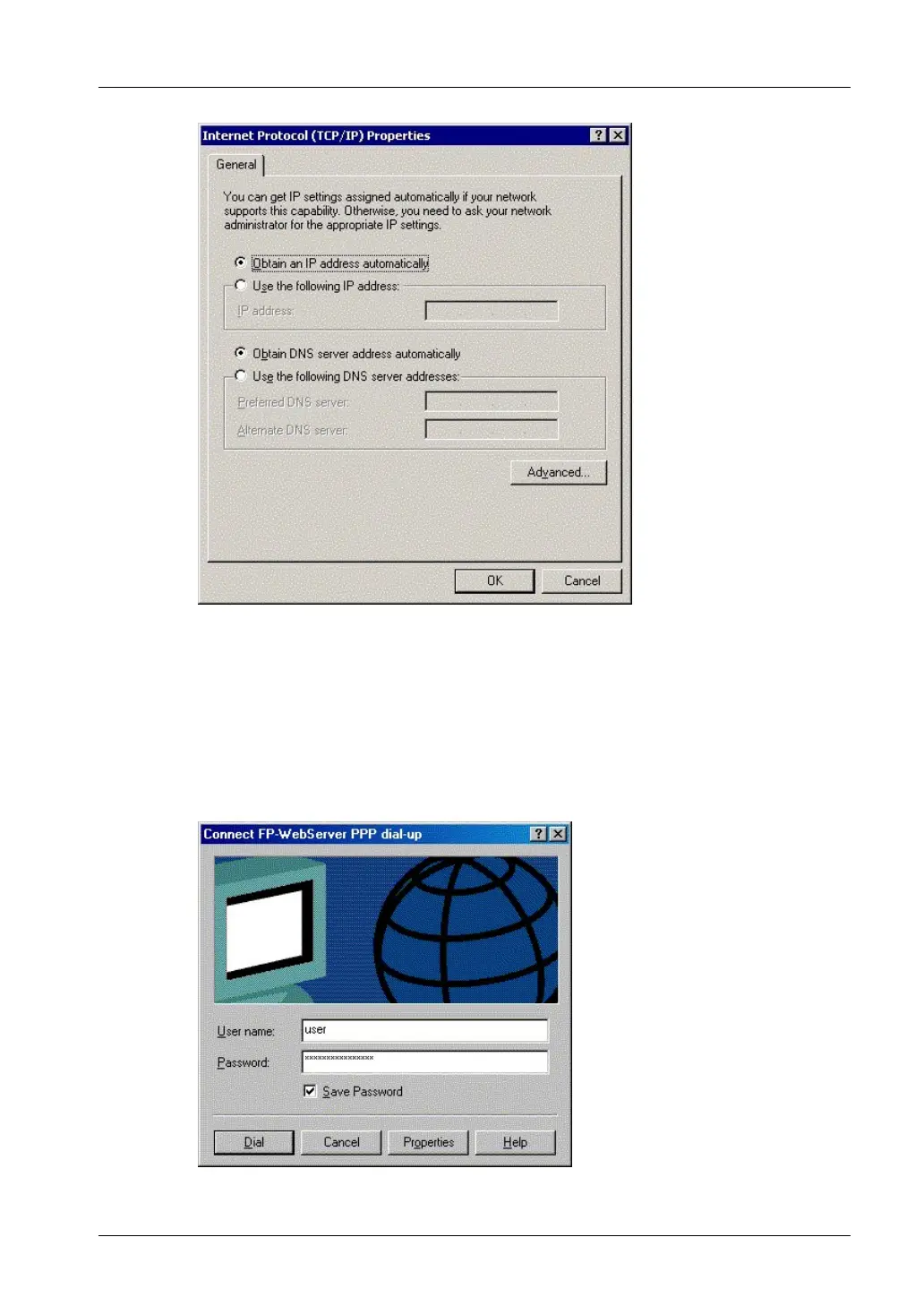
6. Enter the password that was defined in the Configurator project before
in
lower case only
For further information on passwords, please refer to Base Configuration/ User
Name and Password and preinstalled passwords and safety instructions (see page
170).
Example:
Even if the password was "Abc1", it has to be entered as "abc1" for dial-up
networking.
The Windows computer and the FP Web-Server should NOT be connected



 To Next Page