FP Web-Server V2.11
15.7 Troubleshooting
173
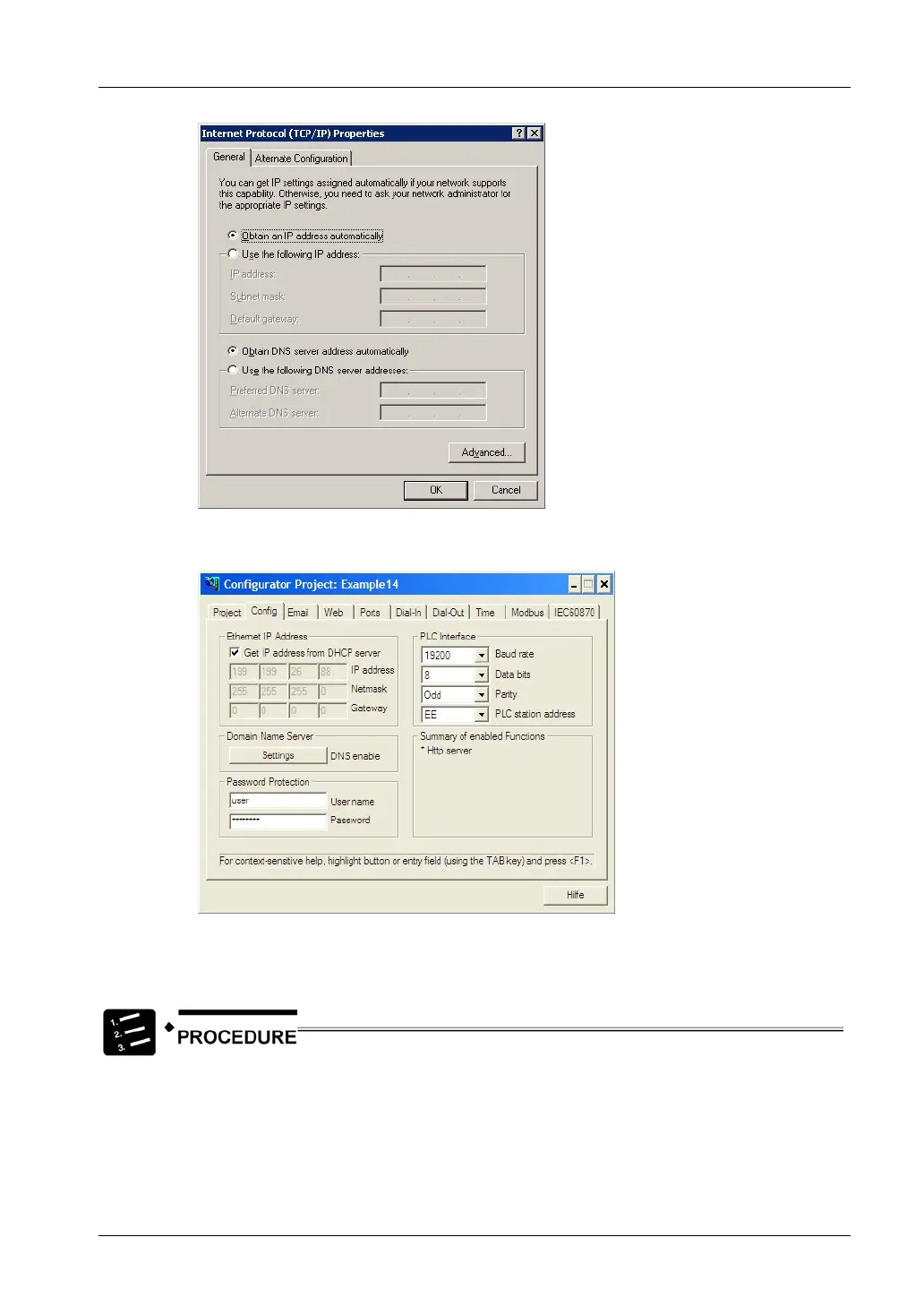
4. Verify the FP Web-Server configuration in the FP Web-Configurator Tool
under “Config”
If a static IP address setup should be used (private network or cross-over cable)
Check the IP address settings of your computer and the FP Web-Server configuration.
1. Under "Settings / Network Connections", open the properties dialog of the
computer's Ethernet/LAN card
2. Open the “Internet Protocol (TCP/IP)” properties dialog
The “Subnet mask” setting should be the same as with your FP Web-Server
configuration. Also the left part of the “IP address” (identified by the 255 value in the



 To Next Page