FP Web-Server V2.11
6.1 Email Functions of the FP Web-Server
67
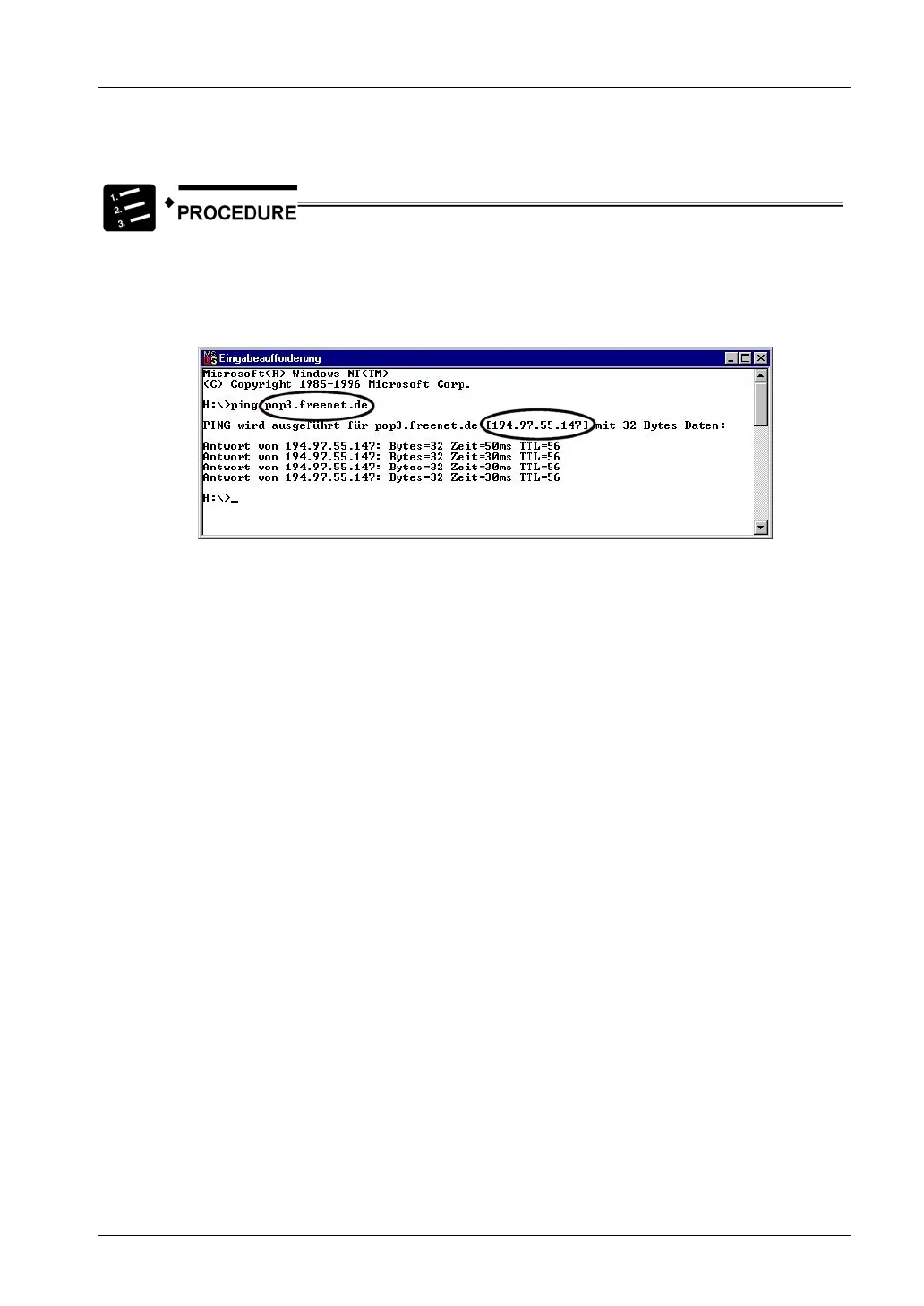
If possible it is recommended to find out the names' IP addresses. You can request from the
email-ISP or by using a Windows computer:
1. Configure and establish a remote network connection to the Internet (via
modem)
2. At the DOS command prompt, enter the command “PING xyz” which
displays the IP address
'xyz’ indicates where the SMTP (POP3) email server name is.



 To Next Page