136
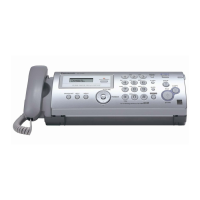
KX-FP215
14.2.3. Back Cover Section
REFERENCE:
C-1: How to Remove the Back Cover (P.147)
C-2: How to Remove the Platen Roller and Lock Lever (P.148)
C-3: How to Remove the Pickup Roller (P.150)
14.2.4. Operation Panel Section
REFERENCE:
D-1: How to Remove the Operation Panel (P.151)
D-2: How to Remove the Operation Board and LCD (P.152)
D-3: How to Remove the Separation Holder and Exit Roller (P.153)




 To Next Page
