Dial Lock
-35-
Making an emergency call
1. Press {MONITOR} (KX-FT74)/
{DIGITAL SP-PHONE} (KX-FT78) or lift
the handset while the unit displays the
following.
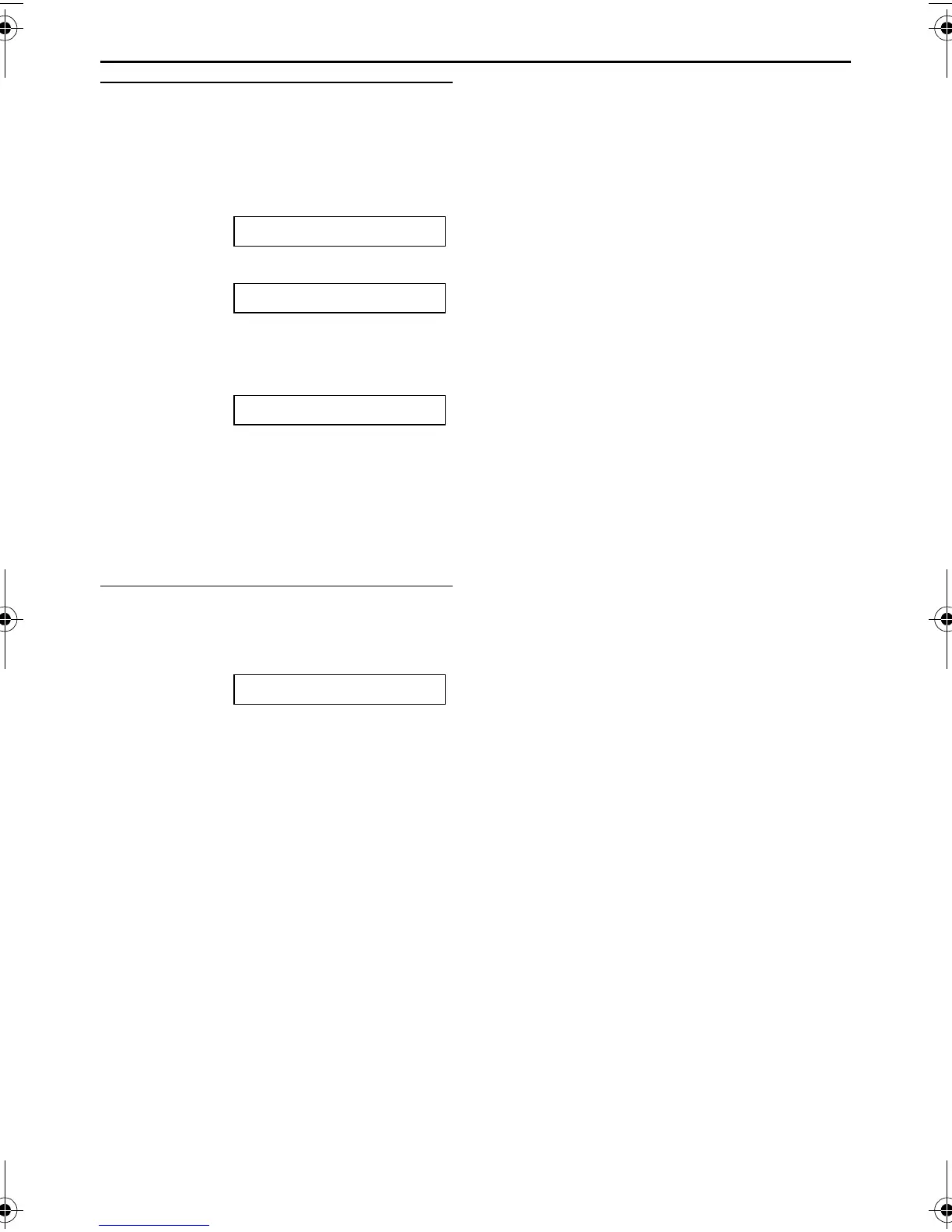
DIAL LOCK
L The display will show the following.
Example: E01=0123456 [±]
2. Press {+} or {-} until the desired
emergency telephone number is
displayed.
Example: E03=6543210 [±]
3. Press {SET}.
L The unit will start dialling
automatically.
L If any documents are in the document
entrance, the unit will start fax
transmission.
To cancel the dial lock
1. Press {MENU} repeatedly until the
following is displayed.
DIAL LOCK
2. Press {SET}.
3. Enter your PIN code.
4. Press {SET}.
FT74-78HK.book Page 35 Friday, June 28, 2002 9:45 AM



 To Next Page