Dial Lock
-34-
Dial Lock
Setting the dial lock
The dial lock feature prevents the unit from
calls being made to any numbers, except
for pre-stored emergency telephone
numbers (up to 3).
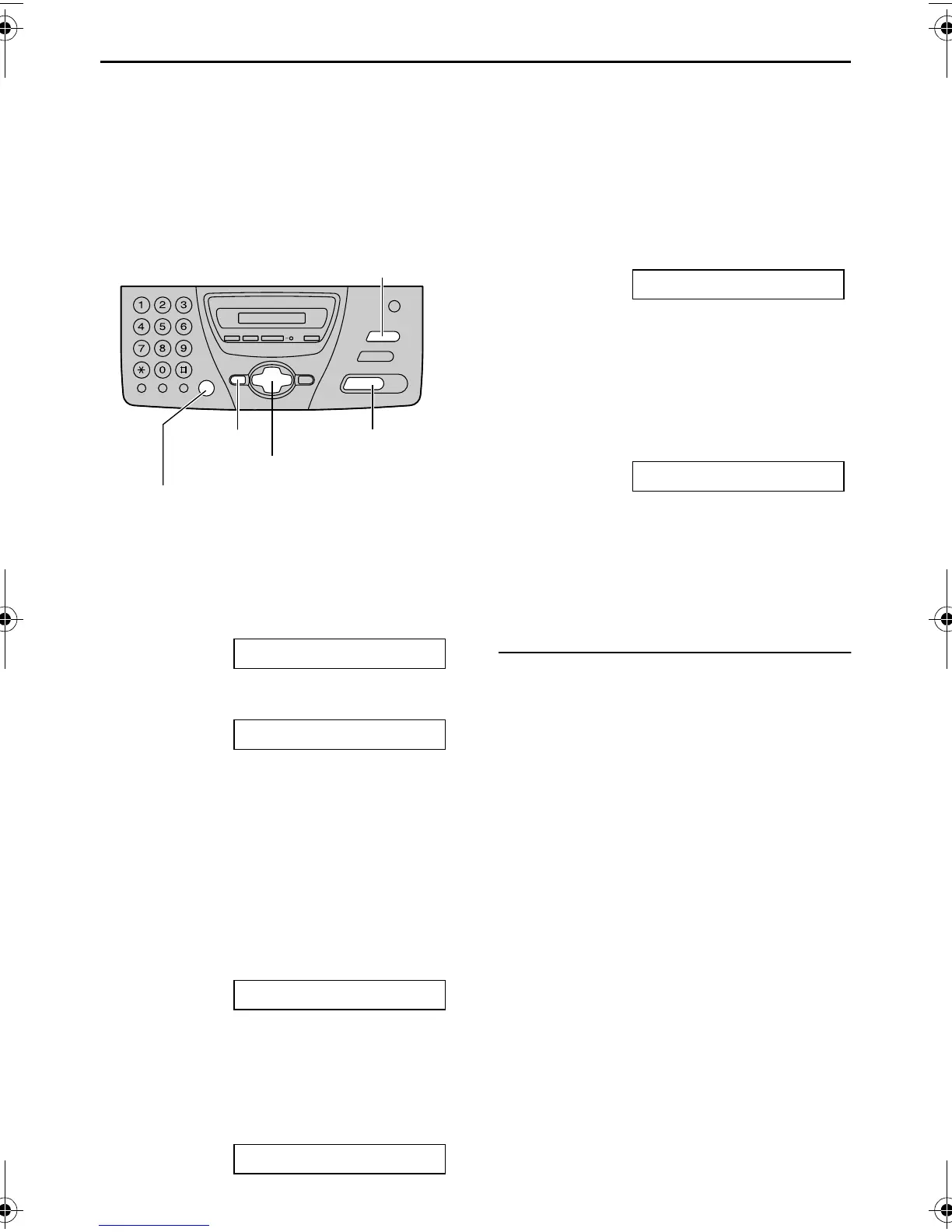
1 Press {MENU} repeatedly until the
following is displayed.
DIAL LOCK
2 Press {SET}.
CODE=
3 Enter your PIN (Personal Identification
Number) code, from 2 to 4 digits, using
0–9.
L Please note your PIN code. If you
forget your PIN code, consult
your nearest Panasonic service
centre.
4 Press {SET}.
E01=
5 Enter an emergency telephone
number, up to 30 digits, using the dial
keypad.
6 Press {SET}.
E02=
7 If necessary, enter the second
emergency telephone number.
L If you do not need to enter, skip to
step 8.
8 Press {SET}.
E03=
9 If necessary, enter the third emergency
telephone number.
L If you do not need to enter, skip to
step 10.
10 Press {SET}.
DIAL LOCK
Note:
L You can also enter an emergency
telephone number using the directory in
steps 5, 7 and 9. Press {+} or {-} until
the desired name is displayed, then
press {SET}.
To correct an emergency telephone
number
L Press {<} or {>} to move the cursor to
the incorrect number, and make the
correction.
L To delete a number, move the cursor to
the number you want to delete, and
press {STOP}.
{SET}
{MENU}
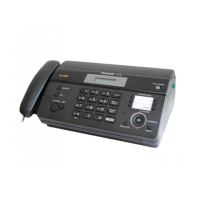
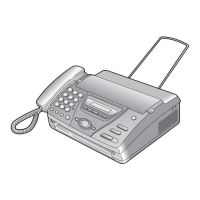
{MONITOR} (KX-FT74)
{DIGITAL SP-PHONE} (KX-FT78)
{STOP}
{+} {-} {<} {>}
FT74-78HK.book Page 34 Friday, June 28, 2002 9:45 AM



 To Next Page