Receiving Faxes
-48-
TEL/FAX mode (receiving phone calls with ring
signals and faxes without ring signals)
Use this mode when you are situated near
the fax machine, and want to receive faxes
without the fax machine ringing.
Activating TEL/FAX mode
1 Set feature #05 to “TEL/FAX” (page
70).
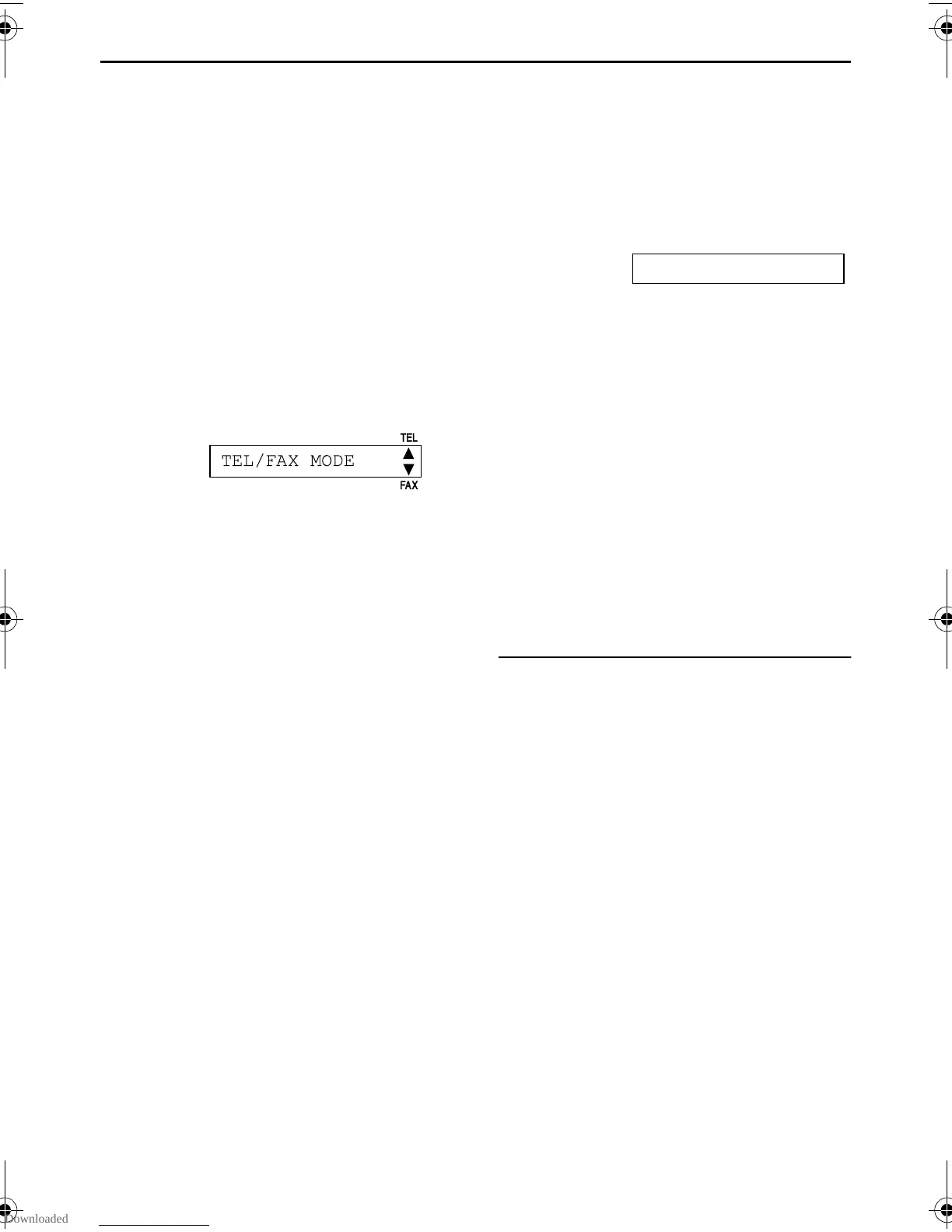
2 If the arrow indicator on the display
points to “TEL”, press
{RECEIVE MODE}.
3 The ringer volume setting should be on
(page 26).
When a fax call is received
1 When a call is received, the fax
machine will not ring at this time.
INCOMING CALL
L Duration depends on “TEL/FAX
delayed ring setting”.
2 When the fax machine detects a fax
calling tone, it will automatically receive
documents without ringing.
Note:
L A fax calling tone is automatically
generated by the sending fax machine.
Some fax machines do not have this
capability.
L If the ring detection feature is set (page
55) and a different ring pattern is
received, the fax machine will not receive
a fax automatically.
TEL/FAX delayed ring setting
The number of rings generated before the
fax machine answers depends on the
setting of feature #09 on page 70. The fax
machine will not generate an audible ring
during this time.
TEL/FAX MODE
FAX
TEL
FT74-78HK.book Page 48 Friday, June 28, 2002 9:45 AM



 To Next Page