Receiving Faxes
-53-
Black list function
You can reject receiving facsimiles by
registering the black list numbers. Up to 10
phone numbers can be stored as follows.
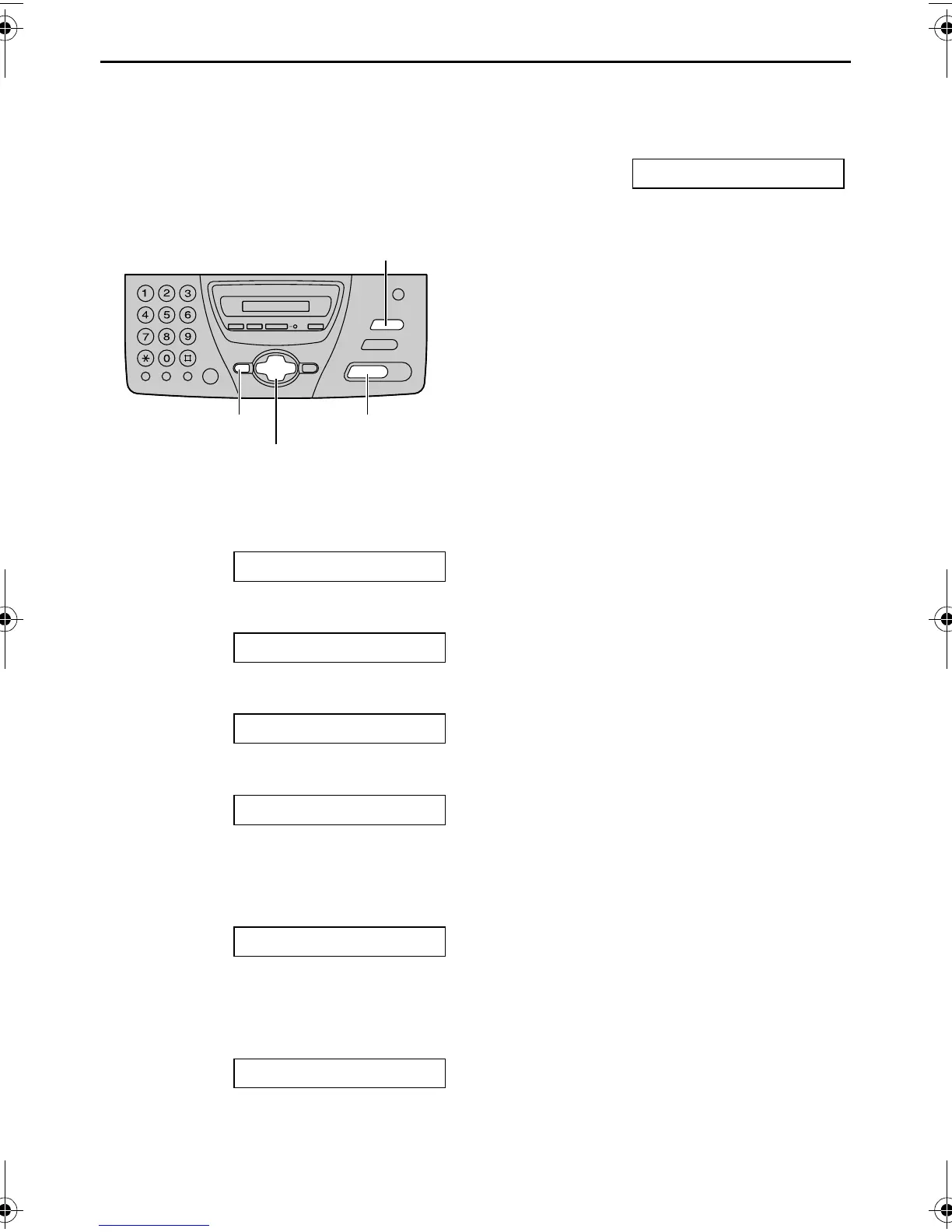
1 Press {MENU}.
SYSTEM SET UP
2 Press {#}, then {2}{7}.
BLACK LIST
3 Press {SET}.
=OFF [±]
4 Press {+} or {-} to select “ON”.
=ON [±]
L If this feature is not required, select
“OFF”.
5 Press {SET}.
NO.=
6 Enter the fax phone number you
require as unauthorized number.
L You can enter a total of 22 digits.
Example: NO.=5552233
7 Press {SET} to store.
NO.=
L To store other numbers, repeat from
step 6.
8 Press {MENU}.
Note:
L If you make a mistake while
programming, press {STOP}, then make
the correction.
L To erase a programmed phone number,
press {STOP} when the cursor is
positioned on the first number in step 6.
L To confirm the programmed phone
number, print out the feature list. See
page 88.
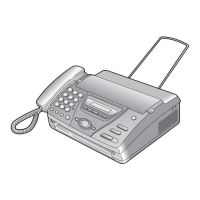
{SET}{MENU}
{+} {-}
{STOP}
FT74-78HK.book Page 53 Friday, June 28, 2002 9:45 AM



 To Next Page