Incoming Messages (KX-FT78 only)
-63-
To erase a specific message
Press {ERASE} while listening to the
message you want to erase.
To erase all the messages
Check that you have listened to all of the
recorded messages.
1. Press {ERASE}.
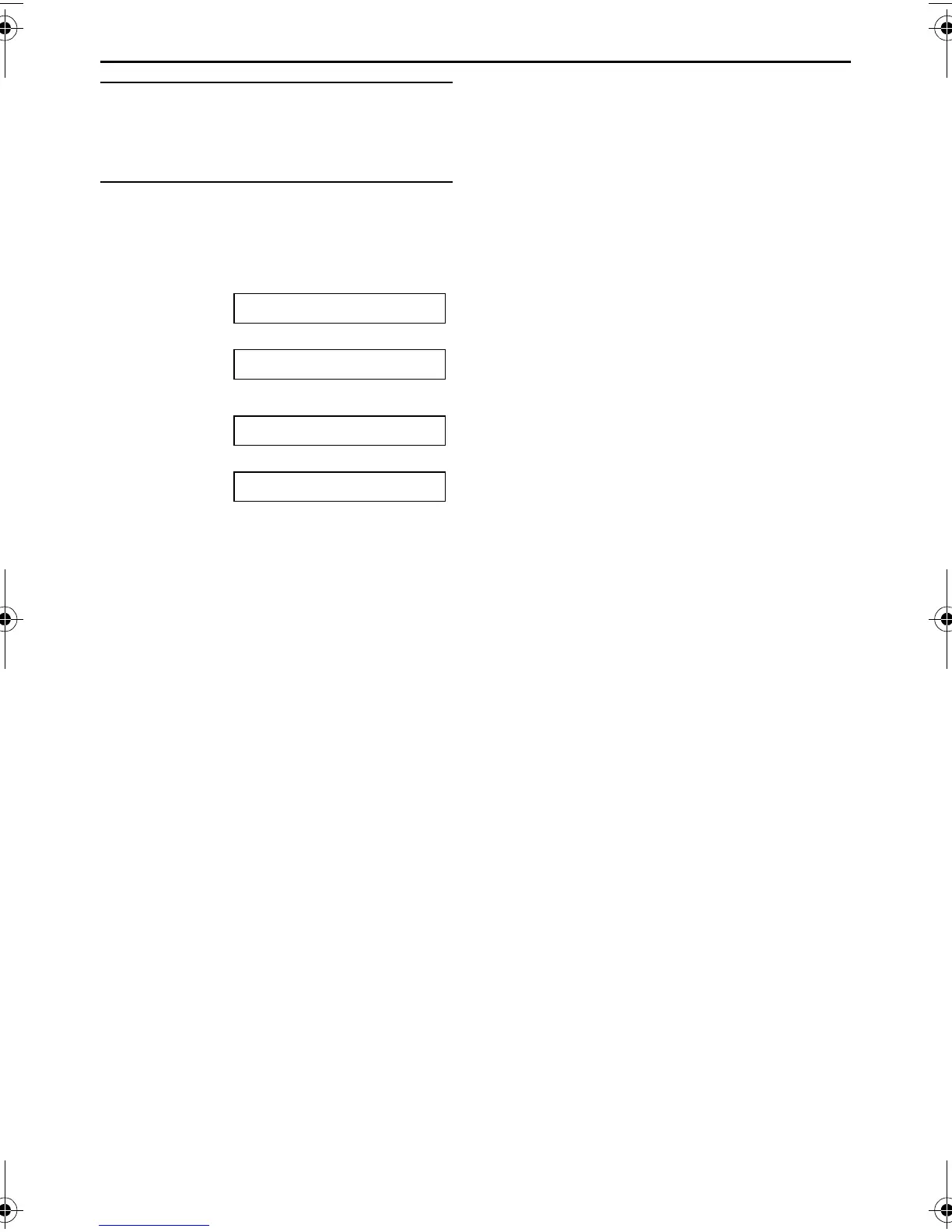
ALL MESSAGES
b
PRESS START
2. Press {FAX/START}.
ERASE MESSAGES?
b
YES:SET/NO:STOP
3. Press {SET}.
FT74-78HK.book Page 63 Friday, June 28, 2002 9:45 AM



 To Next Page