Cleaning
-87-
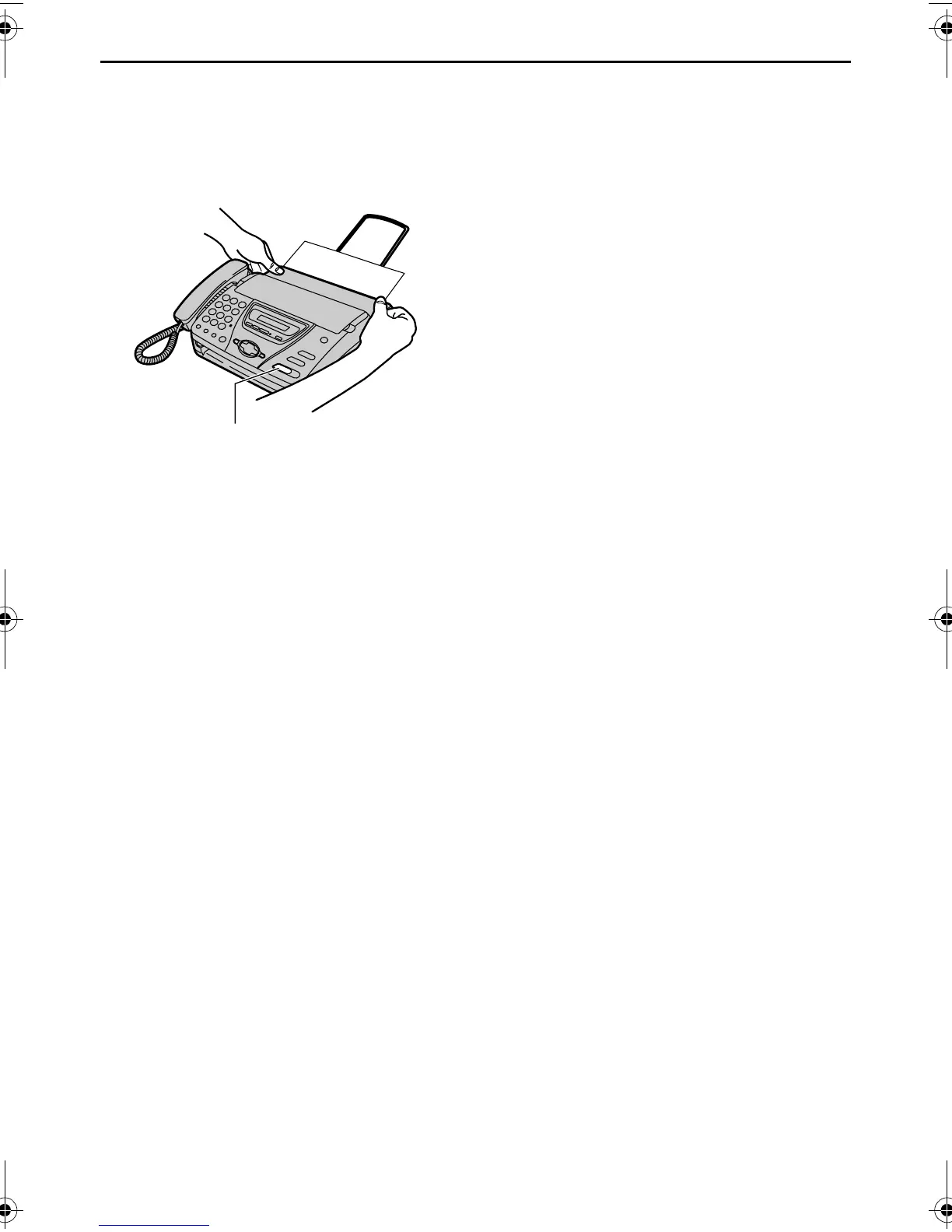
5 Install the recording paper and close
the cover securely by pushing down on
both sides, then press {FAX/START}
(page 21).
Caution:
L To prevent a malfunction due to static
electricity, do not use a dry cloth and
do not touch the thermal head
directly.
{FAX/START}
FT74-78HK.book Page 87 Friday, June 28, 2002 9:45 AM



 To Next Page