Deleting Stored Items in Handset Phonebook/Hot Key Dial/
Outgoing Call Log/Incoming Call Log
Handset Phonebook
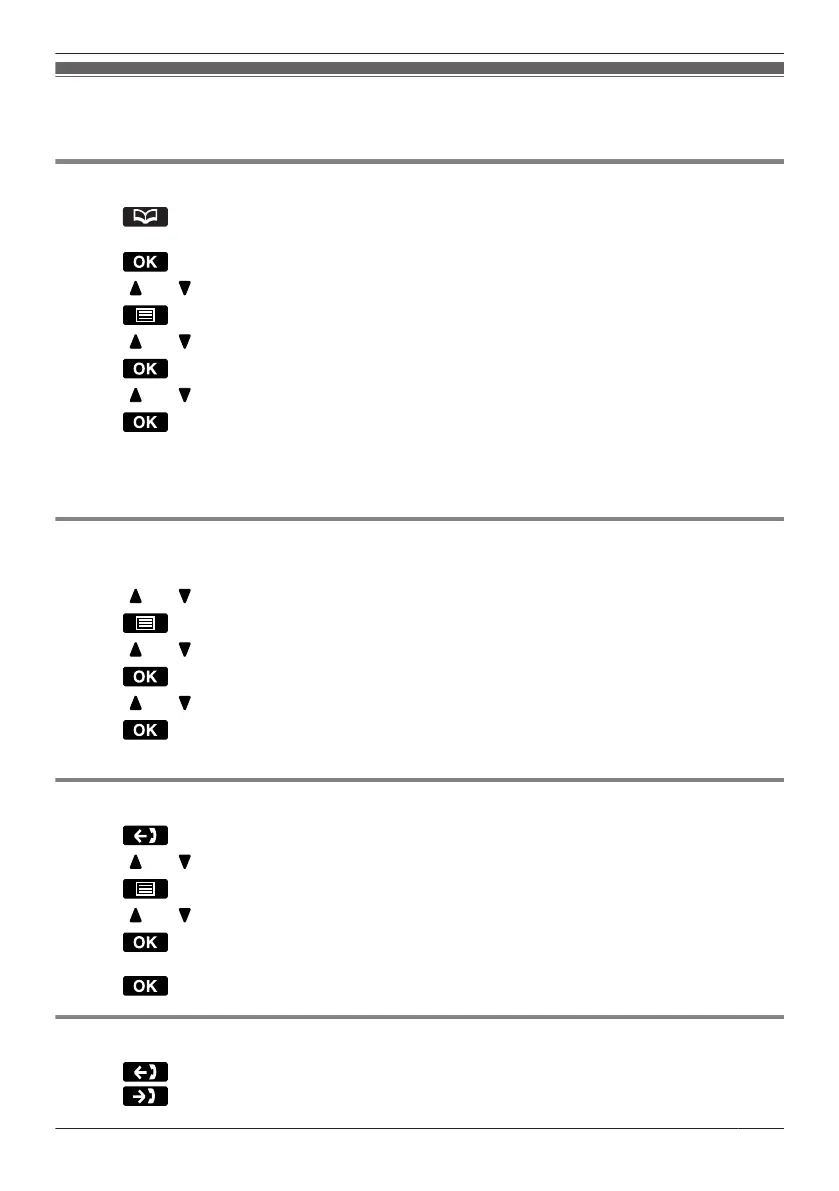
1. Press
.
2. Enter a name.
*1
3. Press
.
4. Press [ ] or [ ] to select the desired item, if required.
5.
Press .
6. Press [
] or [ ] to select "Delete".
*2
7. Press .
8. Press [ ] or [ ] to select "Yes".
9. Press .
*1 This step can be omitted.
*2 Select "Delete All" if you want to delete all items.
R To search for an item in the Phonebook, see Page 51.
Hot Key Dial
1. Press the dialling key for more than 1 second.
2. Press [ ] or [ ] to select the desired item.
3. Press .
4. Press [ ] or [ ] to select "Delete".
*1
5. Press
.
6. Press [ ] or [ ] to select "Yes".
7. Press .
*1 Select "Delete All" if you want to delete all items.
Outgoing Call Log
1. Press .
2. Press [ ] or [ ] to select the desired item.
3. Press .
4. Press [
] or [ ] to select "Delete".
5. Press .
6. Select "Yes".
7. Press
.
Incoming Call Log
1. Press .
2. Press .
55
Using the Handset Phonebook



 To Next Page