Assigning Hot Keys
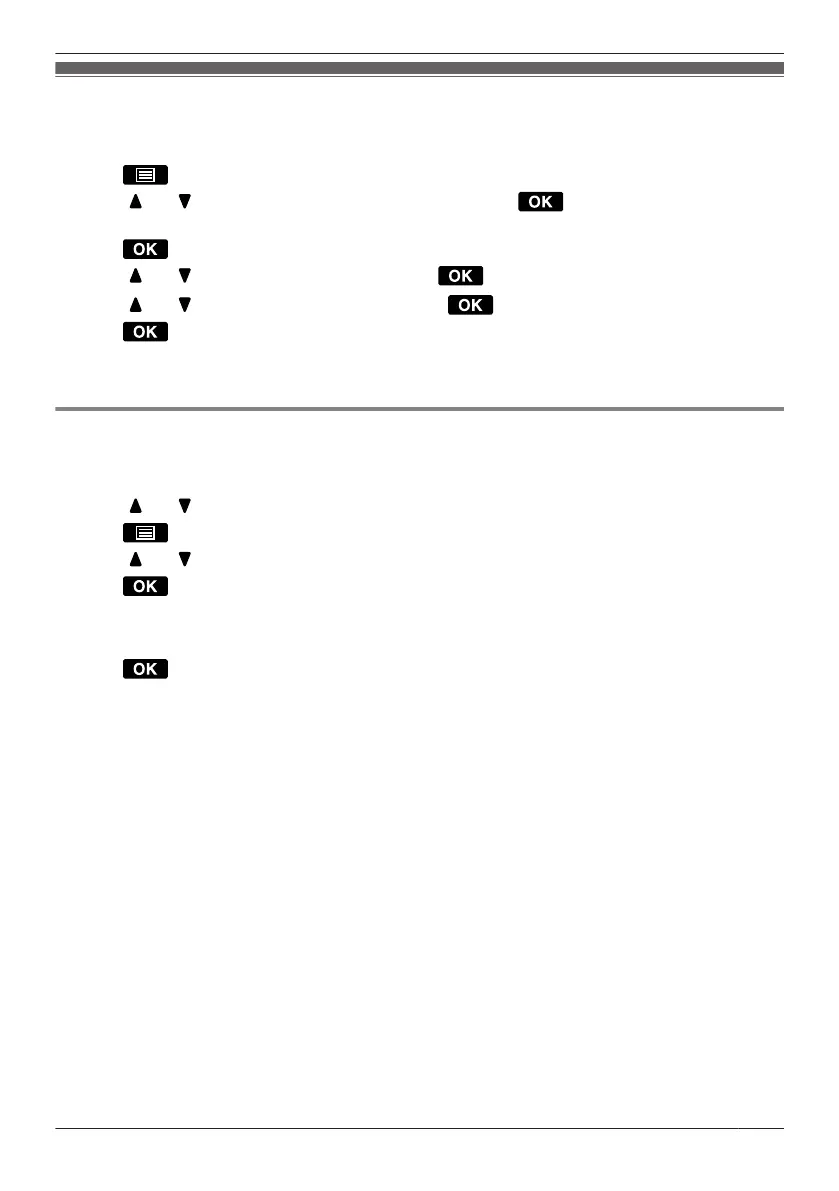
You can assign a phone number stored in the Handset Phonebook to a key to be used as a Hot Key.
1. In standby mode, press and hold a dial key (0–9) for more than 1 second.
2. Press .
3. Press [ ] or [ ] to select "Copy from P.book", and then press .
4. Enter a name.
*1
5. Press
.
6. Press [ ] or [ ] to select an entry, and then press .
7. Press [ ] or [ ] to select a number, and then press .
8. Press .
*1 This step can be omitted.
R To search for an item in the Phonebook, see Page 51.
Selecting the Type of Hot Key Dialling
You can select one of 2 types of Hot Key Dialling for each assigned Hot Key.
1. Press the dialling key for more than 1 second.
2. Press [
] or [ ] to select the desired item.
3. Press
.
4. Press [ ] or [ ] to select "Automatic Call".
5. Press .
6. Select one of the following:
– Manual
– Auto
7. Press
.
R To select the number of seconds before the call is automatically made, see "Key Option" on Page 66.
57
Using the Handset Phonebook




 To Next Page