EasyManua.ls Logo

Panasonic KX-TCA285 - Changing Handset Settings; Handset Setting Menu Layout

Panasonic KX-TCA285
88 pages
Print Icon
To Next Page IconTo Next Page
To Previous Page IconTo Previous Page
Loading...
Changing Handset Settings
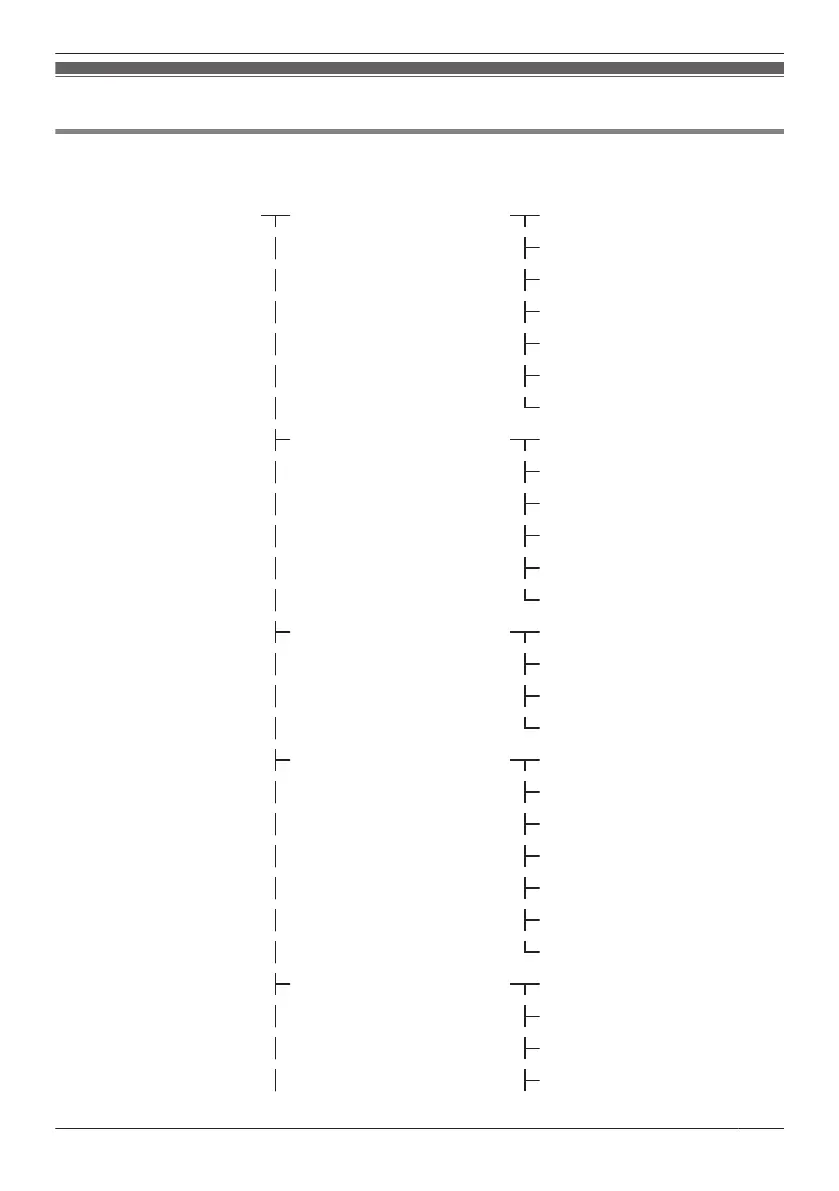
Handset Setting Menu Layout
[Main Item] [Sub Item]
Setting Handset Incoming Option Ringer Volume
Ringer Type
Vibrate
Ring On Charger
Memo Alarm
Power Save
Headset Ringer
Talk Option Noise Reduction
Speaker Volume
Receiver Volume
Headset Volume
*1
Headset Mic Vol
*1
Talk On Charger
Answer Option Any Key Answer
Quick Answer
Auto Answer
Auto Ans Delay
Key Option Flex Key Name
Function Key
Soft Key Edit
Soft Key Name
Key Lock Type
Auto Lock Time
Hot Key Time
Display Option Language
Backlight
LCD Brightness
Standby Display
63
Customising the Telephone

Table of Contents

Other manuals for Panasonic KX-TCA285

Related product manuals