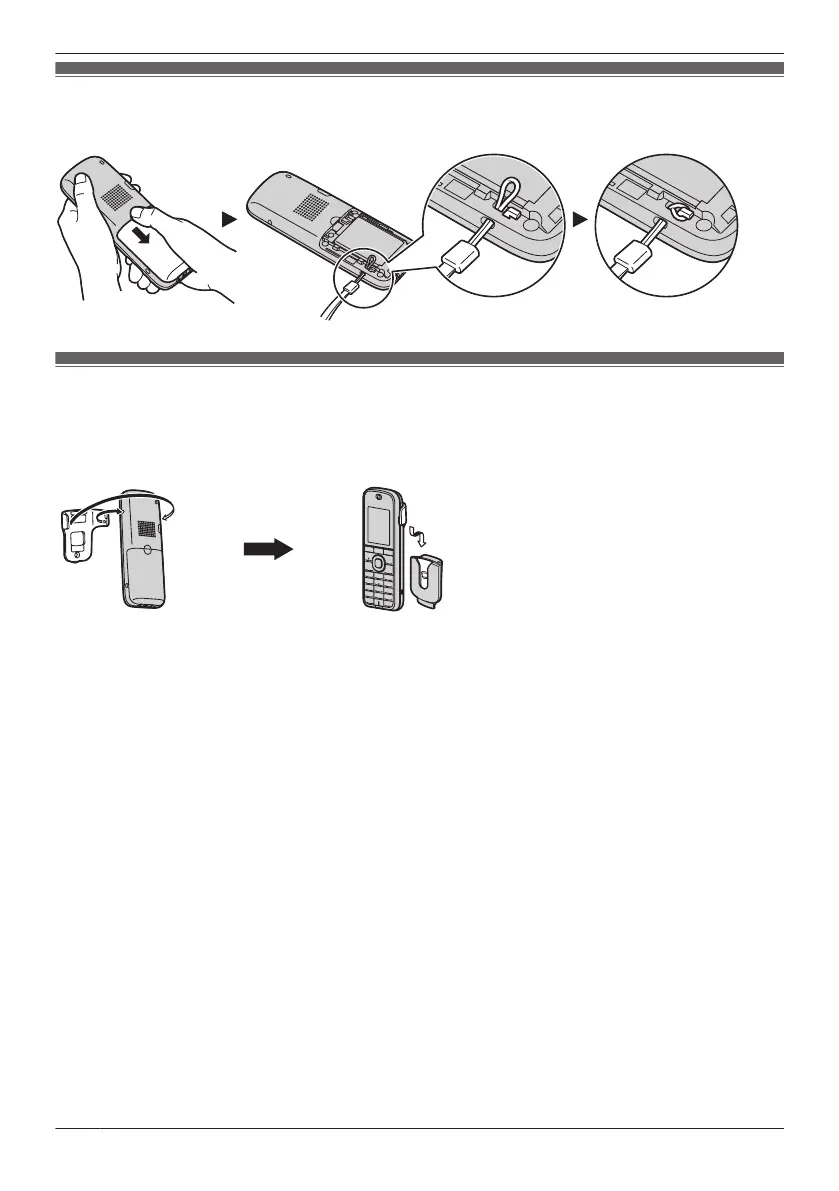
Attaching the Phone Strap (KX-TCA185/KX-TCA285 only)
Open the battery cover, run the strap through the strap hole, and then loop it around the hook.
Attaching the Belt Clip (KX-TCA185/KX-TCA285 only)
You can attach the handset to your belt by following the steps below.
1. Insert the clip into the designated notches in the handset.
2. Slide the clip into the holder until it clicks.
76
Installation and Setup










 To Next Page