Important Information
49
Important Information
Battery Information
After your Panasonic battery is fully charged [at 25 °C]:
• Operating time may be shortened depending on usage conditions and ambient
temperature.
• The battery cannot be overcharged.
• The battery will drain even while the unit is turned off.
• The PS can receive calls while charging.
• Battery consumption increases when the PS is out of range. If “ ” flashes, turn off the
PS.
• Clean the handset and the charger contacts with a soft, dry cloth once a month.
Clean more often if the unit is subject to grease, dust or high humidity. Otherwise
the battery may not charge properly.
• Read “Important Notice Concerning the Correct Use and Charging of Ni-MH Batteries”
on page 50.
Low Battery Warning
The battery needs to be charged when “ ” flashes, or the alarm sounds every one
minute during a conversation.*
* If the low battery warning occurs during a conversation, you can continue the call for a
few minutes, after which the call will be automatically disconnected.
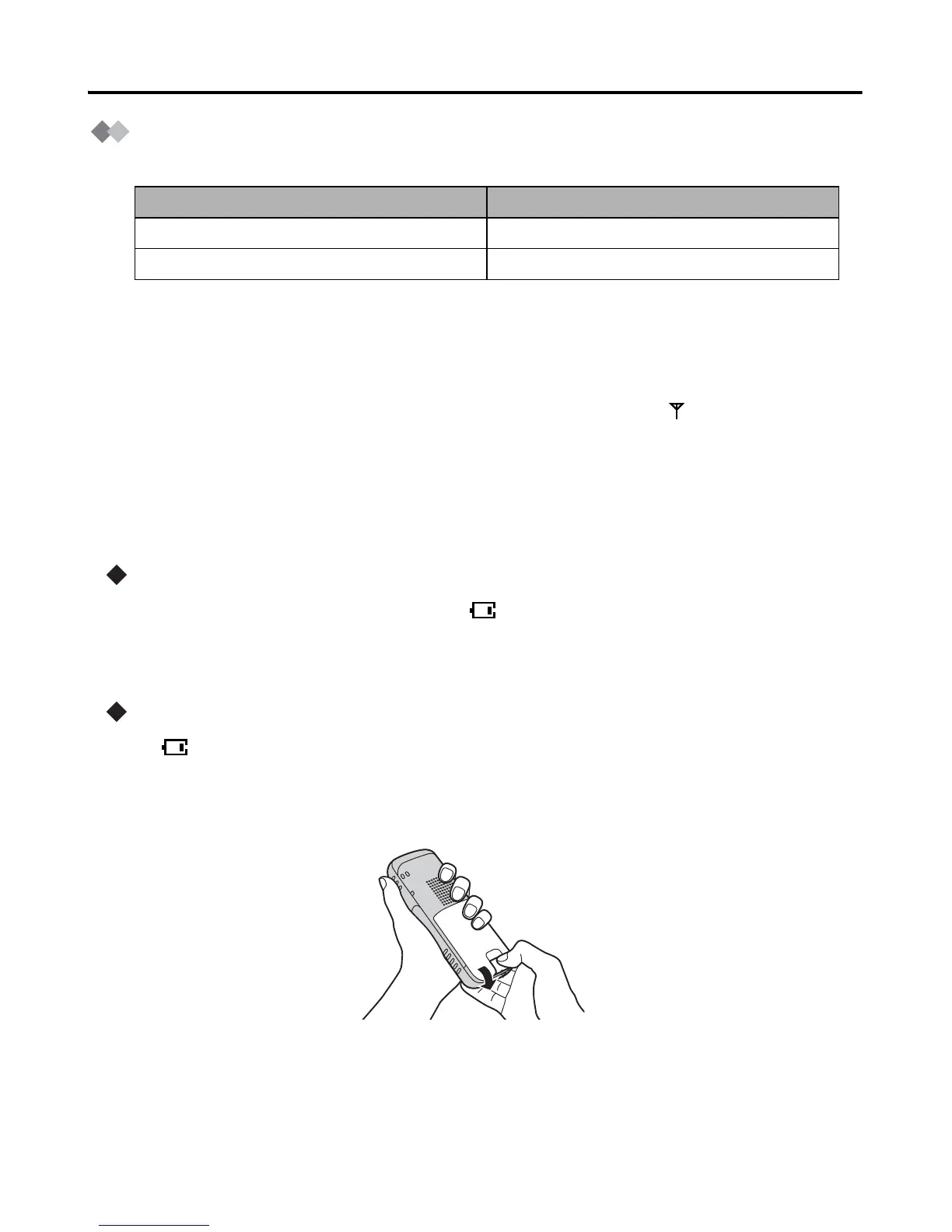
Replacing the Battery
If “ ” flashes after a few telephone calls even when the battery has been fully
charged, it is time to replace the battery with a new one.
1) Turn the power off to prevent memory loss.
2) Release the battery cover latch and lift the cover open.
3) Replace the old battery with a new one, and close the cover (see page 7 for battery
installation).
4) Charge the handset for at least 5.5 hours.
Operation Operating Time
While in use (TALK) 17 hrs approx.
While not in use (Standby) 270 hrs approx.










 To Next Page