Others
45
Others
Walkie-Talkie
Using Walkie-Talkie mode, you can communicate with another handset even when out of
range of a base unit. Only a Panasonic DECT Portable Station which supports Walkie-
Talkie can be used. Handsets have to be in Walkie-Talkie mode, and have the same
Walkie-Talkie group number. In Walkie-Talkie mode, you cannot make or receive a call
through the PBX.
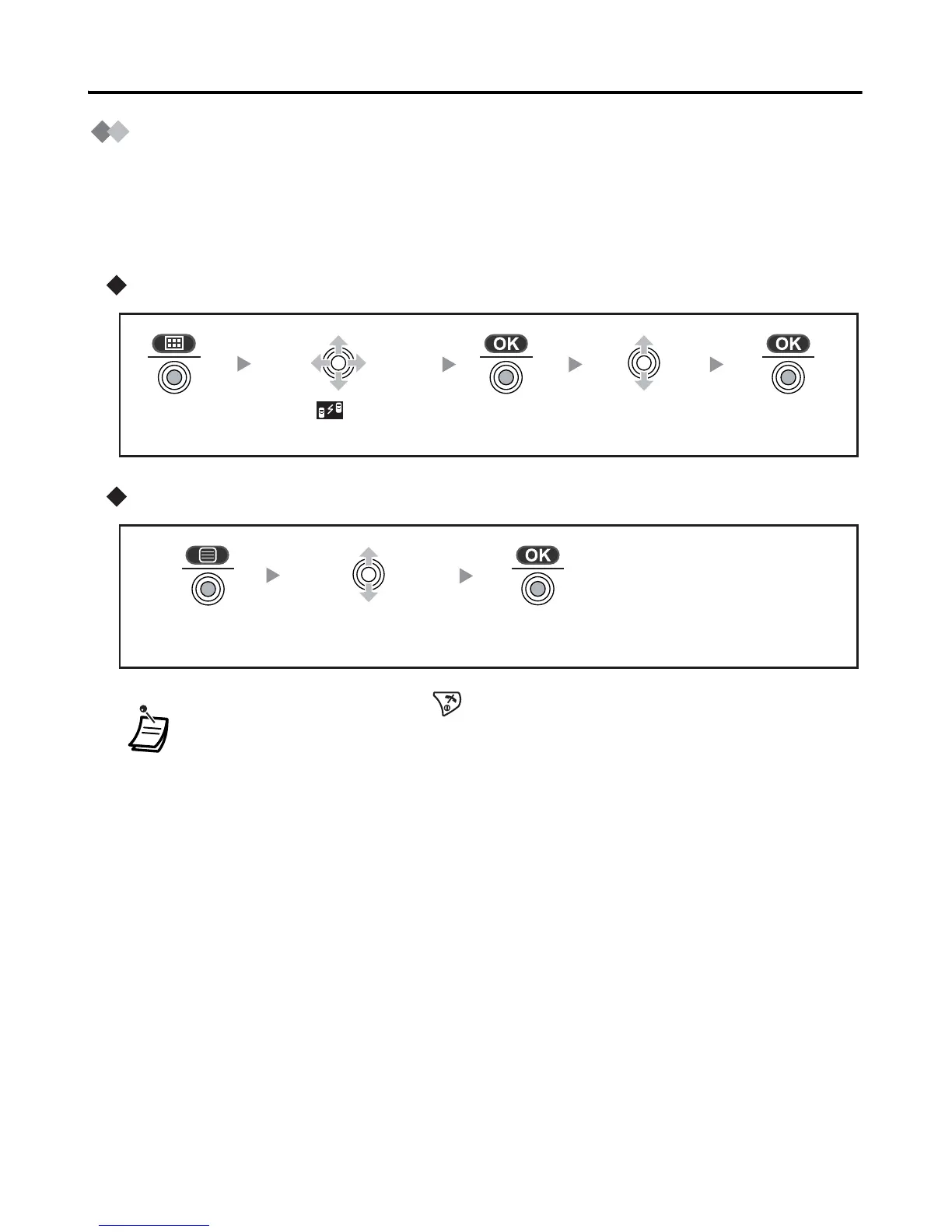
Turning the Walkie-Talkie mode on
Turning the Walkie-Talkie mode off
• To exit the operation, press any time.
• When the Walkie-Talkie mode is ON, the handset number is displayed followed
by “Walkie-Talkie”.
Press the
joystick.
Press the
joystick.
Select “ Walkie-
Talkie”.
Select “On”.Press the
joystick.
Press the
joystick.
Press the
joystick.
Select “Off”.










 To Next Page