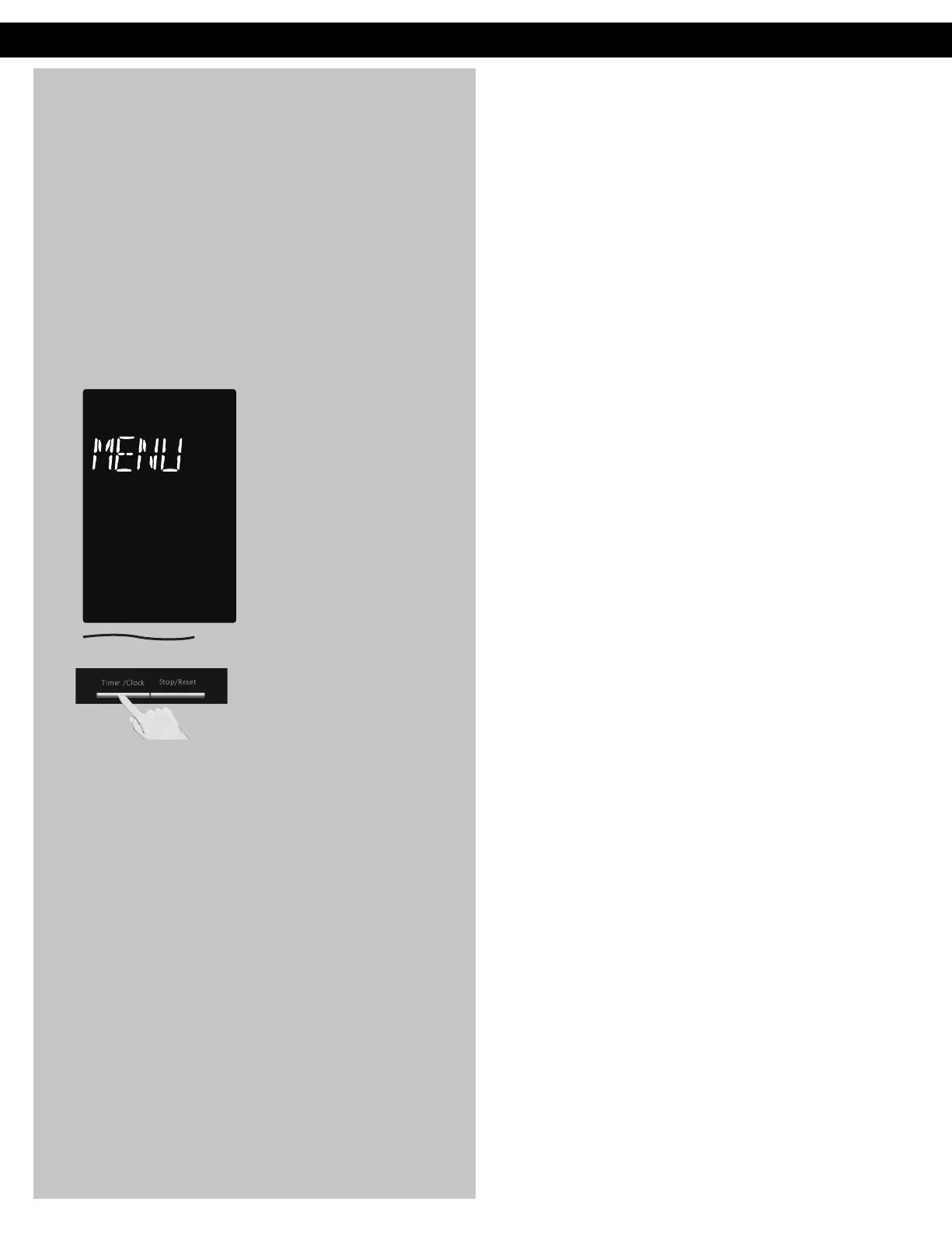
Menu Action ON/OFF
To turn ON/OFF:
This feature helps you to
program your oven by
prompting the next step to
be taken. When you become
familiar with your oven, the
prompt can be turned off. This
feature can be selected when
colon or clock appears in the
display window.
Press Timer/Clock 4 times to
turn Menu Action ON/OFF.
The default setting is Menu
Action ON.
NOTES:
This function only can be
operated when word prompt
turns on.
Operation (continued)
F0003CD60AP_EN_0303.indd 16 2020/3/3 9:58:12








 To Next Page