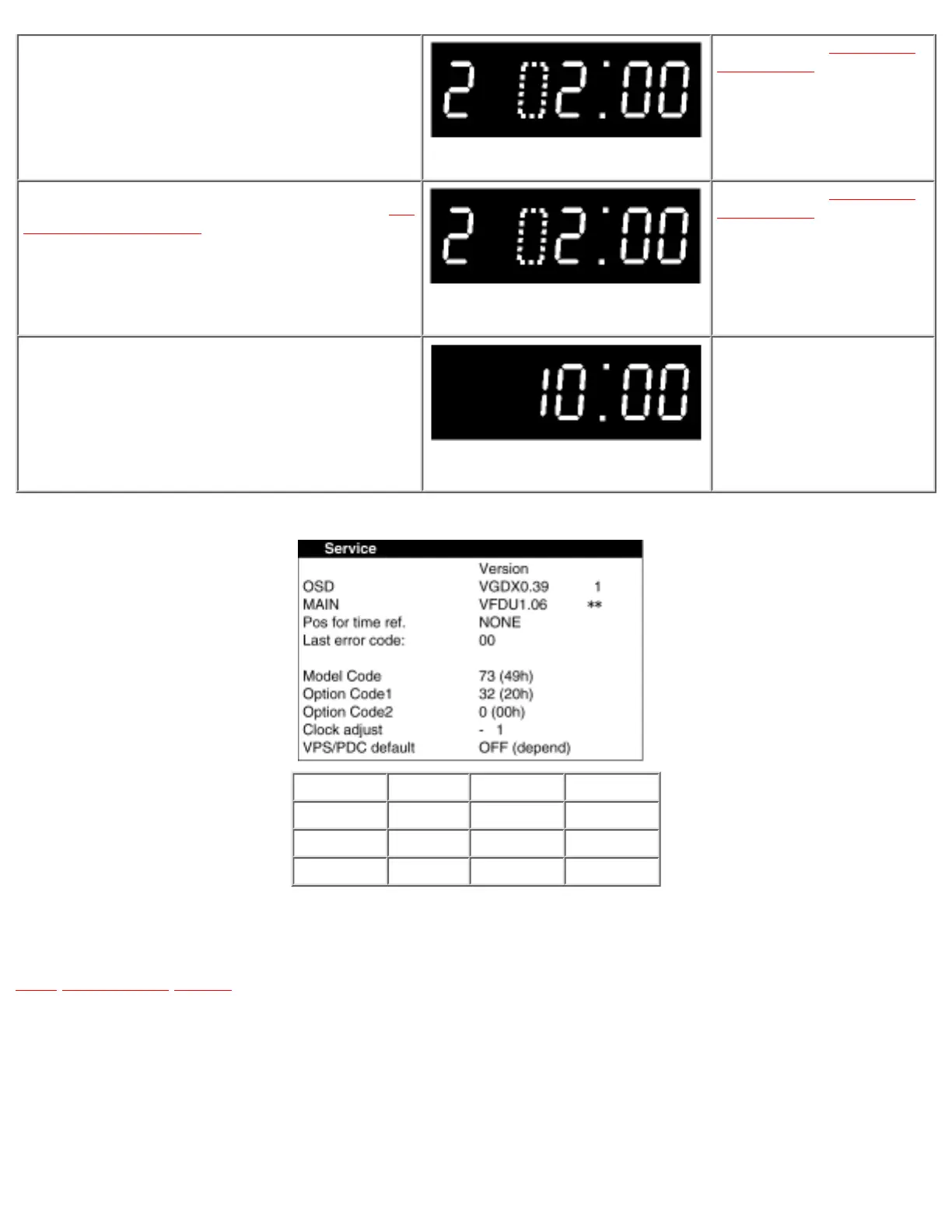
Press the POWER key.
(Colon starts flashing)
Service Screen (See Fig.S1 Service
Secreen (sample) )
Set the Model Code and Option Code by pressing 10-key or [RIGHT]
[LEFT] [UP] [DOWN] keys on the Remote Controller Unit. (See Fig.
S2 Model Code & Option Code )
Service Screen (See Fig.S1 Service
Secreen (sample) )
To release Service Mode, press the POWER key and then press the
FF and EJECT keys simultaneously 6 times until the normal
indication on the FIP.
None
Fig.S1 Service Secreen (sample)
Model No. Model Code Option Code 1 Option Code 2
NV-SD440EG 65 8 64
NV-SD440B 73 32 64
NV-SD440BL 77 32 64
Fig. S2 Model Code& Option Code
•@
TOP PREVIOUS NEXT





 To Next Page