PAN9026 Wi-Fi/Bluetooth Module 4 Basic Usage
Quick Start Guide Rev. 1.2 Page 11 of 34
4.2 Connecting to the Access Point
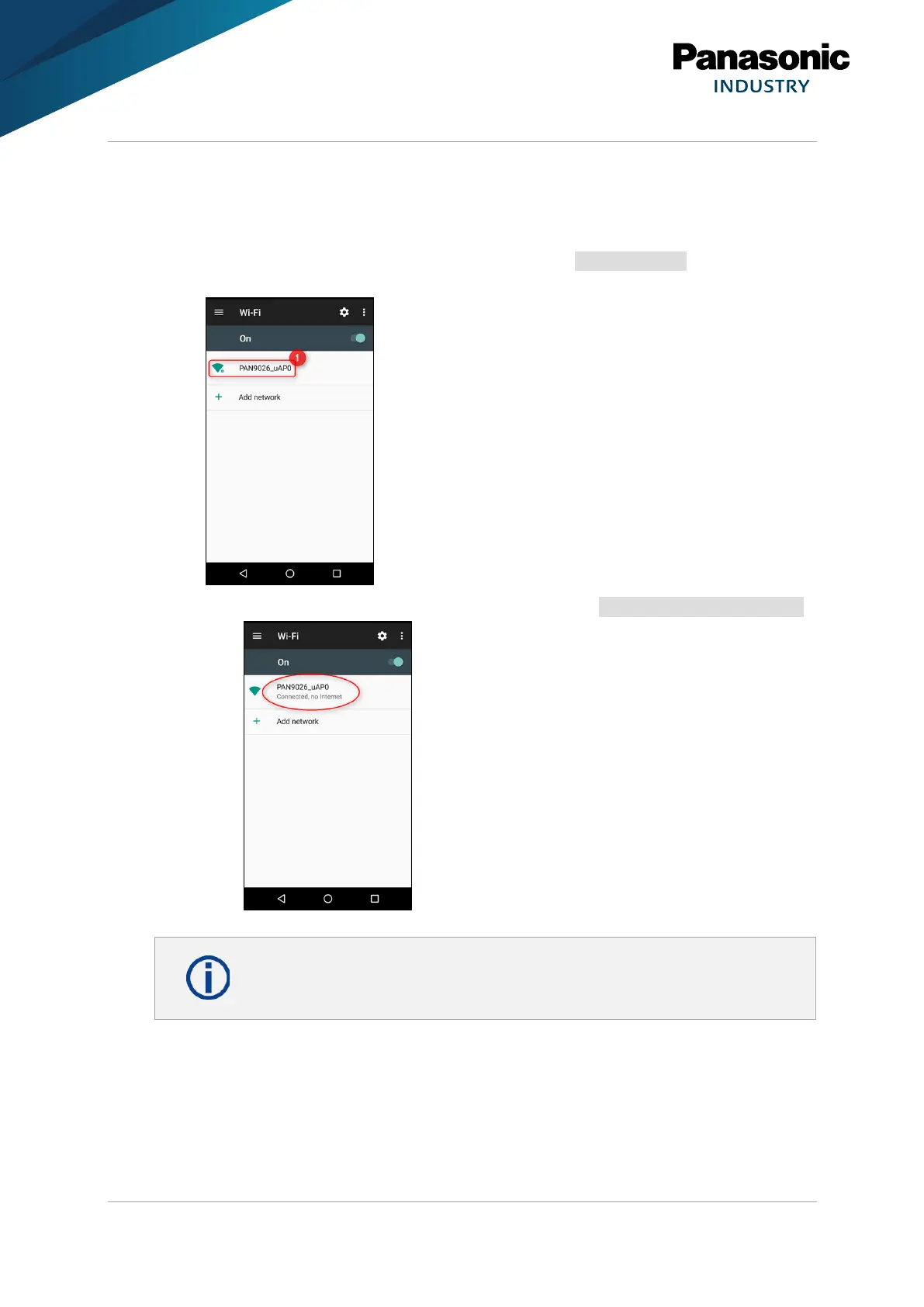
1. Navigate to the Wi-Fi configuration settings of the device and enable Wi-Fi.
2. Press PAN9026_uAP0 to connect to this access point.
The access point provided by the PAN9026 is named PAN9026_uAP0 and will be
founded automatically.
➔ The connection will be established and is shown as Connected, no Internet.
At this point it is possible to access the PAN9026, but not to use any features
that required internet access.















 To Next Page