PAN9026 Wi-Fi/Bluetooth Module 5 Full Usage
Quick Start Guide Rev. 1.2 Page 23 of 34
2. Select an appropriate entry in the list of Wi-Fi networks to establish a connection (2).
➔ The result of any network operation will be shown in a pop-up message in the
upper right corner.
When the Wi-Fi settings are manipulated both through the web interface and
the Network Manager applet, the state displayed on either side may be
incorrect.
It may be necessary to reload the page on the web.
5.5 Accessing Network
The following requirement must be met:
✓ Wi-Fi is configured 5.4 Configuring Wi-Fi.
After a connection to a network has been established, any network application may be used.
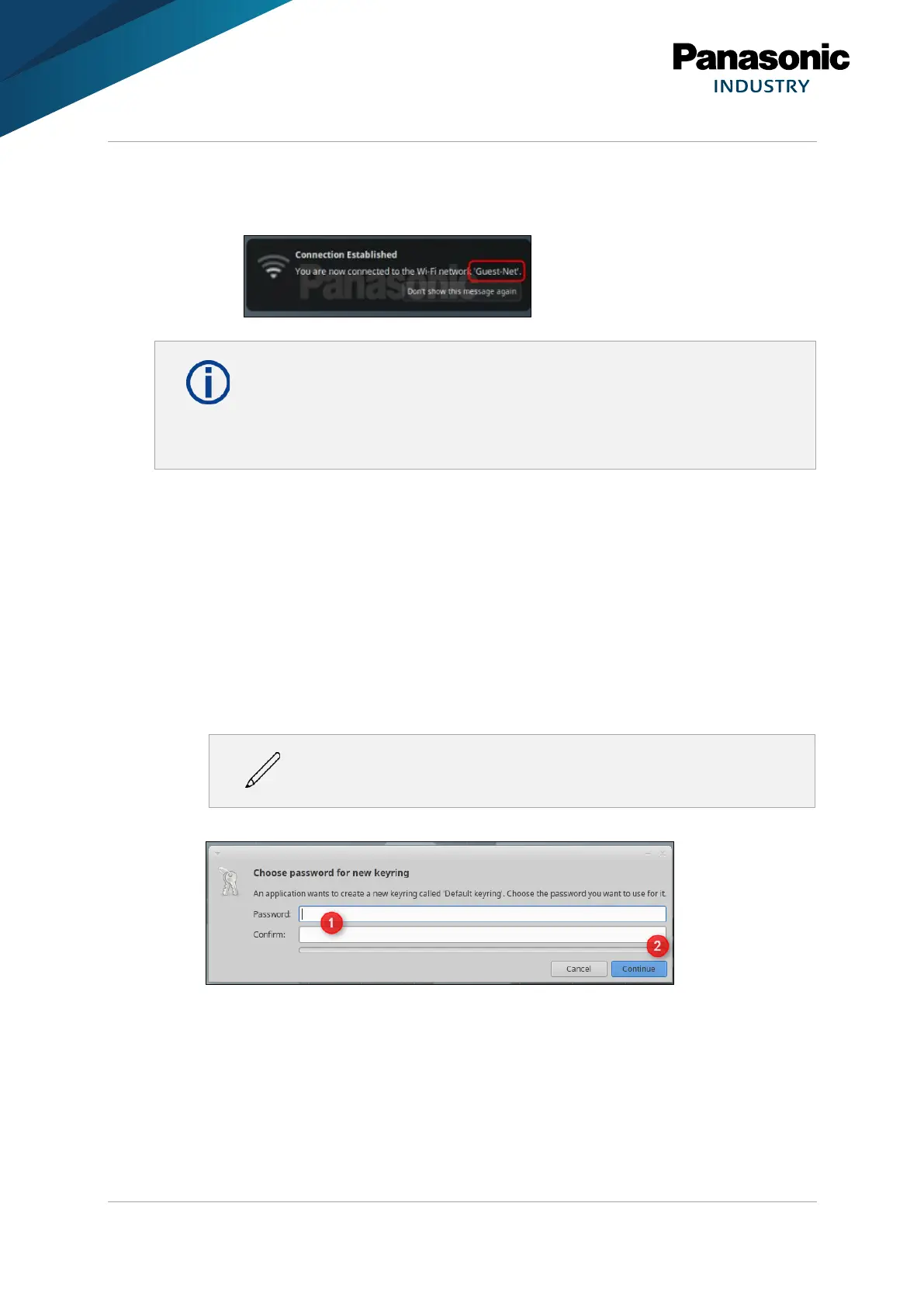
1. Create a password for the keyring. The keyring is a place where all security related
information for a user are stored.
The suggestion is to use the default password ubuntu here as well.
2. Enter a password into the field Password (1).
3. Click Continue (2).
➔ Now any web page can be accessed.















 To Next Page