PAN9026 Wi-Fi/Bluetooth Module 4 Basic Usage
Quick Start Guide Rev. 1.2 Page 15 of 34
Measuring RTT
1. Enable Wi-Fi and location services on the smartphone (used for the RTT measurement).
2. Open the application WifiRttScan.
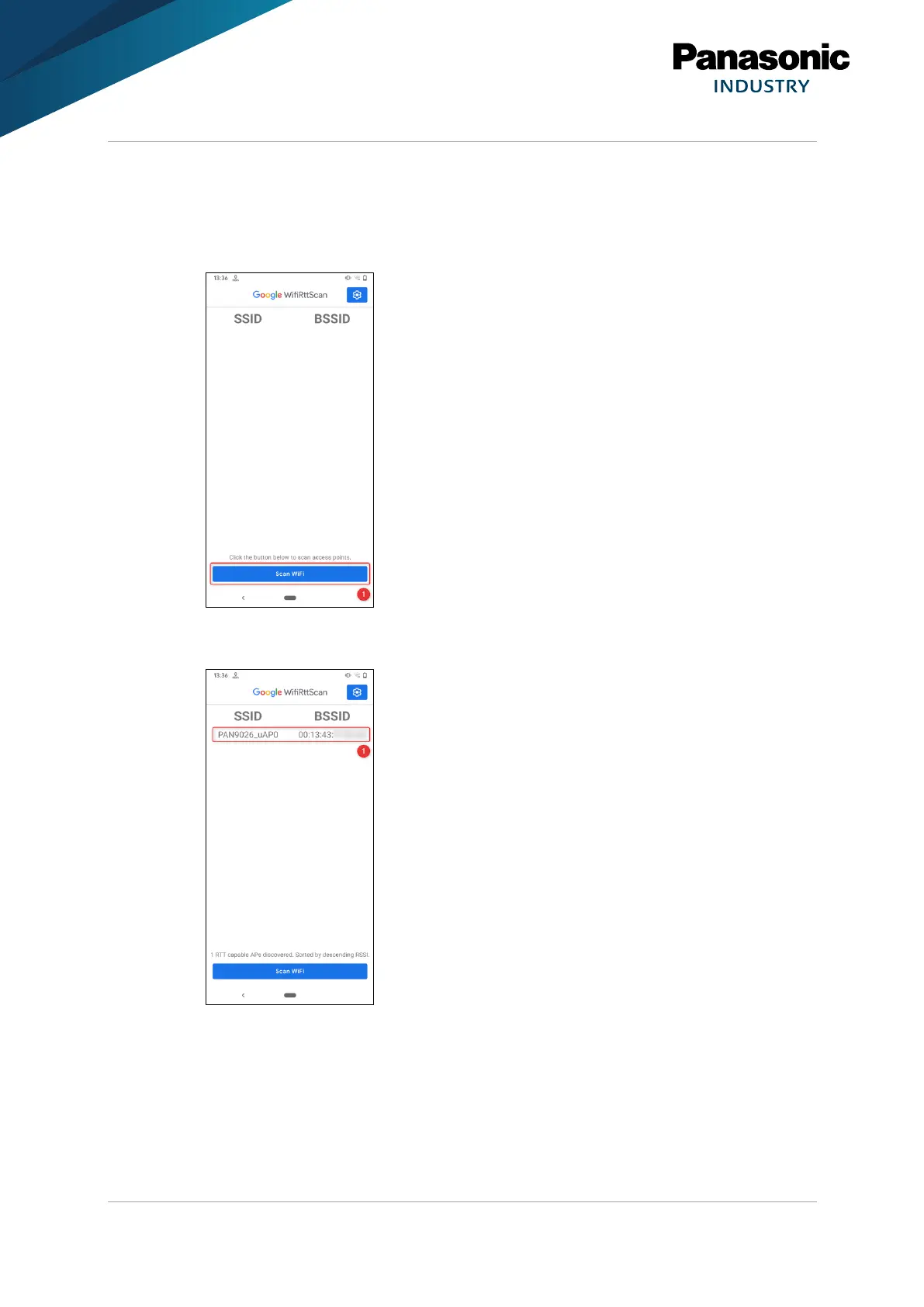
3. Press Scan WiFi (1).
➔ The application will scan for all access points supporting FTM and list them.
4. Select the access point PAN9020_uAP0 (1).















 To Next Page