PAN9026 Wi-Fi/Bluetooth Module 4 Basic Usage
Quick Start Guide Rev. 1.2 Page 18 of 34
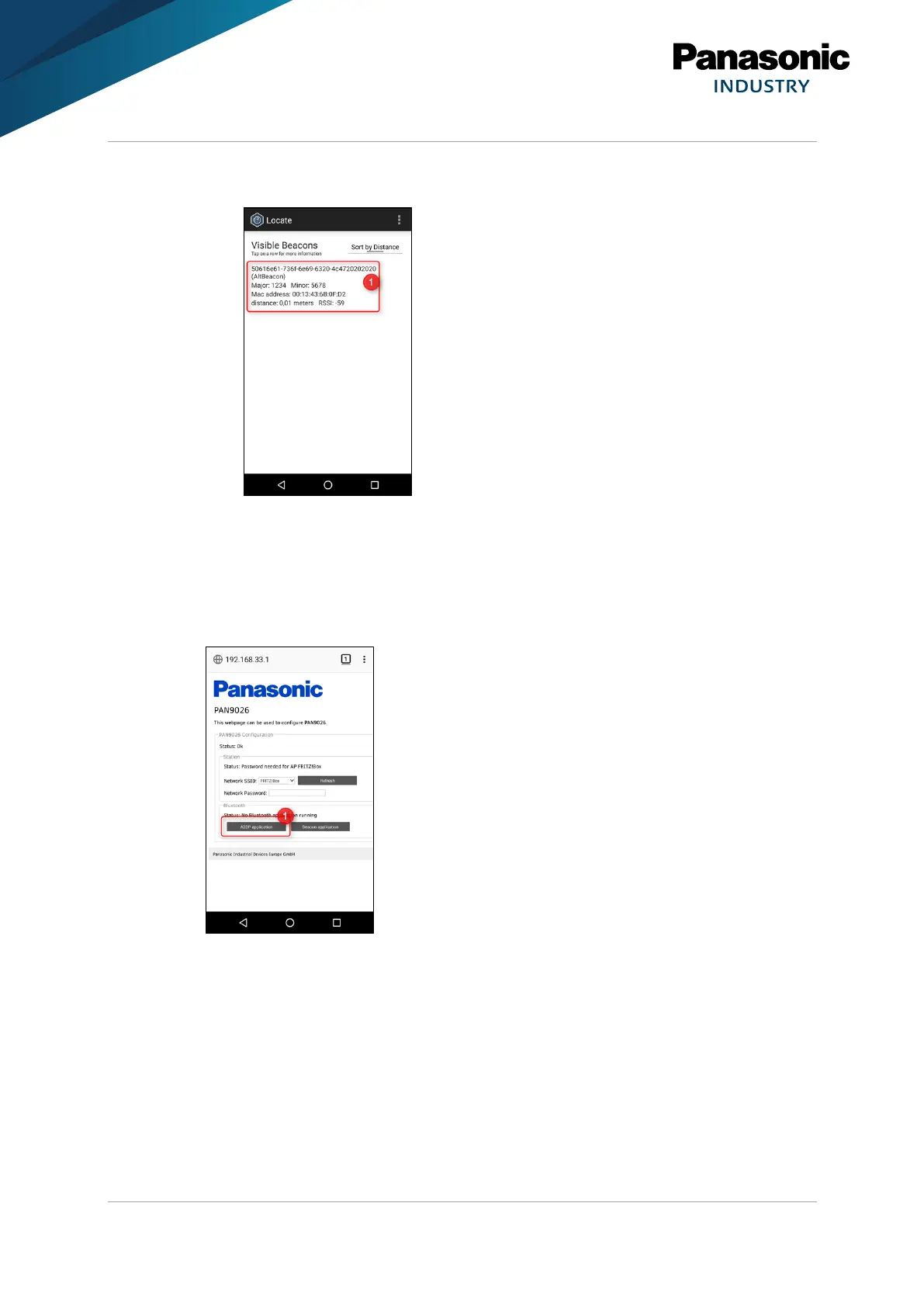
➔ In the application Locate Beacon, the PAN9026 will show up as a regular
AltBeacon (1).
4.5.2 Bluetooth Basic Rate A2DP Audio Sink
Starting A2DP
1. Press A2DP application (1) to start the Bluetooth Basic Rate A2DP audio sink
application.
➔ The device will be available as an A2DP audio sink.
2. Navigate to the Bluetooth settings of the device and enable Bluetooth.















 To Next Page