PAN9026 Wi-Fi/Bluetooth Module 5 Full Usage
Quick Start Guide Rev. 1.2 Page 25 of 34
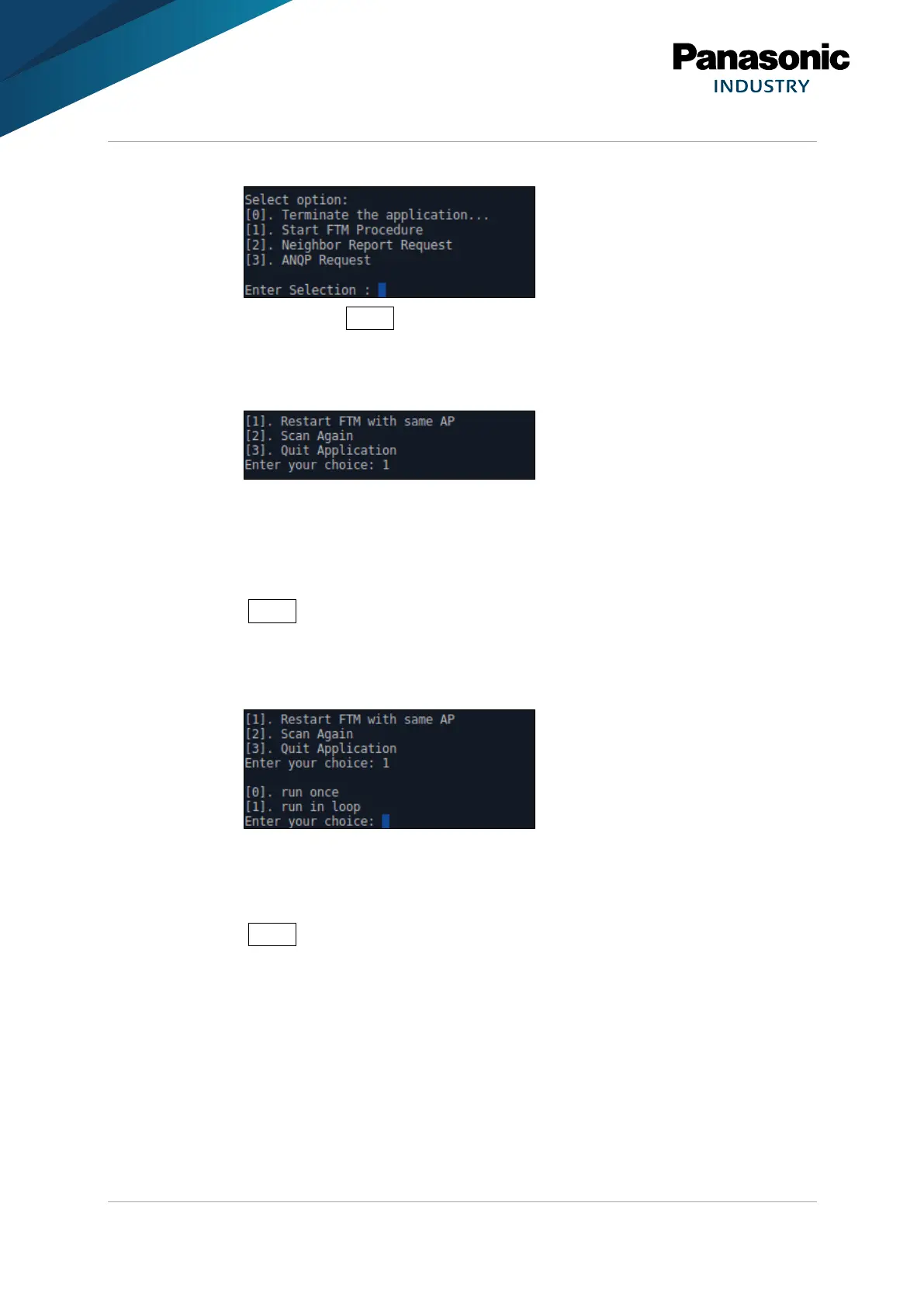
➔ The application displays four options.
3. Type in 1 and press Enter to make a RTT measurement with the selected access
point.
➔ The application will be displayed the result of a single RTT measurement.
➔ At this point an action can be chosen:
4. Type in
– 1 to restart the measurement,
– 2 to scan for other access points,
– 3 to quit the application.
5. Press Enter to confirm.
If 1 (“Restart FTM with same AP“) was chosen:
➔ The application displays two more options:
6. Type in
– 0 to take another single measurement,
– 1 to let it run in a loop.
7. Press Enter to confirm.















 To Next Page