EasyManua.ls Logo

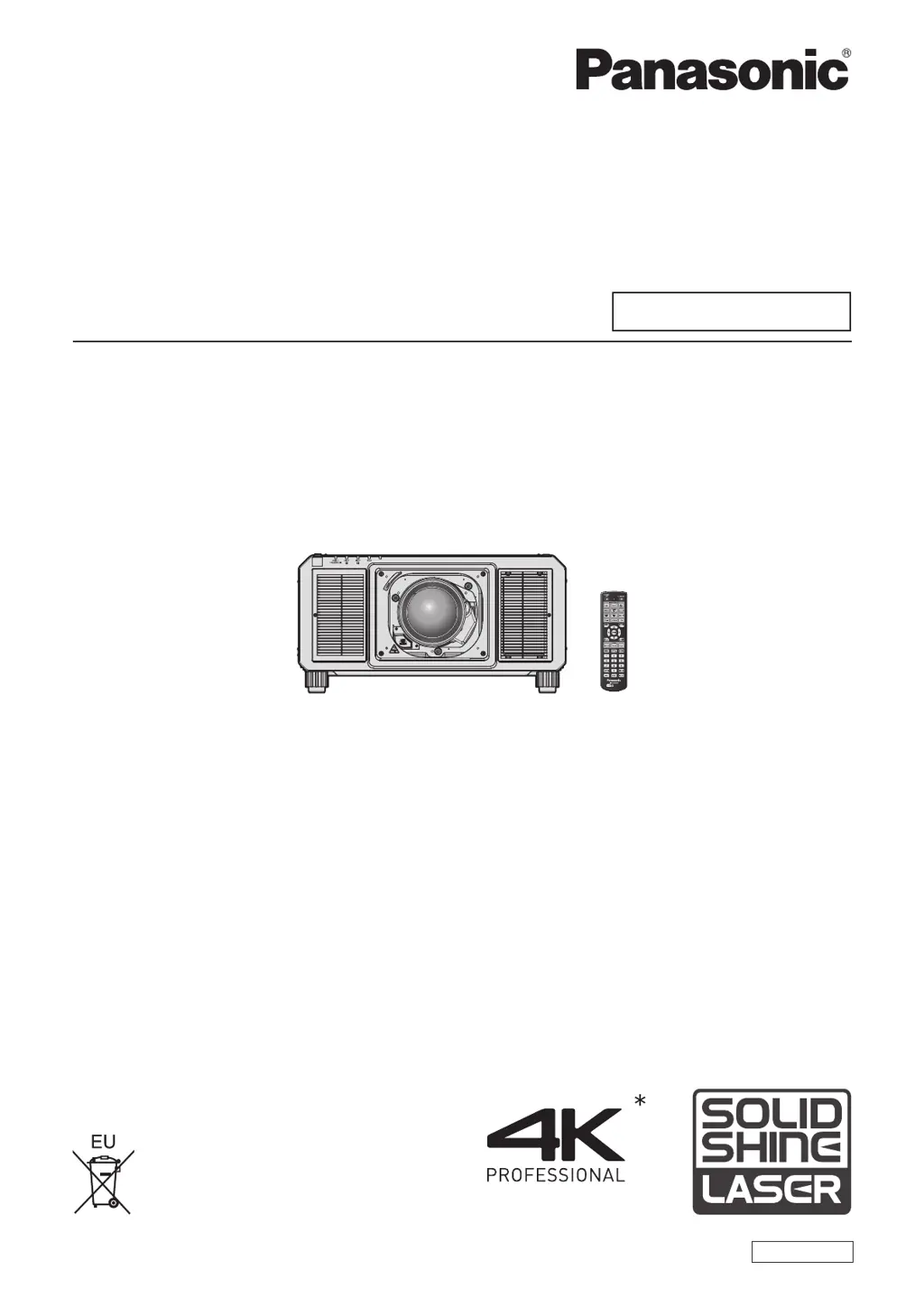
Panasonic PT-RQ22KD - User Manual

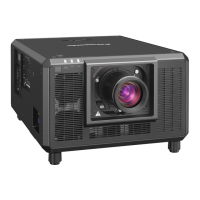
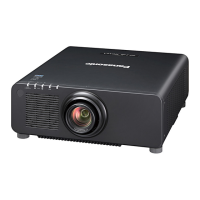
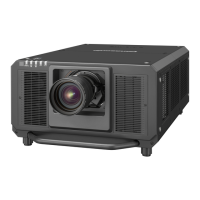
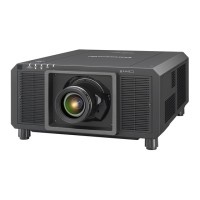
Panasonic PT-RQ22KD
288 pages
Print Icon
To Next Page IconTo Next Page
Loading...
Thank you for purchasing this Panasonic product.
This manual is common to all the models.
z
for India
PT-RQ22KD
z
for other countries or regions
PT-RQ22K
Before operating this product, please read the instructions carefully and save this manual
for future use.
Before using this product, be sure to read “Read this rst!” (
x
pages 5 to 16).
DPQP1221ZA/X1
DLP™ Projector
Commercial Use
Operating Instructions
Functional Manual
ENGLISH
Model No.
PT-RQ22K
The projection lens is sold separately.
* Resolution is 5 120 x 3 200 dots
(QUAD PIXEL DRIVE: ON)

Table of Contents

Questions and Answers

  • K
    Kristina ReyesAug 17, 2025
    How to troubleshoot a Panasonic PT-RQ22KD Projector that does not turn on?
    • J
      Jessica KnightAug 17, 2025
      First, ensure the power plug is firmly inserted into the outlet. Check if the switch is set to . Verify that the wall outlet is supplying electricity and that the circuit breakers haven't tripped. Also, check if the light source indicators / or the temperature indicator are lighting up or blinking.
  • B
    Barry FoxAug 20, 2025
    Why is my Panasonic PT-RQ22KD Projector remote control not responding?
    • N
      nathan70Aug 20, 2025
      If the remote control for your Panasonic Projector isn't responding, first check if the batteries are depleted and ensure their polarity is correct. Verify that the button on the remote is not enabled, and that there are no obstructions between the remote and the projector's signal receiver. Ensure the remote is within its effective range and that other light sources aren't interfering. Check if the [REMOTE CONTROL] setting in [CONTROL DEVICE SETUP] is set to [DISABLE], and verify if the terminal is being used for contact control. Finally, confirm the ID number setting operation is correct.
  • S
    steve02Aug 22, 2025
    What to do if no image appears on my Panasonic PT-RQ22KD?
    • J
      Jeremy HumphreyAug 22, 2025
      If no image appears on your Panasonic Projector, start by checking if all connections to external devices are correctly performed and if the correct image input is selected. Ensure the [BRIGHTNESS] adjustment isn't at its minimum. Verify that the external device connected to the projector is working properly and that the shutter function isn't in use. Confirm the projection lens is correctly attached and that the lens cover has been removed. If the power indicator is blinking red, consult your dealer.
  • D
    Danielle ParkerAug 25, 2025
    Why image from HDMI device does not appear on my Panasonic Projector?
    • A
      April CooperAug 26, 2025
      If the image from an HDMI device is not appearing or is disrupted on your Panasonic Projector, first ensure the HDMI cable is securely connected. Try turning the power of both the projector and the external device off and on. Also, make sure that the input signal is compatible with the projector.
  • L
    Lori JohnsonAug 28, 2025
    How to fix a fuzzy image on a Panasonic PT-RQ22KD Projector?
    • A
      Ariel ObrienAug 28, 2025
      If the image on your Panasonic Projector is fuzzy, check if the lens focus is set correctly and if the projection distance is appropriate. Also, verify if the lens is dirty and ensure the projector is installed perpendicular to the screen.
  • X
    Xavier GayAug 30, 2025
    Why is the Panasonic Projector image not displaying correctly?
    • J
      Joseph HammondAug 30, 2025
      If the image on your Panasonic Projector is not displaying correctly, ensure the [SYSTEM SELECTOR] is set correctly. Check the external device outputting images for any issues. Verify that the input signal is compatible with the projector. Also, confirm that the settings for [SDI IN], [DIGITAL LINK IN], and [SLOT IN] are correctly configured.
  • R
    Robin CollinsSep 2, 2025
    Why image from computer does not appear on Panasonic PT-RQ22KD?
    • J
      jenniferjacksonSep 2, 2025
      If the image from a computer is not appearing on your Panasonic Projector, check if the cable is too long. Also, ensure that the external video output on the laptop is set correctly.
  • A
    Angela HensonSep 5, 2025
    Why don't the buttons on my Panasonic PT-RQ22KD control panel work?
    • A
      amywatsonSep 5, 2025
      If the buttons on the control panel of your Panasonic Projector do not operate, check if the [CONTROL PANEL] setting in [CONTROL DEVICE SETUP] is set to [DISABLE]. Also, verify if the terminal is being used for contact control.
  • A
    Aaron OrtizSep 7, 2025
    What to do if the image from DVI-D of the computer does not appear on my Panasonic PT-RQ22KD?
    • A
      Antonio HendrixSep 7, 2025
      If the image output from the DVI-D port of your computer does not appear on the Panasonic Projector, check if [DVI-D LINK] in [SLOT IN] is set correctly. If it's set to [AUTO], try changing it to something other than [AUTO]. Also, verify if the [EDID SELECT] setting in [SLOT IN] is set to [EDID3] or [EDID2:PC]. You may also need to update the graphics accelerator driver of your computer to the latest version. Additionally, try setting [EDID SELECT] in [SLOT IN] and then restarting the computer.
  • A
    Alexandra SinghSep 12, 2025
    Why does the Panasonic PT-RQ22KD Projector display pale colors?
    • J
      Julie BrightSep 12, 2025
      If the color on your Panasonic Projector appears pale or grayish, ensure that the [COLOR] and [TINT] settings are correctly adjusted. Also, verify that the external device connected to the projector is properly adjusted.

Panasonic PT-RQ22KD Specifications

General IconGeneral
Contrast Ratio20, 000:1
Display Technology3-Chip DLP
TechnologyDLP
Light SourceLaser
Light Source Life20, 000 hours
Brightness20, 000 lumens
Weight231.5 lb
Dimensions (W x H x D)500 x 150 x 500 mm
Lens ShiftHorizontal: ±30%
Input TerminalsHDMI, DVI-D, 3G-SDI
Output Terminals3G-SDI
Control TerminalsRS-232C, LAN
Operating Temperature0°C to 45°C (32°F to 113°F)

Related product manuals