EasyManua.ls Logo

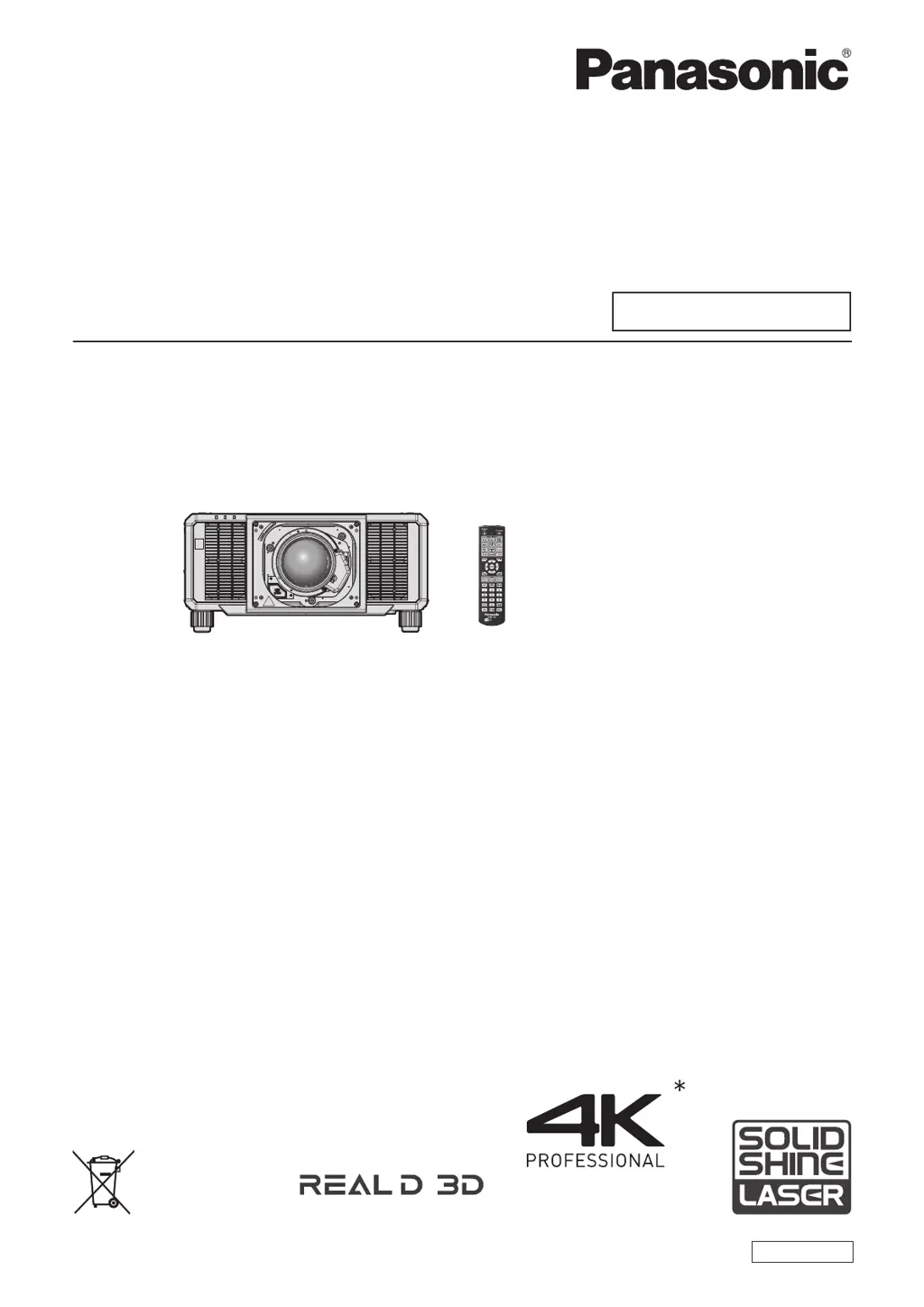
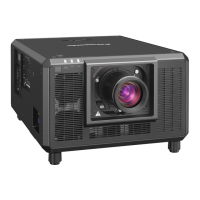
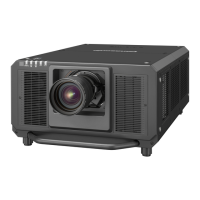
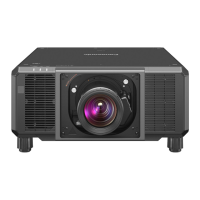
Panasonic PT-RQ25K Series - User Manual

Panasonic PT-RQ25K Series
345 pages
Print Icon
To Next Page IconTo Next Page
Loading...
Thank you for purchasing this Panasonic product.
This manual is common to all the models.
z
for USA, Canada, Mexico, Brazil, Korea, Taiwan
PT-RQ25K, PT-RQ18K, PT-RZ24K, PT-RZ17K
z
for EU, EFTA, UK, Turkey
PT-RQ25K
EJ,
PT-RQ18K
EJ,
PT-RZ24K
EJ,
PT-RZ17K
EJ
z
for India
PT-RQ25K
D
, PT-RQ18K
D
, PT-RZ24K
D
, PT-RZ17K
D
z
for other countries or regions with power cord for 100 V - 120 V
PT-RQ25K
X
, PT-RQ18KX, PT-RZ24KX, PT-RZ17KX
z
for other countries or regions with power cord for 200 V - 240 V
PT-RQ25K
E,
PT-RQ18K
E,
PT-RZ24K
E,
PT-RZ17K
E
Before operating this product, please read the instructions carefully and save this manual
for future use.
Before using this product, be sure to read “Read this rst!” (
x
pages 5 to 16).
DPQP1406ZA/X1
DLP™ Projector
Commercial Use
Operating Instructions
Functional Manual
ENGLISH
Model No.
PT-RQ25K
PT-RQ18K
PT-RZ24K
PT-RZ17K
The projection lens is sold separately.
* PT-RQ25K and PT-RQ18K only
Resolution is 3 840 x 2 400 dots
(QUAD PIXEL DRIVE: ON)
PT-RZ24K and PT-RZ17K only

Table of Contents

Questions and Answers

  • B
    Barry FloresAug 18, 2025
    Why is my Panasonic PT-RQ25K remote control not working?
    • K
      Kimberly PatrickAug 19, 2025
      Check if the batteries in the remote are depleted or if the polarity is set incorrectly. Ensure that the button operation isn't disabled by the lock button and that there are no obstructions between the remote and the projector. Verify that the remote is within its effective range and that other light sources aren't interfering. Also, check if the remote control setting in the control device setup is disabled, if the terminal is used for contact control, and if the ID number setting operation is correct.
  • N
    Nicholas ObrienAug 21, 2025
    How to fix Panasonic Projector when power does not turn on?
    • K
      Katherine RossAug 21, 2025
      First, ensure that the power plug is firmly inserted into the outlet. Check if the main power switch is set to off. Verify that the wall outlet is supplying electricity and that the circuit breakers haven't tripped. Finally, check if the light source or temperature indicator is lighting up or blinking.
  • T
    Tommy MorrisAug 23, 2025
    What to do if image from HDMI compatible device does not appear on Panasonic PT-RQ25K Projector?
    • J
      jennifermcgeeAug 23, 2025
      Ensure that the HDMI cable is securely connected. If the issue persists, try turning the power of both the projector and the external device off and on. It's also possible that the input signal is not compatible with the projector.
  • J
    Joy RhodesAug 26, 2025
    Why does my Panasonic Projector show no image?
    • A
      abigailevansAug 26, 2025
      Verify that the connections to external devices are correctly performed and that the correct image input is selected. Make sure the brightness adjustment isn't at its minimum. Check if the external device connected to the projector is working properly and if the shutter function is in use. Also, ensure that the projection lens is attached correctly and that the lens cover is removed.
  • C
    Christopher LaraAug 28, 2025
    How to troubleshoot Panasonic PT-RQ25K Projector image output from DisplayPort?
    • S
      Sharon JamesAug 28, 2025
      If you're connecting the projector to a computer with an early-type chipset or graphics card, it might not operate correctly. Try updating the graphics accelerator driver to the latest version. You can also try turning the power of both the projector and the external device off and on. Finally, ensure that a compatible signal is being input to the projector.
  • M
    mpayneAug 30, 2025
    What causes Panasonic PT-RQ25K Projector image to not display correctly?
    • S
      Shelby JordanAug 30, 2025
      Check whether the system selector is set correctly. Ensure that the external device is outputting images properly. Verify that the input signal is compatible with the projector. Confirm that the settings for HDMI IN, DisplayPort IN, and SLOT IN are correctly configured.
  • G
    Geoffrey WilkinsonSep 1, 2025
    Why is the image on my Panasonic PT-RQ25K Projector fuzzy?
    • R
      Robert LewisSep 2, 2025
      Ensure that the lens focus is set correctly and that the projection distance is appropriate. Check if the lens is dirty and ensure that the projector is installed perpendicular to the screen.
  • A
    alan47Sep 4, 2025
    How to resolve Panasonic Projector image from computer not appearing?
    • S
      Samuel ElliottSep 4, 2025
      Ensure the cable isn't too long. Verify that the external video output on the laptop is set correctly.
  • M
    Misty ContrerasSep 6, 2025
    Why does the menu screen not appear on my Panasonic PT-RQ25K?
    • P
      Patrick LeonardSep 6, 2025
      Check if the on-screen display function is turned off or hidden.
  • J
    jasmine98Sep 8, 2025
    Why does the Panasonic PT-RQ25K color look pale or grayish?
    • C
      Courtney AustinSep 8, 2025
      Check if the color and tint are adjusted correctly. Also, ensure that the external device connected to the projector is adjusted correctly.

Panasonic PT-RQ25K Series Specifications

General IconGeneral
Brightness25, 000 lumens
Contrast Ratio20, 000:1
Light SourceLaser
Light Source Life20, 000 hours
Control TerminalsRS-232C, LAN, USB
WeightApprox. 86 kg (189.6 lbs.) (without lens)
Lens OptionsInterchangeable lenses
ConnectivityHDMI, DVI-D, 3G-SDI
Throw RatioDepends on lens (refer to lens specifications)
Lens ShiftVertical: +/- 60%, Horizontal: +/- 30%
Input TerminalsHDMI, DVI-D, 3G-SDI
Output TerminalsSDI OUT
Operating Temperature0°C to 45°C (32°F to 113°F)

Related product manuals