VQT2M18
29
Stop:
Press
q
/
g
or
STOP
.
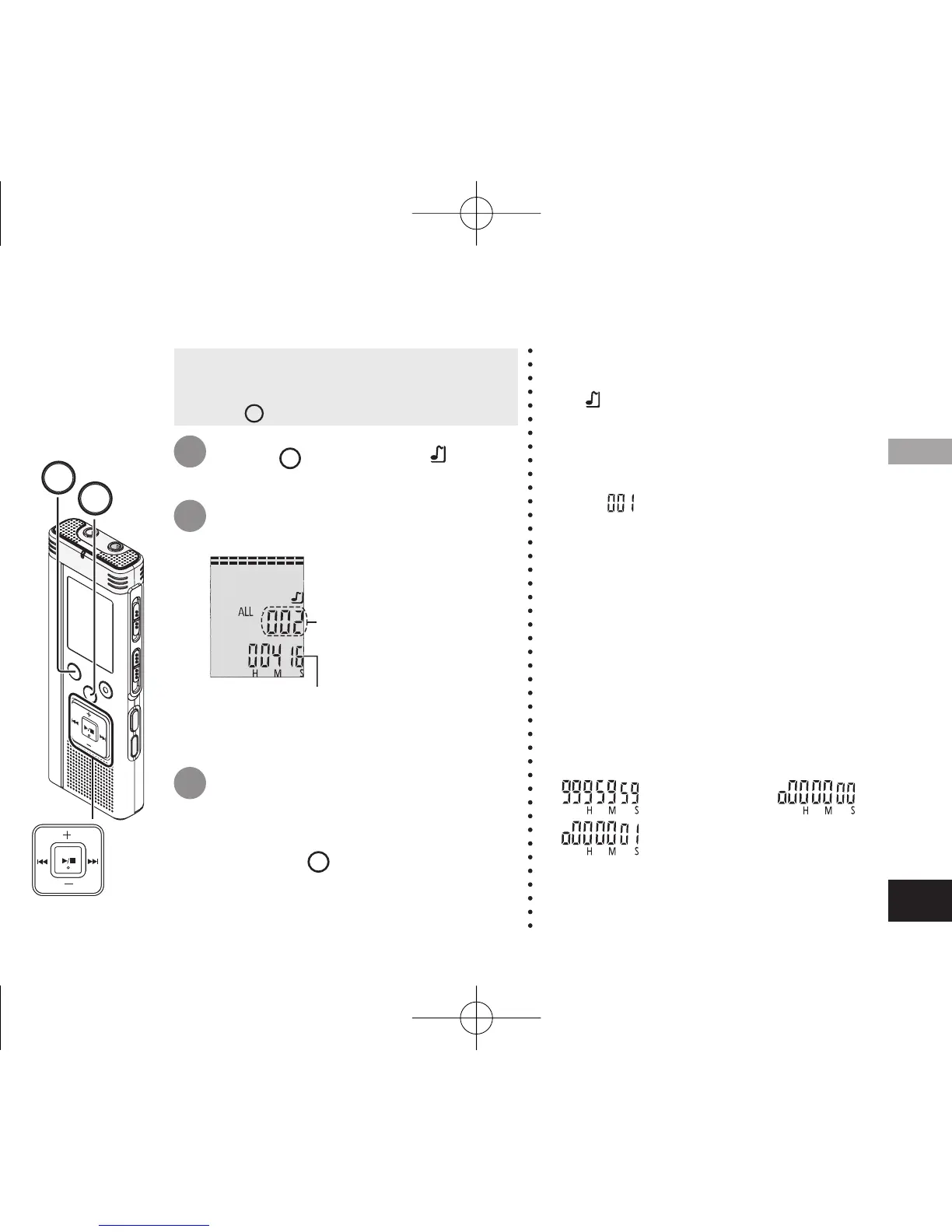
After selection, the length of the music
and the total number of files in MUSIC
folder are displayed.
Using with a computer
* See pages 10 and 11 for playback
operations.
* In “ ” folder, you can play a maximum
of 999 files. Files over 999 cannot be
played on this unit.
* The file name or folder name cannot be
displayed. Successive numbers, starting
from “
” (file number) are displayed
according to the order of playback.
* Files other than files with MP3 format,
such as WMA, AAC format files cannot
be played. (The number is not displayed
on screen.)
* Copyright-protected MP3 music files
cannot be played.
* MP3 music files with variable bit rate
may be played, but the playback
elapsed time display may differ from the
actual time.
* When the length of one music file is
1000 hours or longer, time after
“ ” is displayed as “ ”,
“ ” ... (RR-US591 only)
1
2
3
Press
FOLDER/SPEED
to select “ ”
(MUSIC folder).
Press
u
,
i
to select the
file you want to listen to.
Press
q
/
g
(Playback starts).
• Remove the USB cable (
➜
page 24).
• Turn the power on (
➜
page 6).
• Press
STOP
to stop the unit.
Listening to music on this unit (Playing MP3 music files on this unit)
File number
STOP
FOLDER/SPEED
4475AA'A'P836/AKPFF4475AA'A'P836/AKPFF ඦ೨ඦ೨















 To Next Page