EasyManua.ls Logo

Panasonic RX-ES50 - Page 17

Panasonic RX-ES50
32 pages
Print Icon
To Next Page IconTo Next Page
To Previous Page IconTo Previous Page
Loading...
After
the
recording
is
over
When
CD
play
is
finished,
the
tape
stops
simultaneously.
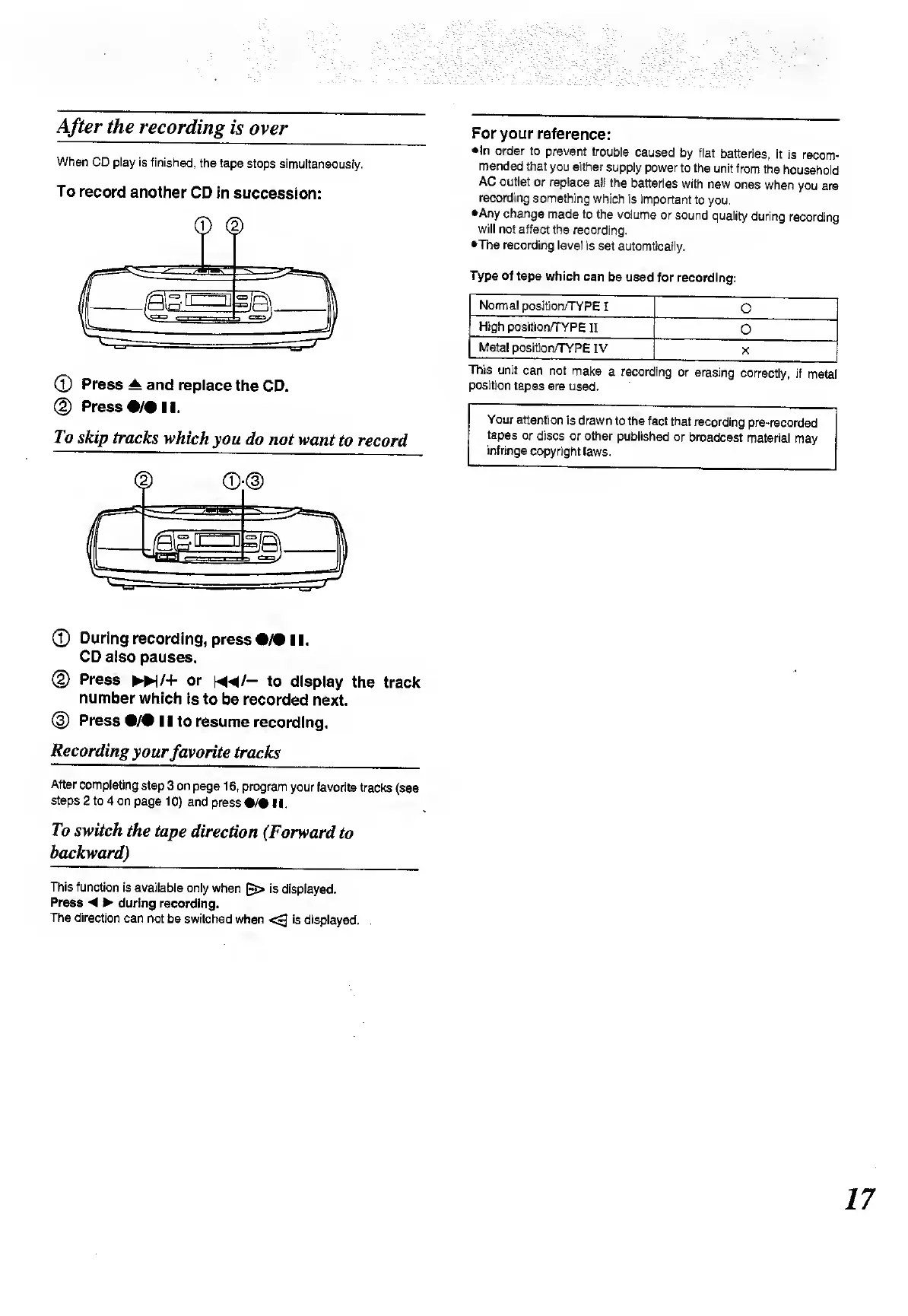
To
record
another
CD
in
succession:
©
Press
A
and
replace
the
CD.
©
Press
•/•!!.
To
skip
tracks
which
you
do
not
want
to
record
For
your
reference:
•In
order
to
prevent
trouble
caused
by
flat
batteries,
it
is
recom¬
mended
that
you
either
supply
power
to
the
unit
from
the
household
AC
outlet
or
replace
all
the
batteries
with
new
ones
when
you
are
recording
something
which
is
important
to
you.
•Any
change
made
to
the
volume
or
sound
quality
during
recording
will
not
affect
the
recording.
•The
recording
level
is
set
automticaily.
Type
of
tape
which
can
be
used
for
recording:
Normal
position/TYPE
I
O
High
position/TYPE
II
0
Metal
position/TYPE
IV
X
This
unit
can
not
make
a
recording
or
erasing
correctly,
if
metal
position
tapes
are
used.
Your
attention
is
drawn
to
the
fact
that
recording
pre-recorded
tapes
or
discs
or
other
published
or
broadcast
material
may
infringe
copyright
laws.
©
During
recording,
press
•/•
11.
CD
also
pauses.
®
Press
>!/+
or
m/-
to
display
the
track
number
which
is
to
be
recorded
next.
®
Press
•/•
11
to
resume
recording.
Recording
your
fav
orite
tracks
After
completing
step
3 on
page
16,
program
your
favorite
tracks
(see
steps
2
to
4
on
page
10)
and
press
•/•
II.
To
switch
the
tape
direction
(Forward
to
backward)
This
function
is
available
only
when
(~>
is
displayed.
Press
during
recording.
The
direction
can
not
be
switched
when
is
displayed.
17

Related product manuals