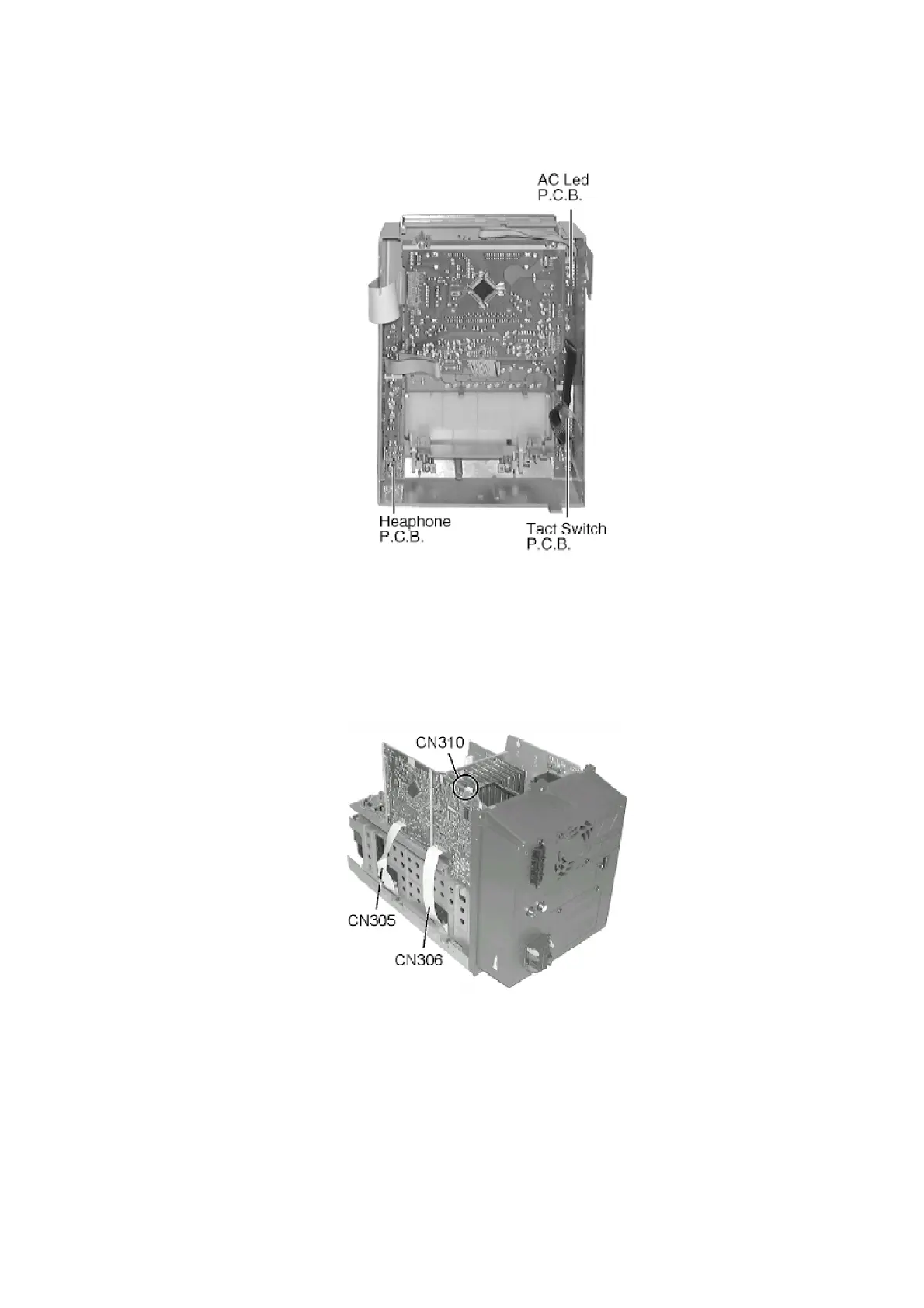
- Checking for Headphone, AC Led & Tact Switch P.C.B.
8.1.5. Checking for CD Servo P.C.B. & CD Loading P.C.B.
- Follow the (Step 1) - (Step 4) of Item 8.1.1.
- Follow the (Step 1) - (Step 2) of Item 8.1.2.
- Follow the (Step 1) - (Step 4) of Item 8.1.3.
- Follow the (Step 1) of Item 8.1.4.
Step 1 Remove FFC and connector CN310 (Fan unit).
Step 2 Remove all screws (back cabinet).
16









 To Next Page