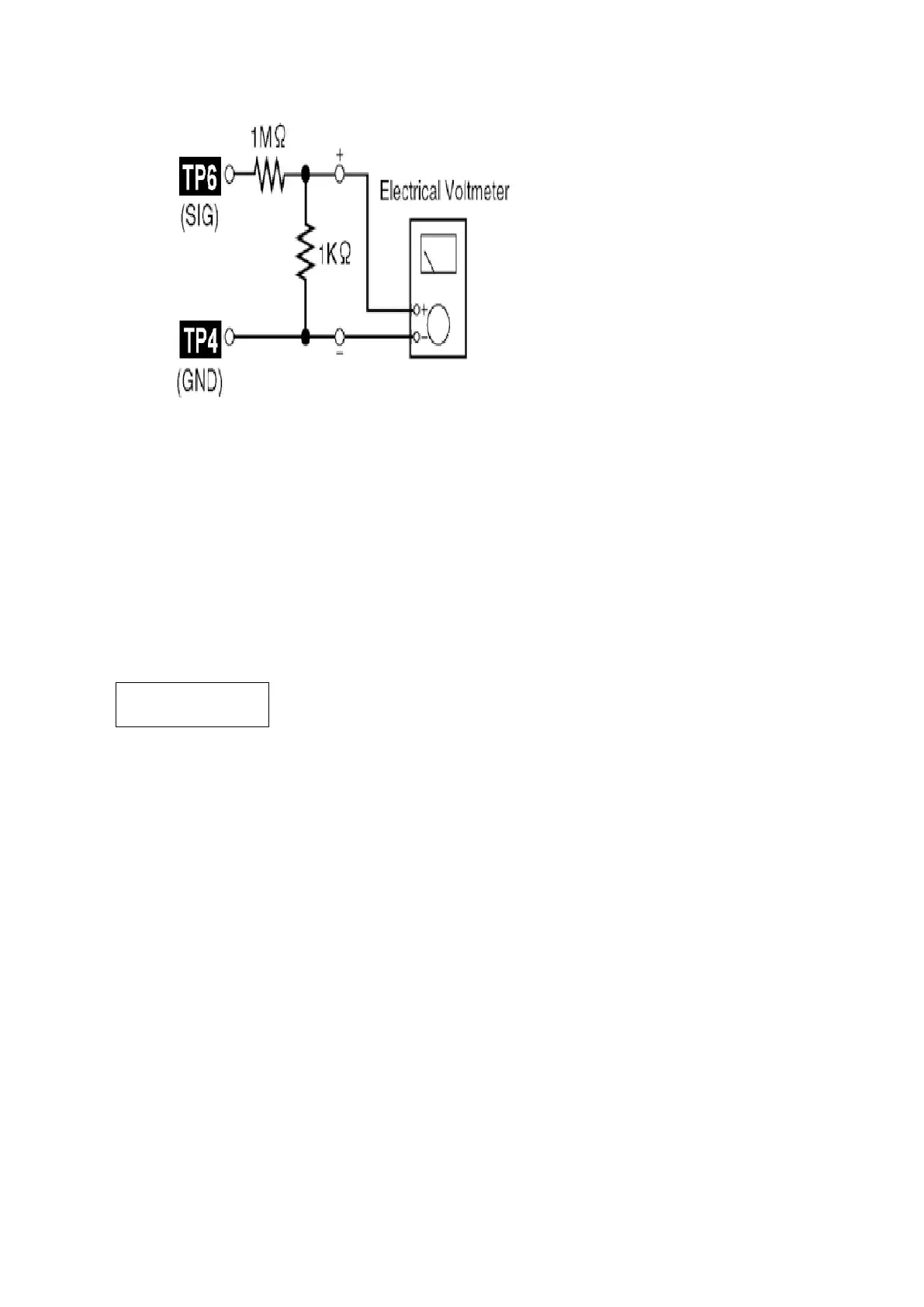
12.1.6. Bias Frequency Check
1. Connect a digital frequency counter (Fig. 13).
2. Set the function to “TAPE” position.
3. Insert a normal blank cassette tape (QZZCRA) and press “REC” mode
on main unit.
4. Check that the output frequency is within the standard range.
Standard Value: 98
±8 kHz
Fig. 13
13. Voltage Measurement & Waveform Chart
119












 To Next Page