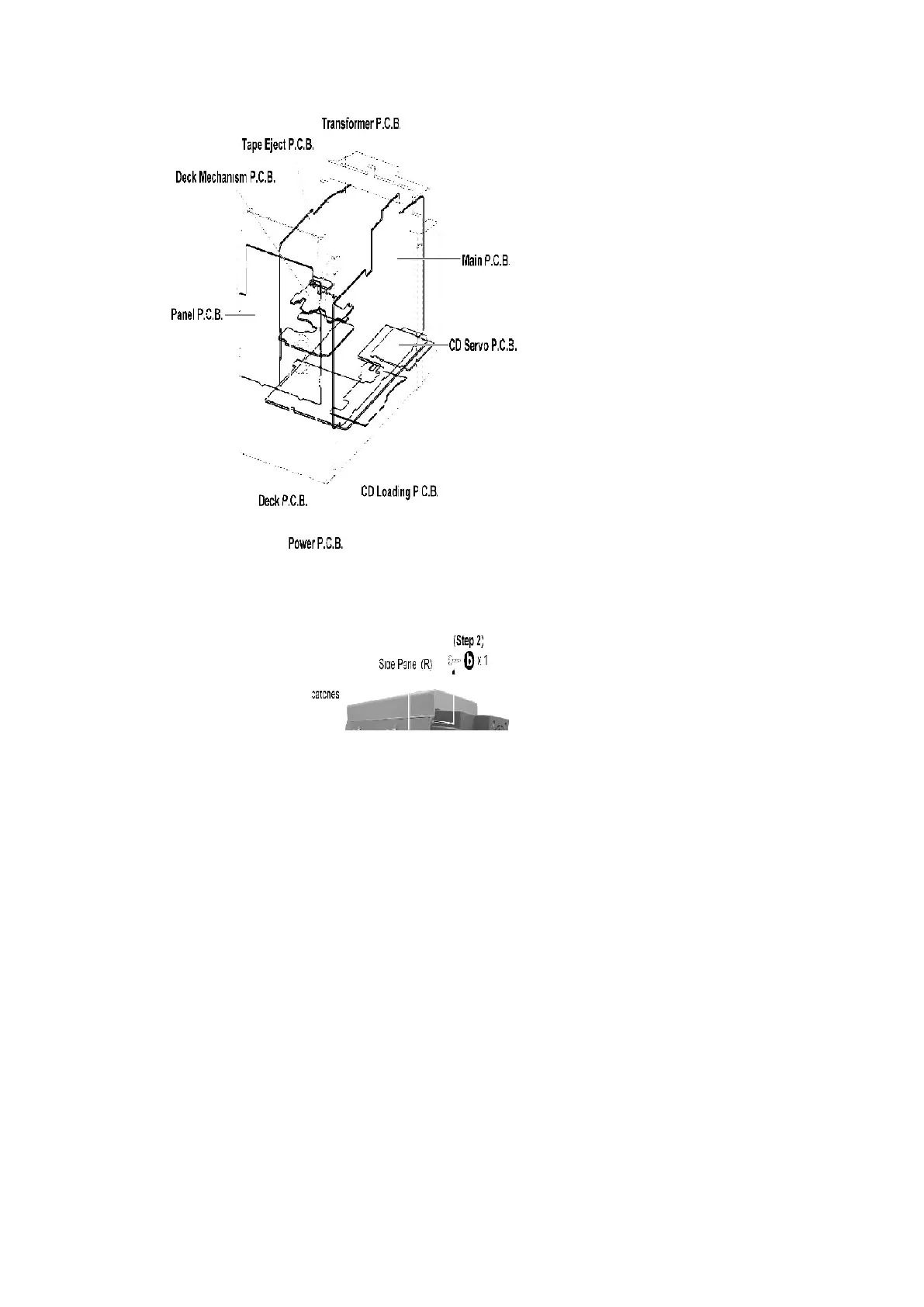
9.4. Disassembly of Side Panel L & R
- Disassembly of Side Panel (R)
Step 1 : Remove 5 screws from the side panel (R).
Step 2 : Remove 1 screw from the corner of the side panel (R).
Step 3 : Remove the side panel as arrow shown (Be careful of the catches).
- Disassembly of Side Panel (L)
34












 To Next Page