87
VQT1P61
With a computer
To verify if this unit is correctly
recognised by the computer, turn on this
units power and then connect the unit to
the computer with a USB cable and
follow the steps below.
≥ With some computers including those
made by NEC, the Device Manager
may not be displayed if a mode that
places restrictions on the functions has
been established. Consult the
manufacturer or follow the steps in
your computer’s operating instructions
to establish a mode in which all the
functions can be used, then proceed
with operation.
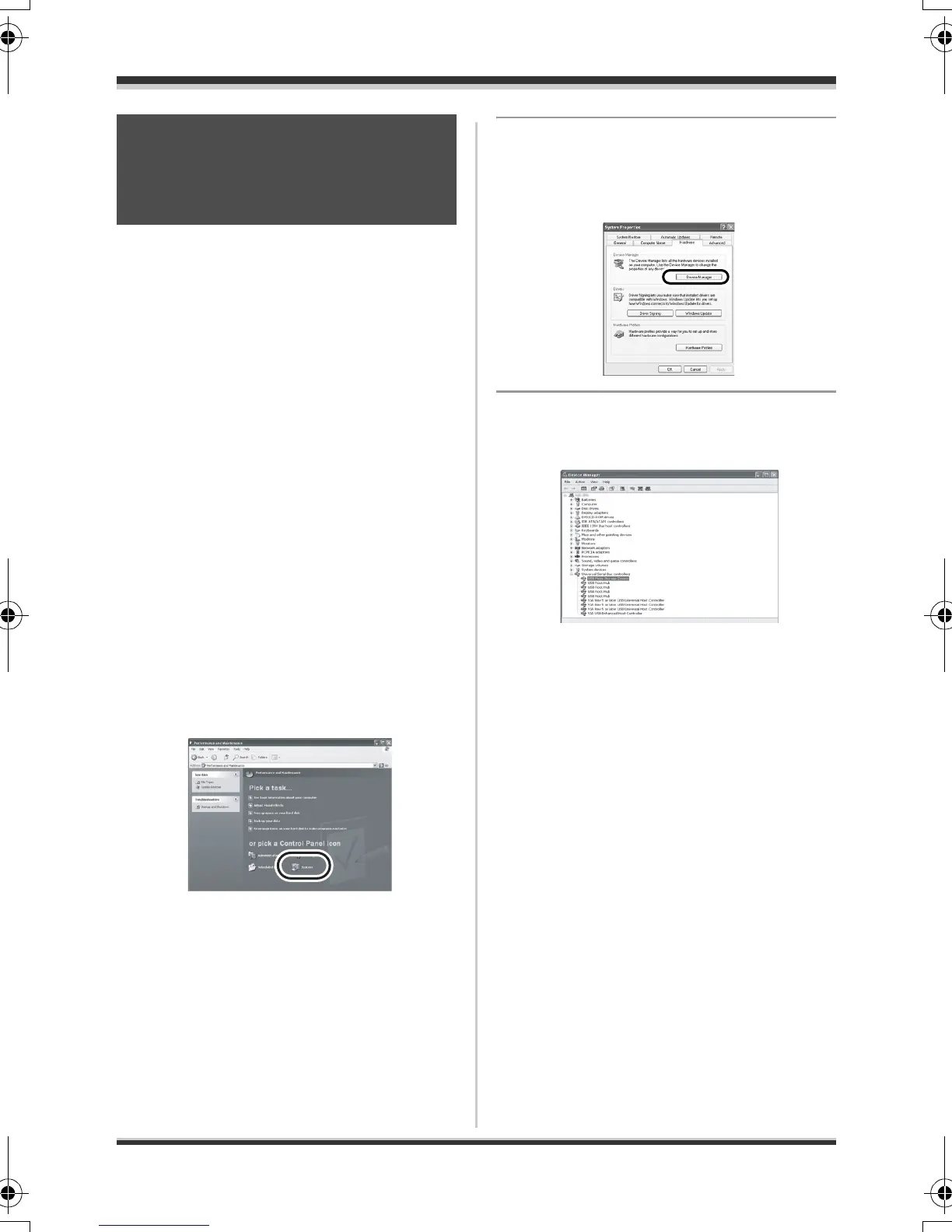
1 (When using Windows XP/2000)
Select [start] > ([Settings] >)
[Control Panel] >
([Performance and
Maintenance] > ) [System].
(When using Windows Vista)
Select [start] # [Control Panel] #
[System and Maintenance]
#
[Device Manager].
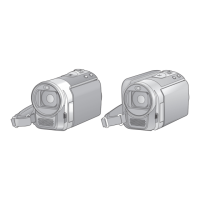
2 (When using Windows XP/2000)
Click the [Hardware] tab, then
click [Device Manager].
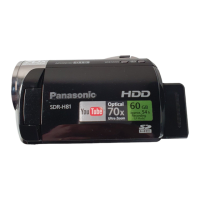
3 Verify the following items are
displayed.
∫ If the driver has been
recognised properly
[USB Mass Storage Device] appears at
[Universal Serial Bus controllers].
∫ If the driver has not been
recognised properly
[!] or [Unknown device] appears at
[Universal Serial Bus controllers] or
[Other devices], etc.
(Where the display will appear depends
on the type of computer you are using.)
You can use the following methods to
enable the driver to be recognised.
Method 1: Turn off the unit and your
computer once and try
verifying again.
Method 2: Remove the SD card and try
verifying again.
Method 3: Try connecting the unit to
another USB port on your
computer.
Verifying that the unit
is correctly recognised
by the computer
Body2_ENG_mst.fm 87 ページ 2007年12月26日 水曜日 午後4時44分




 To Next Page