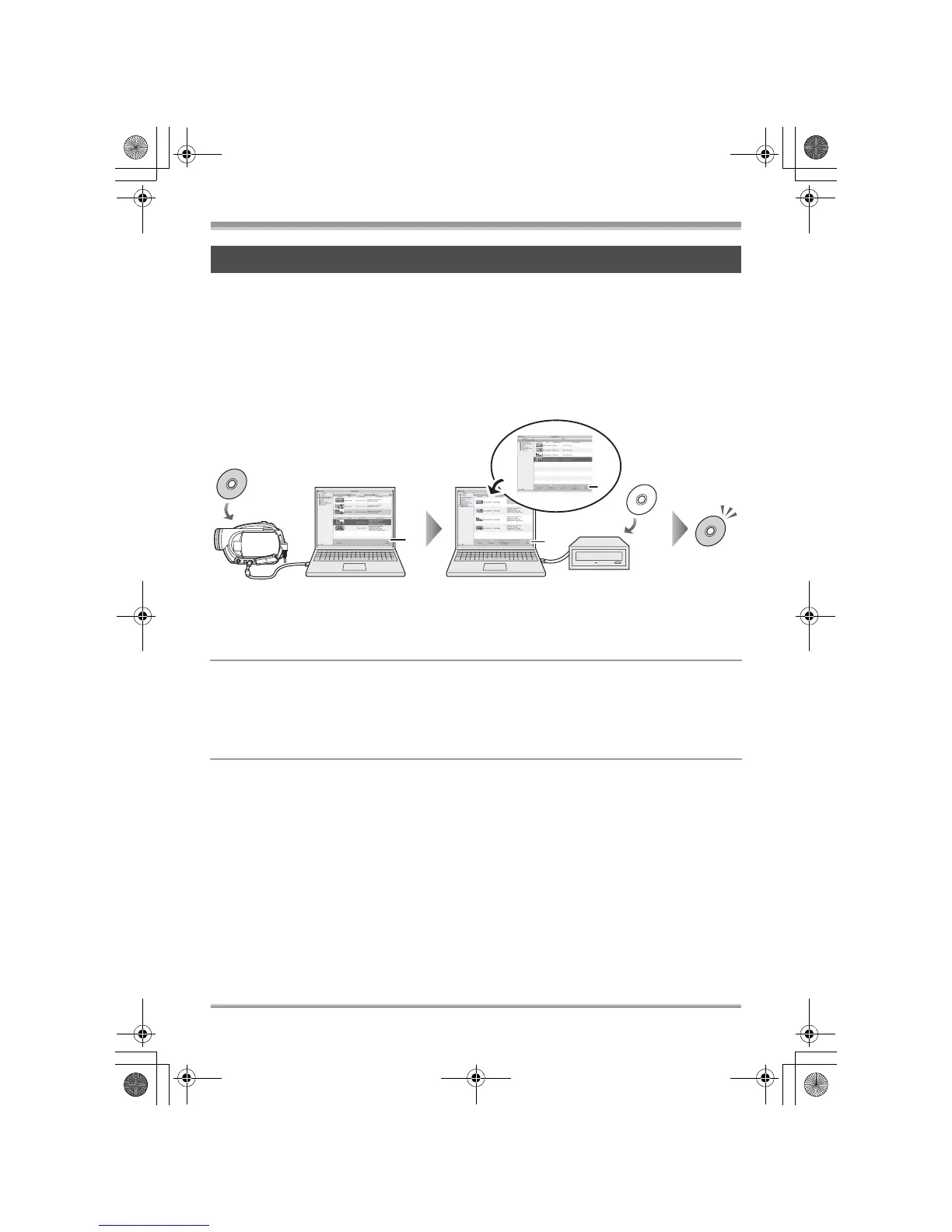
With a computer (VDR-D310/VDR-D230)
109
LSQT1150
The following software application is contained on the provided CD-ROM.
∫ ImageMixer 3
This software is for playing back motion pictures recorded on a disc, importing motion pictures to a
computer, creating a DVD-Video disc etc.
Use this software when burning a DVD-Video disc from motion pictures recorded on this unit. For
details, refer to page 112.
≥ To create a DVD-Video disc, a separate DVD-RW/DVD-R/+RW/+R drive is required.
1 Select the desired scenes from the motion pictures recorded on the disc
and then import them to the ImageMixer 3 library.
≥ You can check the contents of the disc with the displayed list, playback motion pictures etc.
A [Import] button
2 Create a list of images on the library for the new DVD and then write this
data to a brand-new disc.
B [DVD List] button
C [Write] button
The contents start being written to disc.
3 A DVD-Video disc is created.
≥ Playback is possible on a DVD player.
Contents on provided CD-ROM
A
B
C
LSQT1150.book 109 ページ 2007年1月19日 金曜日 午前9時27分














 To Next Page