61
LSQT1150
Recording
≥ Avoid recording under fluorescent light,
mercury light or sodium light because the color
and brightness of the playback image may
change.
≥ If you record a subject illuminated with strong
light or a highly reflective subject, vertical lines
of light may appear.
≥ If the brightness is insufficient, the sports mode
does not function. The [5] display flashes.
≥ If this mode is used indoors, the screen may
flicker.
Portrait mode
≥ If this mode is used indoors, the screen may
flicker. If so, change the scene mode setting to
[OFF].
Low light mode
≥ Extremely dark scenes may not be able to be
recorded finely.
Spotlight mode
≥ If the recording subject is extremely bright, the
recorded image may become whitish and the
periphery of the recorded image extremely
dark.
Surf & snow mode
≥ If the subject is extremely bright, the recorded
image may become whitish.
(RAM) (-RW‹VR›) (-RW‹V›) (-R) (SD)
If auto focusing is difficult due to the conditions,
then manual focusing is available.
¬Rotate the mode dial to select or
.
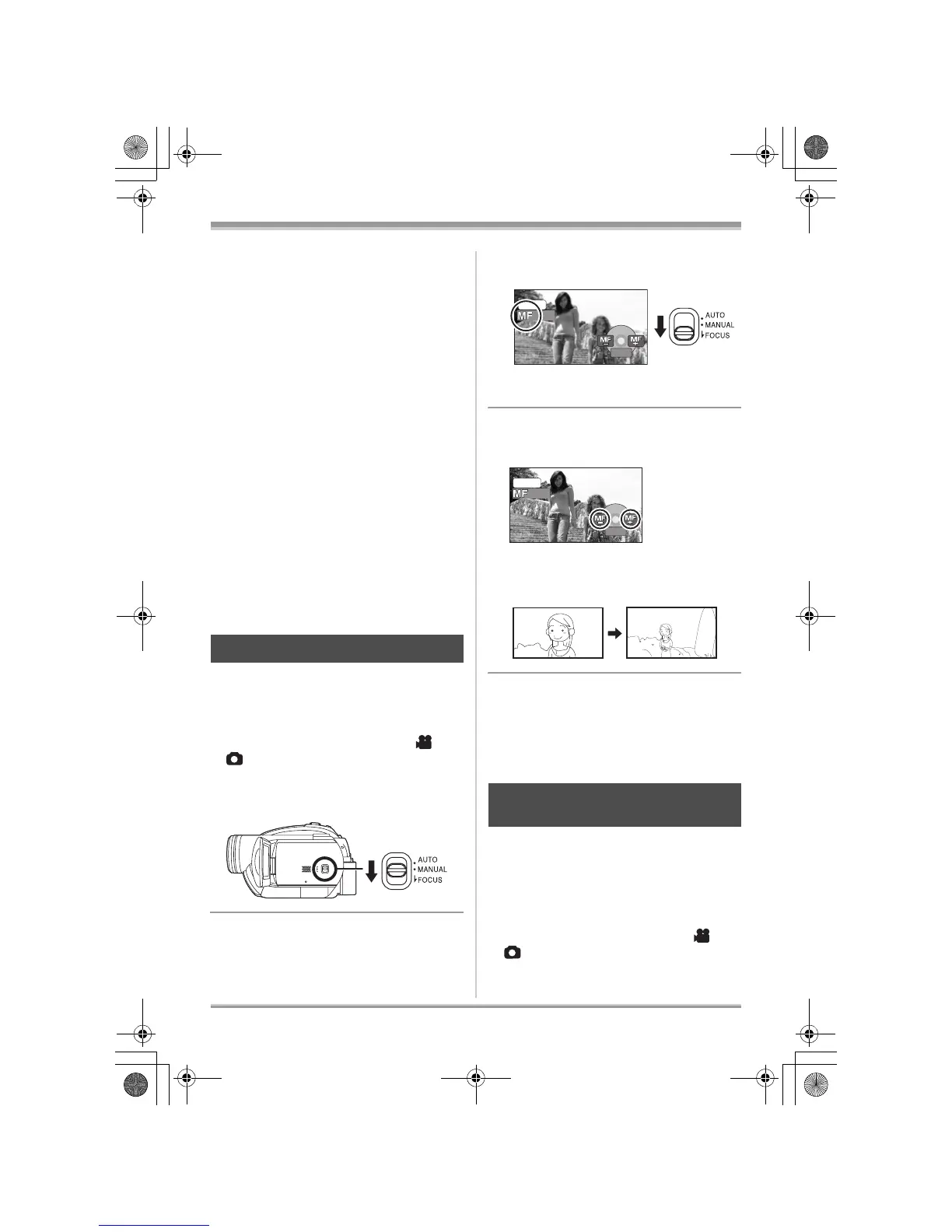
1 Set the AUTO/MANUAL/FOCUS
switch to MANUAL.
2 Move the switch down and set it
to FOCUS position.
The manual focus indication [MF] and the icon
shown in the illustration appear.
3 Move the joystick left or right to
bring the subject into focus.
≥ The subject may not be in focus when zoomed
in if focusing with a wide angle. First, zoom in
on the subject, and then focus on it.
To restore to the automatic adjustment
Press the AUTO/MANUAL/FOCUS switch down
again to the FOCUS position.
≥ You can also restore the auto focusing by
setting the AUTO/MANUAL/FOCUS switch to
AUTO.
(RAM) (-RW‹VR›) (-RW‹V›) (-R) (SD)
The automatic white balance function may not
reproduce natural colors depending on the
scenes or lighting conditions. If so, you can
adjust the white balance manually.
¬Rotate the mode dial to select or
.
Manual focus adjustment
White balance
This is for recording in natural colors.
MNL
4/4














 To Next Page