75
LSQT1150
Editing
≥ Deleting scenes on a playlist will not affect the
original scenes.
∫ Deleting scenes one at a time
¬Select playlist playback mode. (l 74,
steps 1 and 2)
1 Press the button during
playback.
2 When the confirmation message
appears, select [YES], then press
the joystick.
∫ Deleting multiple scenes from
the thumbnail display
¬Select playlist playback mode. (l 74,
steps 1 and 2)
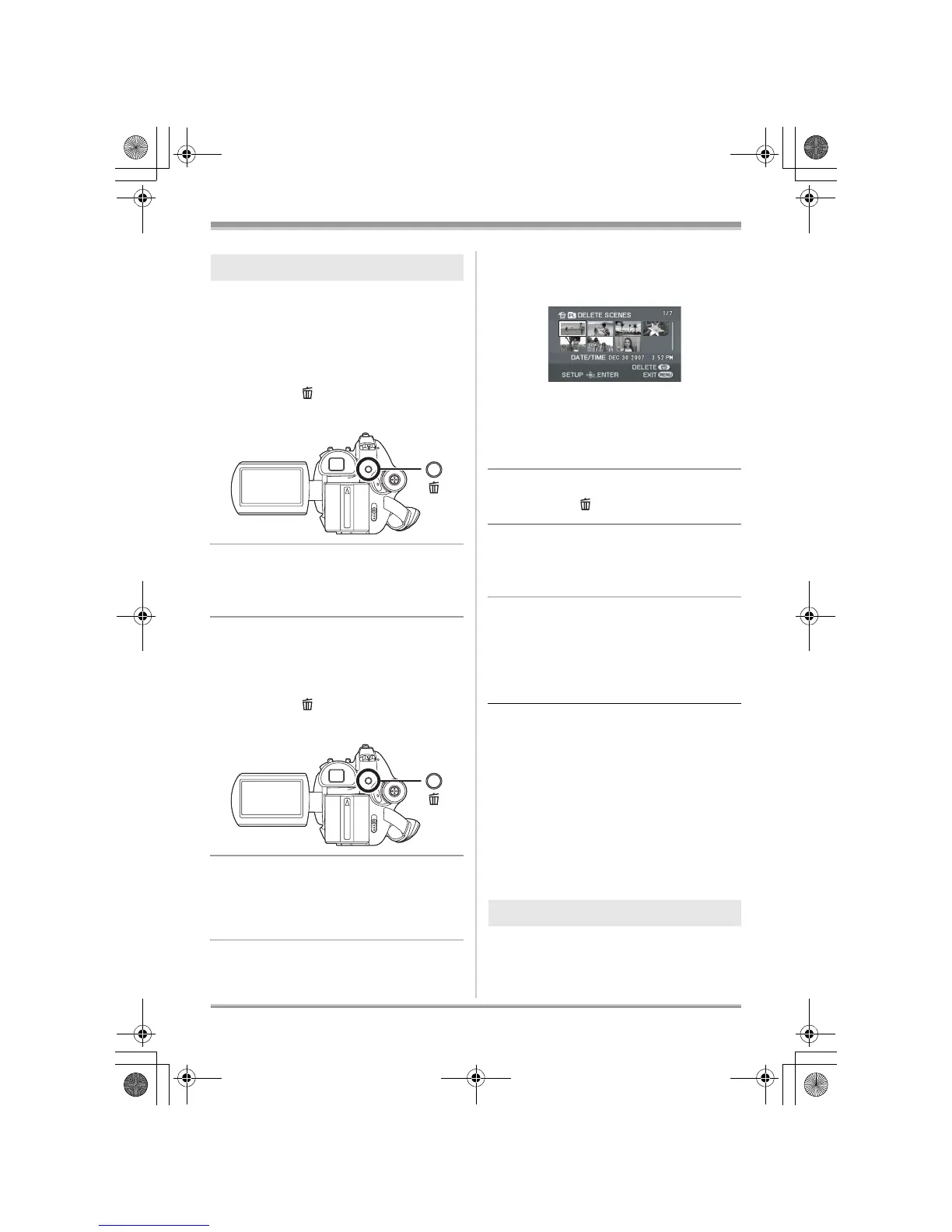
1 Press the button in the
thumbnail display.
2 Select [SELECT] or [ALL] and
press the joystick.
≥ When [ALL] is selected, the selected playlist
will be erased. Proceed to step 5.
3 (Only when [SELECT] is selected in step 2)
Select the scene to be deleted,
then press the joystick.
The selected scene is encircled by a red frame.
≥ When the joystick is pressed again, the
selected scene will be canceled.
≥ Up to 8 scenes displayed on a page can be set
in succession.
4 (Only when [SELECT] is selected in step 2)
Press the button.
5 When the confirmation message
appears, select [YES], then press
the joystick.
(Only when [SELECT] is selected in step 2)
To continue deleting other scenes
Repeat steps 3-5.
To complete editing
Press the MENU button.
≥ You can also delete scenes by pressing the
MENU button, selecting [EDIT] # [DELETE]
and then selecting [SELECT] or [ALL].
≥ Deleting scenes on a playlist will not increase
the remaining capacity for recording.
≥ The playlist itself is deleted if you delete all the
scenes in it.
≥ When a playlist is deleted, the number of each
subsequent playlist decreases by one.
≥ It may not be possible to delete scenes that
have been divided. Combine the divided
scenes, and then delete them.
¬Select playlist playback mode. (l 74,
steps 1 and 2)
Deleting scenes
Adding scenes to playlist
LSQT1150.book 75 ページ 2007年1月19日 金曜日 午前9時27分














 To Next Page