59
LSQT1150
Recording
To cancel the Recording guideline
function
Press the MENU button, then select [BASIC] #
[GUIDE LINES] # [OFF] and press the joystick.
≥ The guidelines do not appear on the images
actually recorded.
≥ The guidelines are not displayed while rotating
the LCD monitor frontward to record yourself.
(RAM) (-RW‹VR›) (-RW‹V›) (-R)
This allows you to record images compatible with
wide-screen TVs (16:9) and regular TVs (4:3).
∫ Recording images with a 16:9
aspect ratio
¬Rotate the mode dial to select .
Press the MENU button, then select
[BASIC] > [ASPECT] > [16:9] and
press the joystick.
∫ Recording images with a 4:3
aspect ratio
¬Rotate the mode dial to select .
Press the MENU button, then select
[BASIC] > [ASPECT] > [4:3] and
press the joystick.
≥ The default setting is [16:9].
(RAM) (-RW‹VR›) (-RW‹V›) (-R) (SD)
Reduces the image shaking (jitter) due to hand
movement when recording.
¬Rotate the mode dial to select or
.
Press the MENU button, then select
[ADVANCED] # [O.I.S.] # [ON] and
press the joystick.
To cancel the image stabilizer function
Press the MENU button, then select
[ADVANCED] # [O.I.S.] # [OFF] and press the
joystick.
≥ This function’s default setting is [ON].
≥ In the picture recording mode, pressing the
Photoshot button [ ] halfway increases the
effect of the image stabilizer function. (MEGA
optical image stabilizer) (VDR-D310)
≥ In the following cases, the image stabilizer
function may not work effectively.
jWhen the digital zoom is used
jWhen the unit is shaken greatly
jWhen you record a moving subject while
tracking it
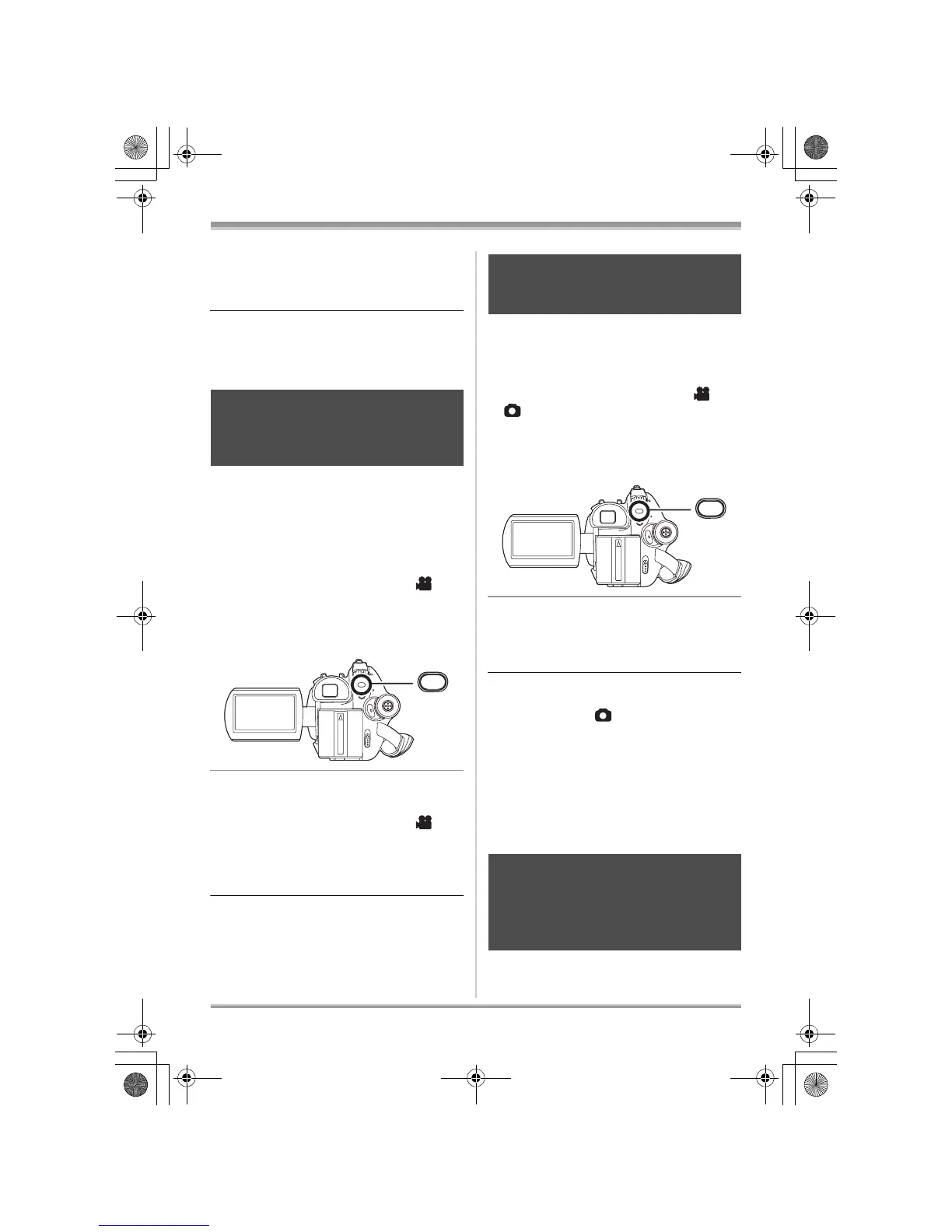
(RAM) (-RW‹VR›) (-RW‹V›) (-R)
Wide mode
This is for selecting the screen’s
aspect ratio when recording motion
pictures.
MENU
Image stabilizer function
This is for reducing image shakes
(jitter) during recording.
Wind noise reduction
function
This is for reducing the wind noise
coming into the microphone when
recording.
MENU
LSQT1150.book 59 ページ 2007年1月19日 金曜日 午前9時27分














 To Next Page